


Universal Studios Singapore
Play on PC with BlueStacks – the Android Gaming Platform, trusted by 500M+ gamers.

Page Modified on: Jan 8, 2026
Play Universal Studios Singapore on PC
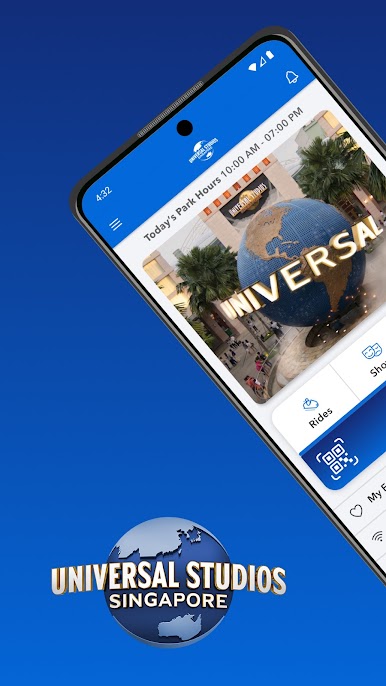
Check out the latest wait times, access the map of the park, and so much more.
It’s free to download.
Before and during your trip, it’s easy to:
FIND EVERYTHING YOU NEED
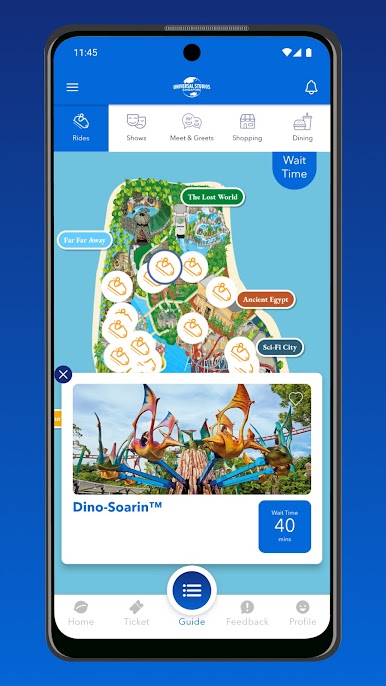
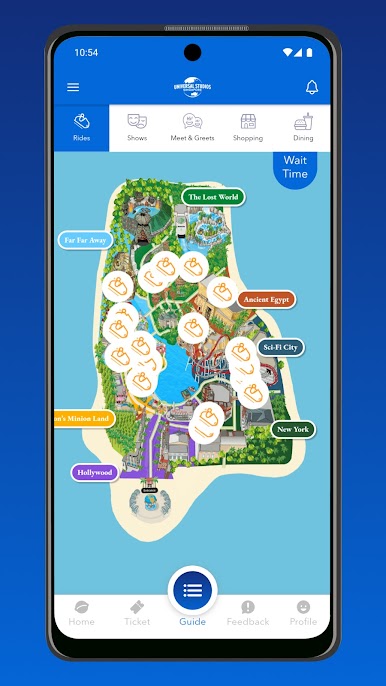
• Get a detailed, interactive map of the park.
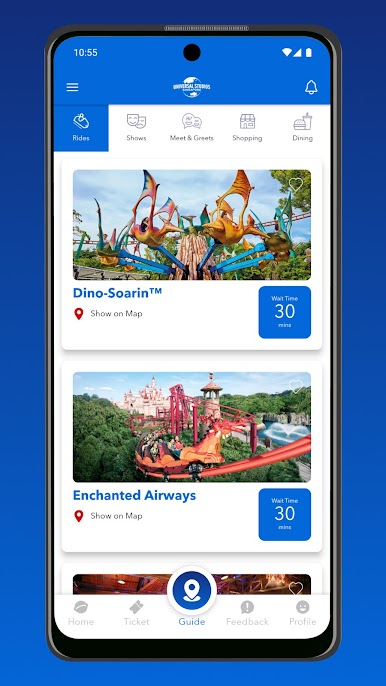
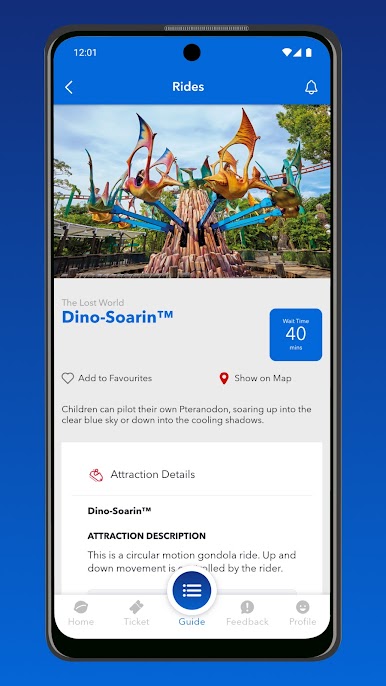
• Find ride wait times, show times and dining venue hours.
• Use filters to find and sort by rides, shows, dining and shopping.
• Locate all amenities.
CREATE A FAVOURITES LIST
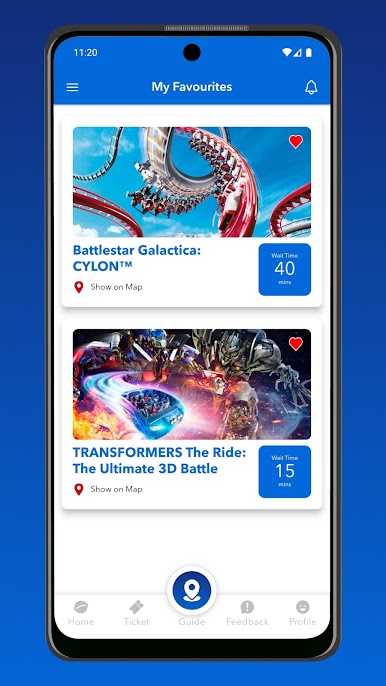
• Add to your My Favourites list by marking your top rides, attractions and more with a heart.
• Use it as your own personal “to-do” list.
• Get accurate wait times for all your favourite rides and attractions in one place.
ALWAYS BE IN THE KNOW
• We’ll keep you up to date on the latest promotions with the app’s Park Notifications feature.
• Find out about special offers and special events.
REVIEW THE ACTION!
• Share your blockbuster moments with our new feedback module!
LINK YOUR ADMISSION TICKETS
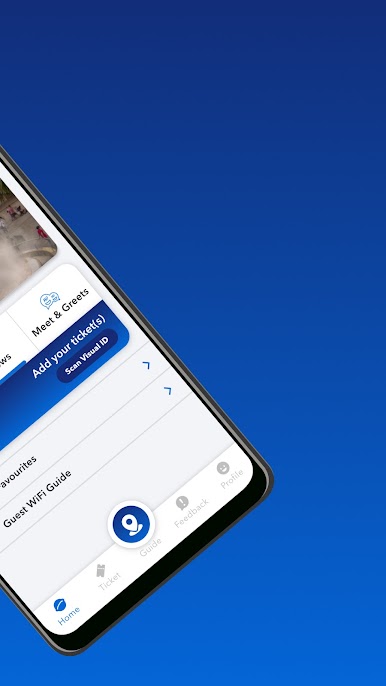
• Link up to 8 tickets by scanning, entering manually, or uploading a QR code in the app to view ticket details and entitlements for easier reference and use in the park.
MANAGE YOUR UNIVERSAL EXPRESS PASSES AND VOUCHERS
• Easily view and track your Universal Express passes and vouchers (if any) in the app. Once scanned at the park, they’ll be marked as used so you can manage your visit with ease.
Plus, enjoy free WiFi within Universal Studios Singapore.
Simply log on to GuestWifi@RWS
Play Universal Studios Singapore on PC. It’s easy to get started.
-
Download and install BlueStacks on your PC
-
Complete Google sign-in to access the Play Store, or do it later
-
Look for Universal Studios Singapore in the search bar at the top right corner
-
Click to install Universal Studios Singapore from the search results
-
Complete Google sign-in (if you skipped step 2) to install Universal Studios Singapore
-
Click the Universal Studios Singapore icon on the home screen to start playing

