


Ampoule Runner
Play on PC with BlueStacks – the Android Gaming Platform, trusted by 500M+ gamers.

Page Modified on: Jul 8, 2026
Play Ampoule Runner on PC
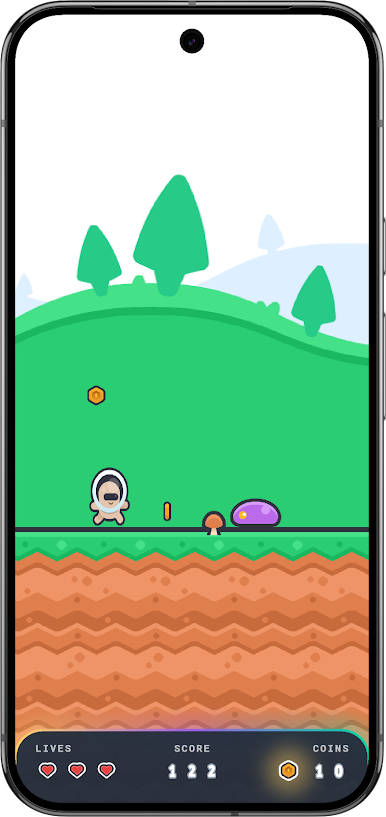
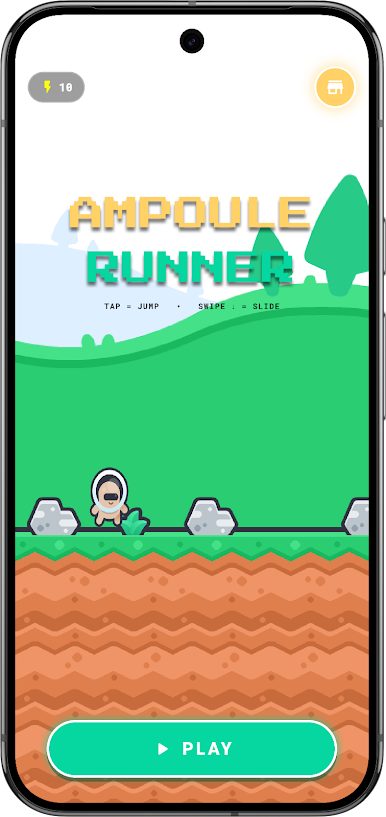
In this game, you guide your character along the path. The game starts at a comfortable, easy speed so you can get used to the movements. As you keep running, it gradually gets a little faster to make it fun and interesting.
Your goal is simple:
• Tap the screen to jump over blocks.
• Swipe down on the screen to slide under hurdles.
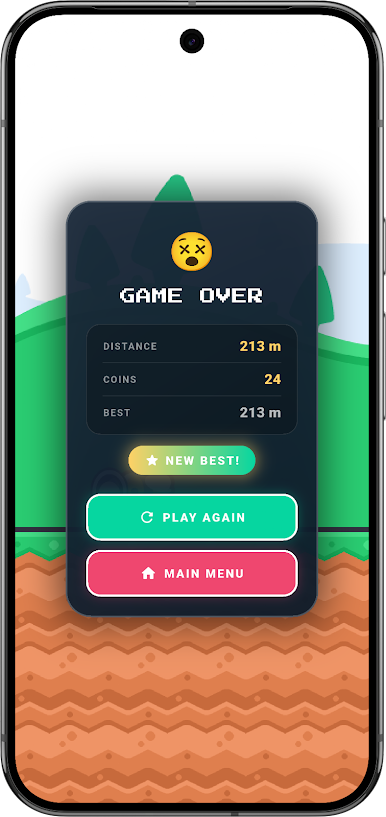
• Collect shiny coins along the way.
Fun Features:
• Simple Controls: Easy to play with just one hand.
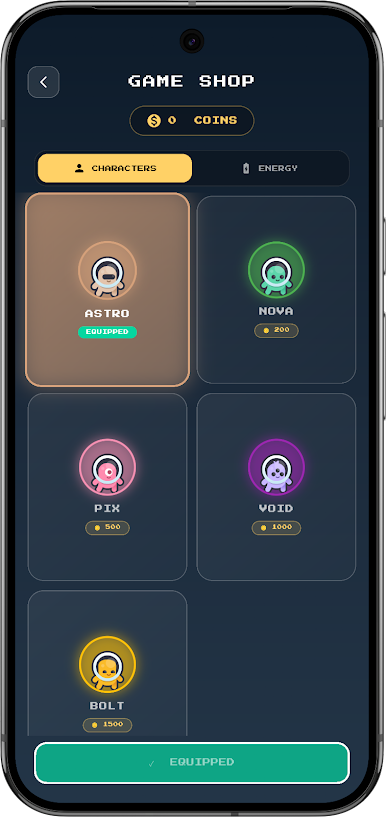
• Five Cute Characters: Play as Astro, or use the coins you collect during runs to unlock Nova, Pix, Void, and Bolt in the in-game shop.
• Colorful Worlds: Watch the background change as you run from the green Grasslands to the sandy Desert Dunes, snowy Frozen Peaks, and glowing Crystal Caverns.
• Play Offline: Your high scores and coins are saved directly on your device. You can play anywhere, even without an internet connection.
• Safe and Simple: No account registration or sign-ups required. Just download and start playing!
Ampoule Runner is a gentle, entertaining game designed for kids and players of all ages.
How far can you run? Download today and start your running journey!
Play Ampoule Runner on PC. It’s easy to get started.
-
Download and install BlueStacks on your PC
-
Complete Google sign-in to access the Play Store, or do it later
-
Look for Ampoule Runner in the search bar at the top right corner
-
Click to install Ampoule Runner from the search results
-
Complete Google sign-in (if you skipped step 2) to install Ampoule Runner
-
Click the Ampoule Runner icon on the home screen to start playing

