


Developer Options
Play on PC with BlueStacks – the Android Gaming Platform, trusted by 500M+ gamers.

Page Modified on: Jul 30, 2026
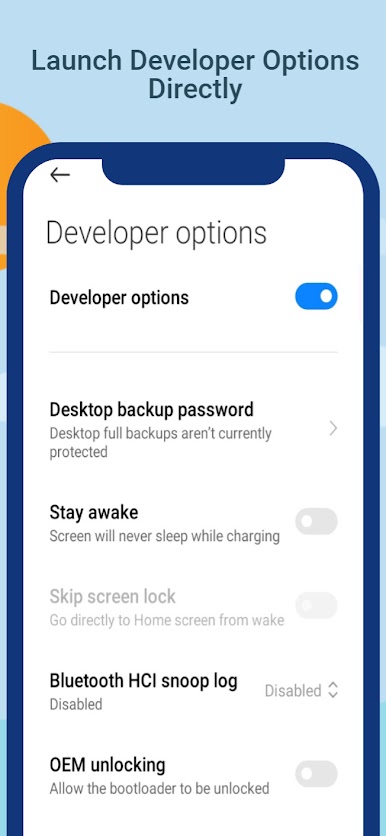
Main Developer Options on PC
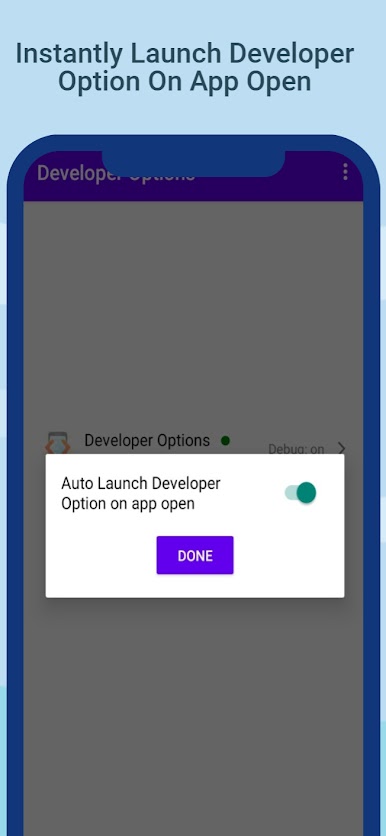
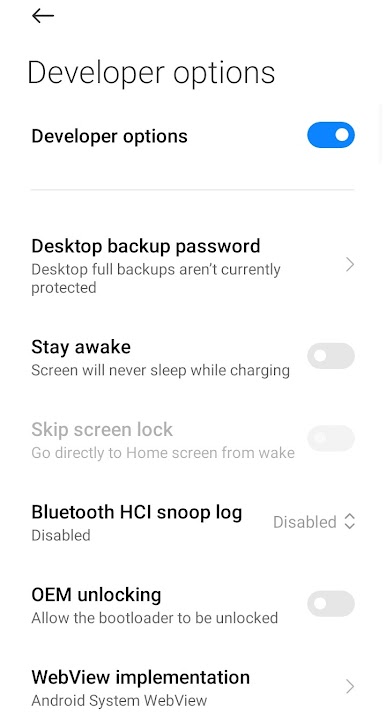
it is a fast and simple Developer Option Shortcut App.
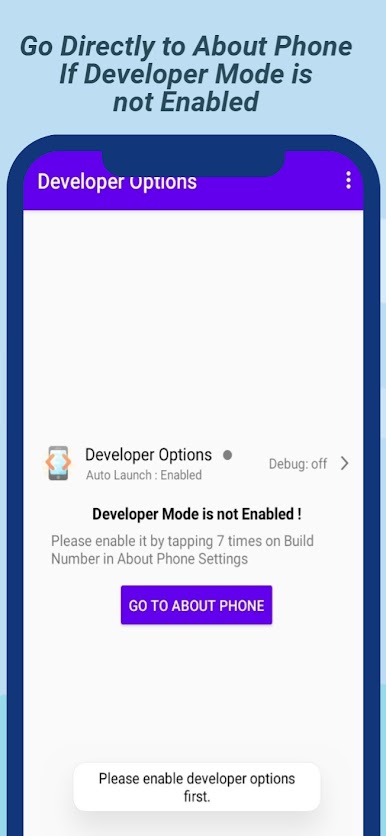
if Developer Mode is not enabled user will directed to About Phone settings to enable developer options.
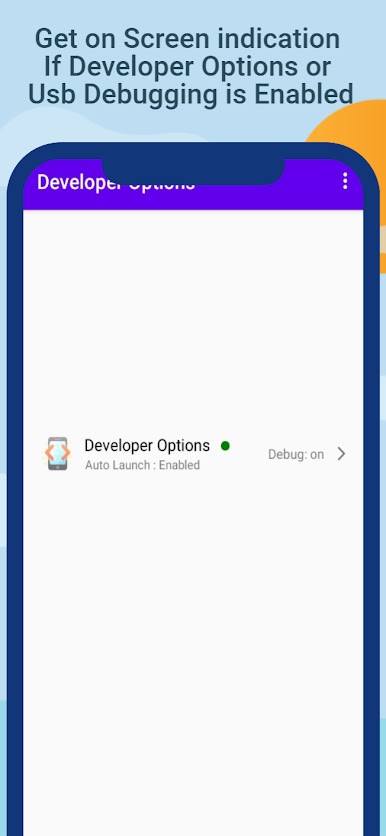
With 'Developer Options' App you can also view status if developer Option or USB Debugging is enable or not.
Get developer Option Status With Colored indicator in front of Developer Option Text in App.
Get USB Debugging status if is On Or Off - Debug:Off / Debug On
Easily Share share developer options App with Friends with built in share menu
Play Developer Options on PC. It’s easy to get started.
-
Download and install BlueStacks on your PC
-
Complete Google sign-in to access the Play Store, or do it later
-
Look for Developer Options in the search bar at the top right corner
-
Click to install Developer Options from the search results
-
Complete Google sign-in (if you skipped step 2) to install Developer Options
-
Click the Developer Options icon on the home screen to start playing

