


Galaxy Buds Manager
Play on PC with BlueStacks – the Android Gaming Platform, trusted by 500M+ gamers.

Page Modified on: Mar 29, 2026
Run Galaxy Buds Manager on PC or Mac
Why limit yourself to your small screen on the phone? Run Galaxy Buds Manager, an app by Samsung Electronics Co., Ltd., best experienced on your PC or Mac with BlueStacks, the world’s #1 Android emulator.
About the App
Looking for an easy way to manage your Galaxy Buds? Galaxy Buds Manager from Samsung Electronics Co., Ltd. keeps all your earbud settings right at your fingertips. Whether you want to tweak your audio setup or check the battery life, this handy Tools app makes it simple to get the most from your buds. Just connect your device, and you’re ready to customize your listening experience—no extra hassle.
App Features
-
Quick Access to Settings
Change and adjust your Galaxy Buds’ settings anytime. Curious about battery level or want to make fast tweaks? It’s all there in one place. -
Device Status at a Glance
See important info about your earbuds right away—like connection status or software updates—so you’re always up to date. -
Voice Notifications
Get notifications read aloud for texts, calls, calendar events, and even contacts. Staying on top of things while on the move just got easier. -
Convenient Permission Controls
The app asks only for permissions it actually uses, like access to contacts and calendar for those helpful voice alerts. No unnecessary surprises. -
Smooth Integration
Built to work alongside the Galaxy Wearable app, so if you’re already set up there, adding Galaxy Buds Manager is a breeze. -
Use Across Devices
If you’re someone who likes to manage things on a bigger screen, you can open up Galaxy Buds Manager using BlueStacks for a fuller view. -
Flexible Updates
As your system upgrades, adjusting app permissions or changing settings is quick and direct through your device’s settings menu.
With Galaxy Buds Manager, you’ve got all the essentials for controlling your Galaxy Buds without any complicated steps.
Big screen. Bigger performance. Use BlueStacks on your PC or Mac to run your favorite apps.
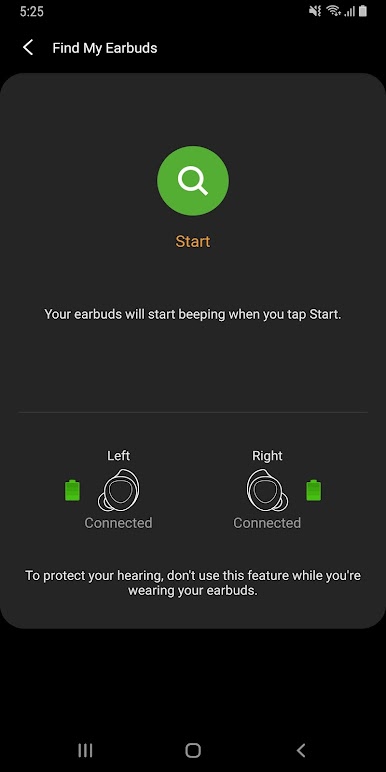
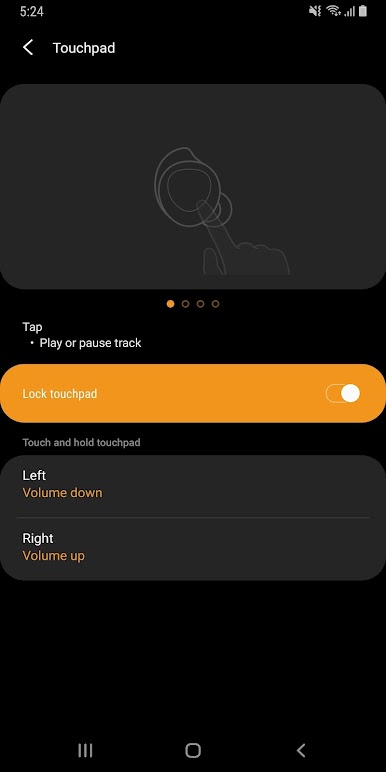
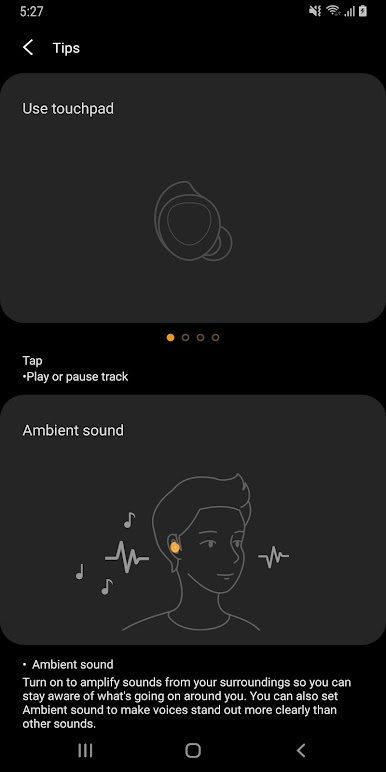
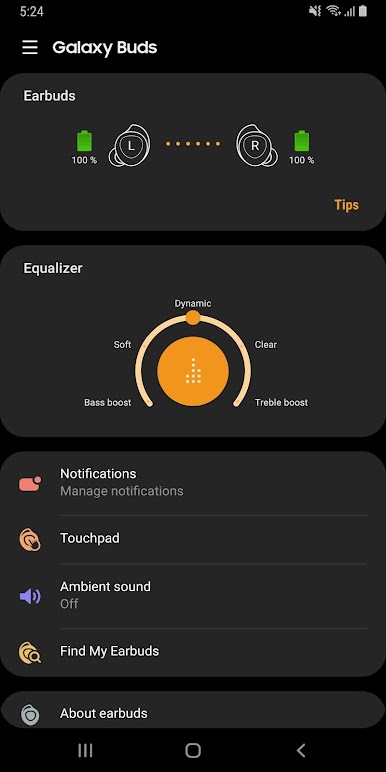
Play Galaxy Buds Manager on PC. It’s easy to get started.
-
Download and install BlueStacks on your PC
-
Complete Google sign-in to access the Play Store, or do it later
-
Look for Galaxy Buds Manager in the search bar at the top right corner
-
Click to install Galaxy Buds Manager from the search results
-
Complete Google sign-in (if you skipped step 2) to install Galaxy Buds Manager
-
Click the Galaxy Buds Manager icon on the home screen to start playing

