


One Hand Operation +
Play on PC with BlueStacks – the Android Gaming Platform, trusted by 500M+ gamers.

Page Modified on: Dec 16, 2025
Run One Hand Operation + on PC or Mac
Why limit yourself to your small screen on the phone? Run One Hand Operation +, an app by Samsung Electronics Co., Ltd., best experienced on your PC or Mac with BlueStacks, the world’s #1 Android emulator.
About the App
One Hand Operation + makes big screens feel small again. A slim, customizable handle sits along the edge of your display so you can swipe with your thumb to get things done—back, home, notifications, and way more—without stretching. Built by Samsung Electronics Co., Ltd. in the Tools genre, it’s designed to feel natural on phones and tablets alike.
App Features
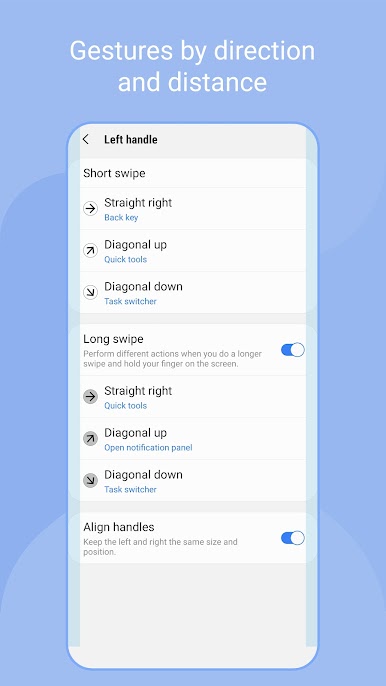
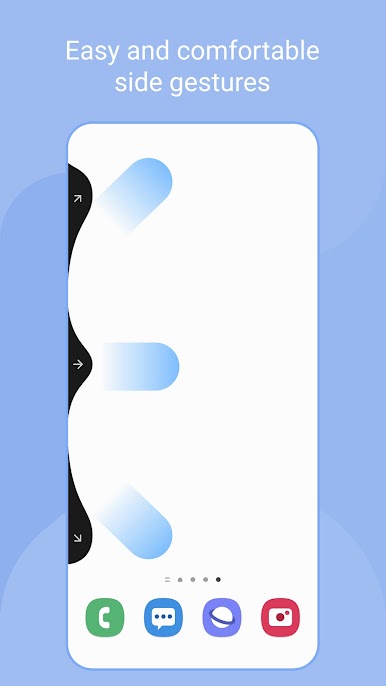
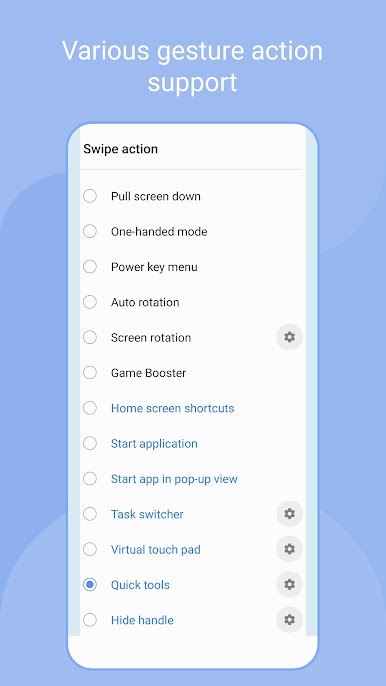
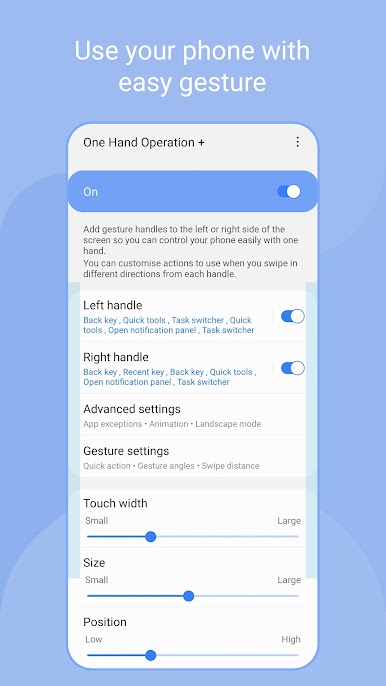
- Thumb-first navigation — Place gesture handles on the left or right edge and use short or long swipes in horizontal or diagonal directions to trigger your favorite actions.
- Deep customization — Tweak handle size, position, thickness, and sensitivity so gestures match your hand, your thumb, and even your bumper case.
- All the essentials — Map Back, Home, and Recents, jump to the previous app, go Forward in a browser, show or hide the navigation bar, or pull the screen down for easier reach.
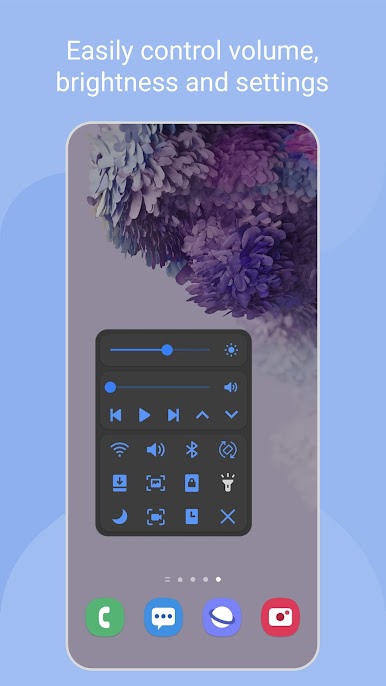
- Quick controls on tap — Open notifications or the quick panel, take a screenshot, toggle the flashlight, close the current app, or launch the power key menu in a flick.
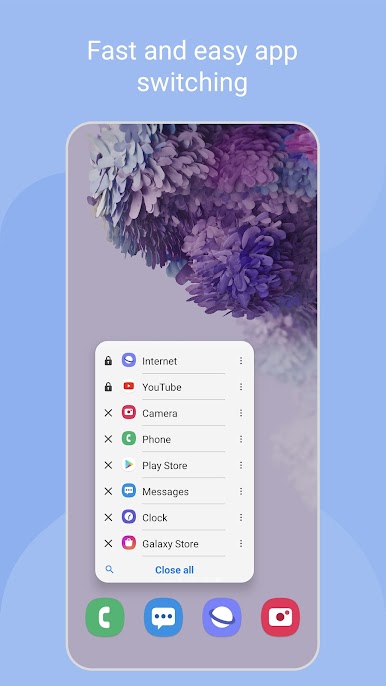
- Multitasking made easy — Start apps directly, open them in pop‑up view, trigger split screen, or call up a task switcher and quick tools when you need them.
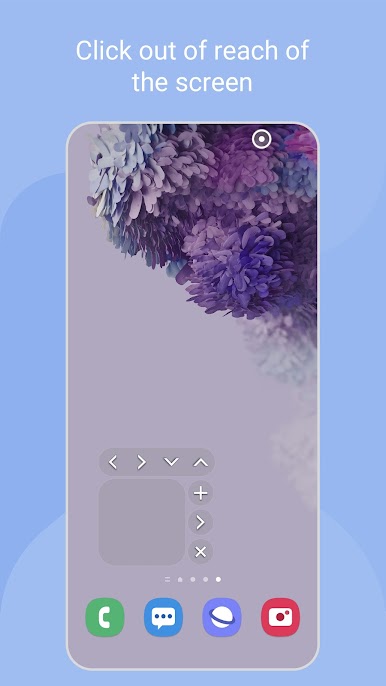
- Precision tools — Use a virtual touch pad, floating navigation buttons, or keyboard shortcuts for fine control when a simple swipe isn’t enough.
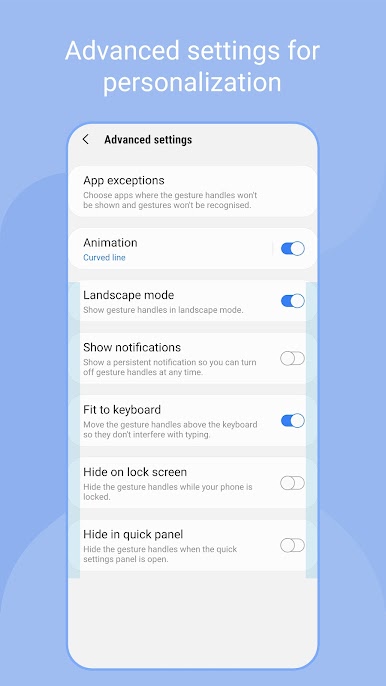
- Per‑app exceptions — Don’t want gestures in a game or a specific app? Add it to exceptions so the handle stays out of the way.
- Optimized overlay behavior — Because the handle sits above running apps, you can keep it extra thin to reduce touch interference while still recognizing swipes reliably.
- Works great on tablets — The adjustable reach and sensitivity make large screens feel more comfortable to use one-handed.
- Desktop-friendly touch — Running Android on your PC with BlueStacks? Map the gesture handles to mouse swipes for a surprisingly comfy setup.
Switch to BlueStacks and make the most of your apps on your PC or Mac.
Play One Hand Operation + on PC. It’s easy to get started.
-
Download and install BlueStacks on your PC
-
Complete Google sign-in to access the Play Store, or do it later
-
Look for One Hand Operation + in the search bar at the top right corner
-
Click to install One Hand Operation + from the search results
-
Complete Google sign-in (if you skipped step 2) to install One Hand Operation +
-
Click the One Hand Operation + icon on the home screen to start playing

