


錯別字遊戲
Play on PC with BlueStacks – the Android Gaming Platform, trusted by 500M+ gamers.

Page Modified on: Oct 22, 2025
Play 錯別字遊戲 on PC or Mac
Step into the World of 錯別字遊戲, a thrilling Trivia game from the house of SAN. Play this Android game on BlueStacks App Player and experience immersive gaming on PC or Mac.
About the Game
Ever typed a message and later realized the character was wrong? 錯別字遊戲 turns that “wait, is that the right one?” moment into a clever, bite-size challenge. Built by SAN, this Trivia game helps you spot the correct Chinese character in everyday words and phrases, turning tricky look-alikes into easy wins over time.
Game Features
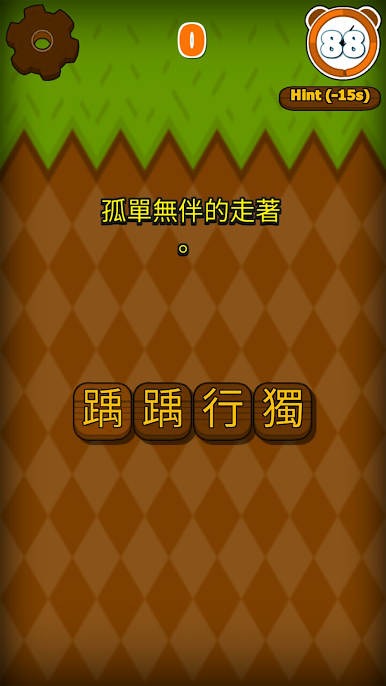
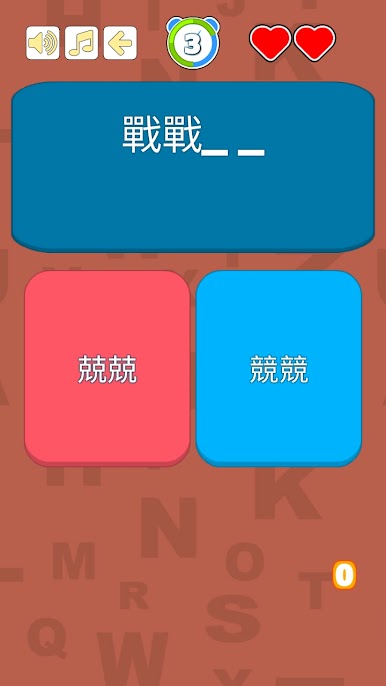
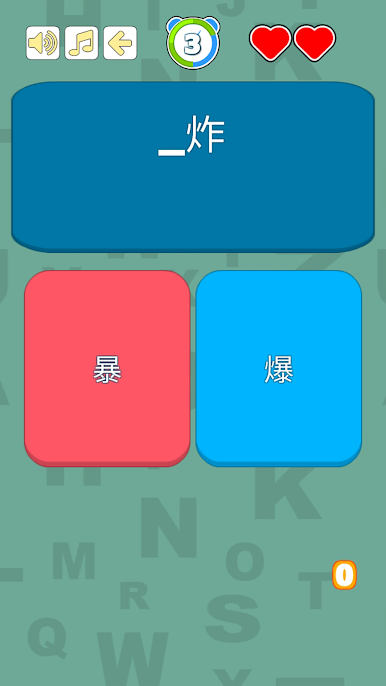
- Spot the Right Character: Each prompt shows a common word or phrase with a missing or questionable character. Pick the correct one from look-alike options and see how sharp your eye really is.
- Learn-as-You-Play: The question bank is packed with frequently misused characters, so every round doubles as a quick lesson in orthography—no heavy study session required.
- Three Ways to Play: Jump into single-player learning for a relaxed pace, chase a high score in the challenge mode, or test your skills in multiplayer battles when you’re feeling competitive.
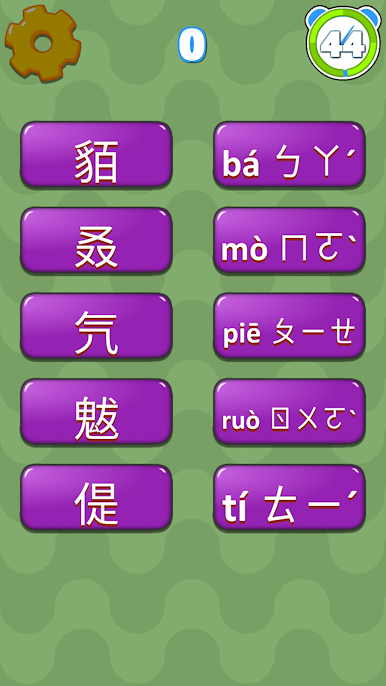
- Rare Characters Mode: Explore those less common, easily confused characters and see if you can tell them apart when it counts.
- Idiom Recognition: Tackle idiom challenges where a single stroke can flip the meaning. It’s a great way to sharpen both recognition and recall.
- Clean, Fast Rounds: Straightforward choices and quick feedback keep the flow snappy and satisfying, whether you’ve got a minute or a whole train ride.
- Play on a Bigger Screen: Prefer more space for those fine details? 錯別字遊戲 also plays smoothly on BlueStacks for a comfortable desktop experience.
Get ready for a buttery smooth, high-performance gaming action only on BlueStacks.
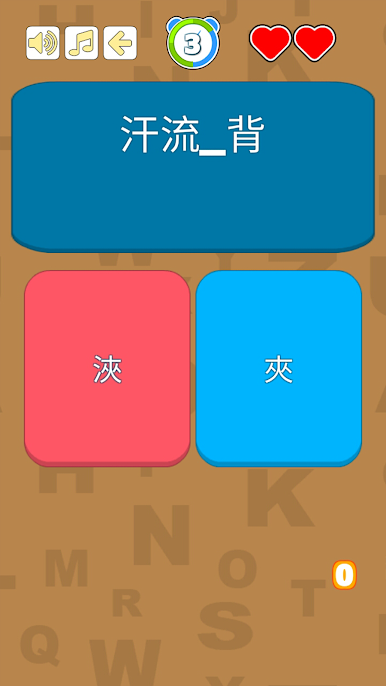
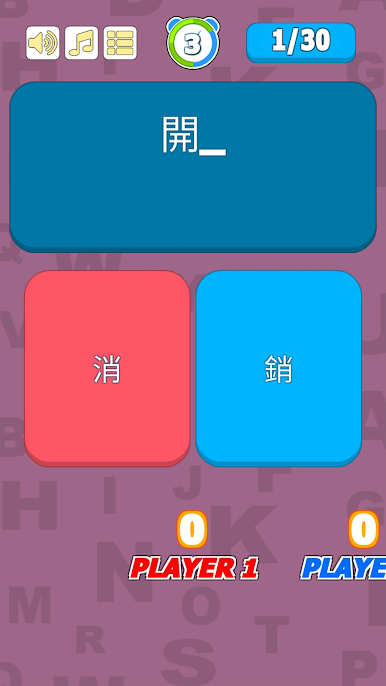
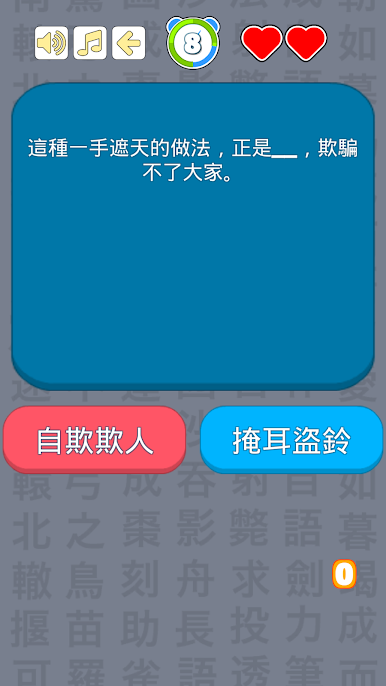
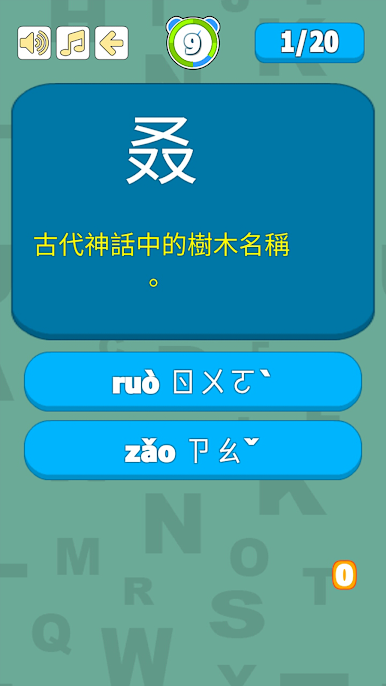
Play 錯別字遊戲 on PC. It’s easy to get started.
-
Download and install BlueStacks on your PC
-
Complete Google sign-in to access the Play Store, or do it later
-
Look for 錯別字遊戲 in the search bar at the top right corner
-
Click to install 錯別字遊戲 from the search results
-
Complete Google sign-in (if you skipped step 2) to install 錯別字遊戲
-
Click the 錯別字遊戲 icon on the home screen to start playing

