


Paper Stack: Coloring Puzzle
Play on PC with BlueStacks – the Android Gaming Platform, trusted by 500M+ gamers.

Page Modified on: Sep 2, 2026
Play Paper Stack: Coloring Puzzle on PC or Mac
Paper Stack: Coloring Puzzle by RexGround has plenty to keep you busy. BlueStacks lets you play it on PC or Mac with more screen space, better control, and fewer mobile limits.
About the Game
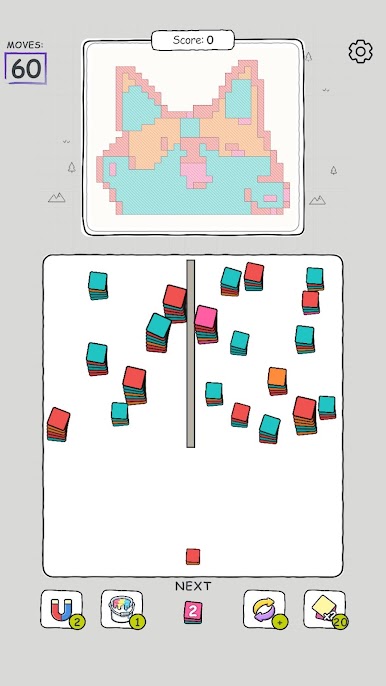
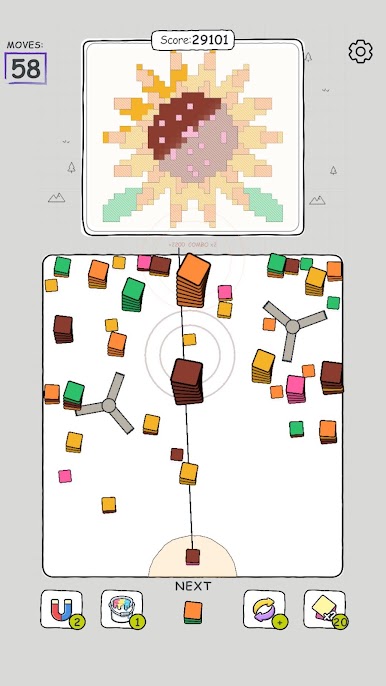
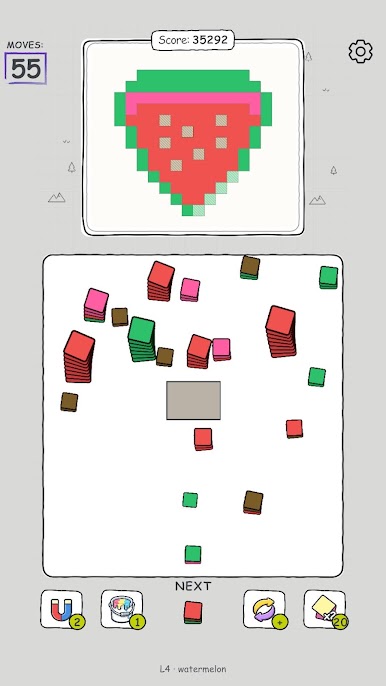
Paper Stack: Coloring Puzzle is an Arcade brain-soother where each move folds, stacks, and flips paper to complete vibrant art. It’s easy to learn, surprisingly clever, and perfect when you want something calming but still satisfying to solve. It also feels extra smooth on BlueStacks if you like playing on a bigger screen.
Game Features
- Fold-and-Stack Play: Arrange, layer, and unfold paper pieces so colors line up just right and the picture clicks into place.
- Satisfying Reveals: Enjoy crisp transitions and silky animations as each correct move brings the artwork to life.
- Hundreds of Puzzles: Work through a generous library, from breezy warm-ups to layouts that ask you to plan a step ahead.
- Handcrafted Art: Clean, colorful illustrations make every finished image feel like a small win worth admiring.
- Gentle Challenge: No rush, no pressure—just cozy logic and as many retries as you need until it feels right.
- Intuitive Controls: Simple, tactile swipes and taps that make sense instantly, welcoming for all ages and play styles.
- Play Your Way: Knock out a quick puzzle on a short break or unwind with a longer session—your progress is always ready.
- Mindful Puzzling: Light brainwork that relaxes as you go, so “just one more” puzzle turns into a pleasantly unbroken streak.
Ready to top the leaderboard? We bet you do. Let precise controls and sharp visuals optimized on BlueStacks lead you to victory.
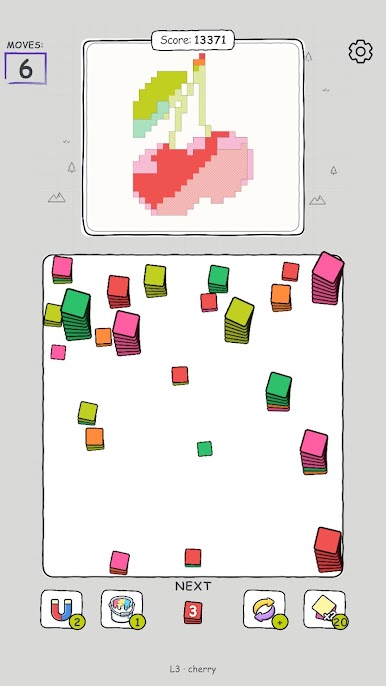
Play Paper Stack: Coloring Puzzle on PC. It’s easy to get started.
-
Download and install BlueStacks on your PC
-
Complete Google sign-in to access the Play Store, or do it later
-
Look for Paper Stack: Coloring Puzzle in the search bar at the top right corner
-
Click to install Paper Stack: Coloring Puzzle from the search results
-
Complete Google sign-in (if you skipped step 2) to install Paper Stack: Coloring Puzzle
-
Click the Paper Stack: Coloring Puzzle icon on the home screen to start playing

