

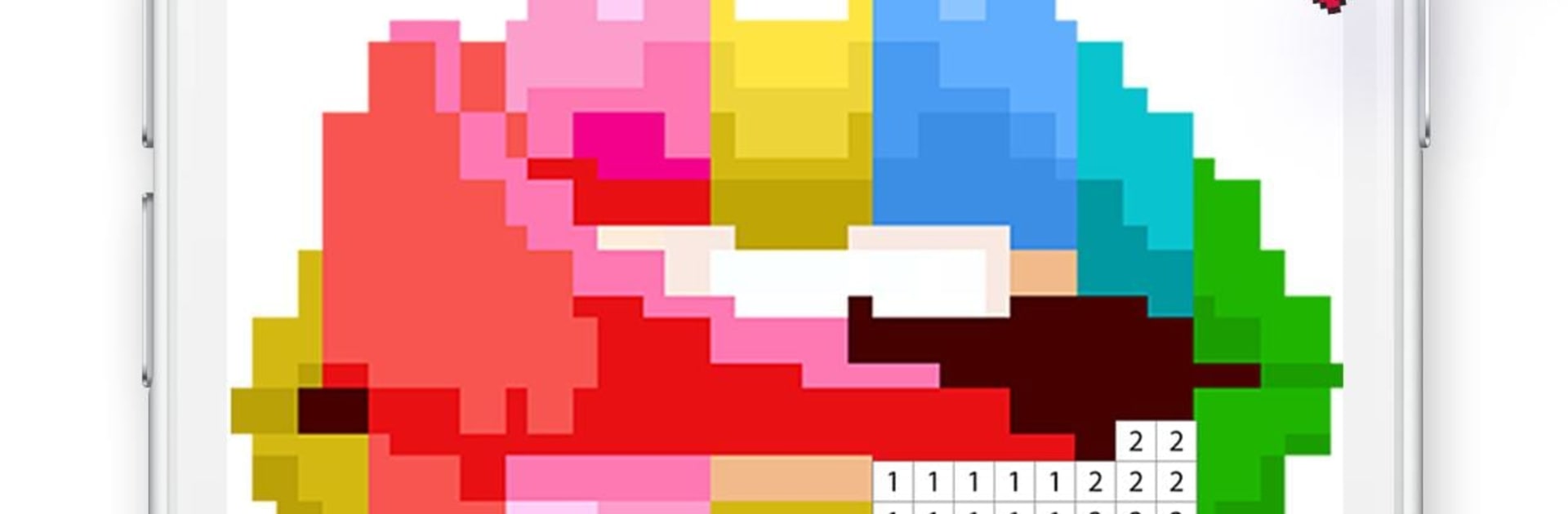
Coloring Life
Play on PC with BlueStacks – the Android Gaming Platform, trusted by 500M+ gamers.

Page Modified on: Oct 10, 2025
Run Coloring Life on PC or Mac
Why limit yourself to your small screen on the phone? Run Coloring Life, an app by Metajoy, best experienced on your PC or Mac with BlueStacks, the world’s #1 Android emulator.
About the App
Coloring Life from Metajoy is a calm, tap-to-color escape that turns pixel art into a quick brain break. Open it when you want a soothing task you can actually finish. Fresh pictures show up all the time, so there’s always something new to color.
App Features
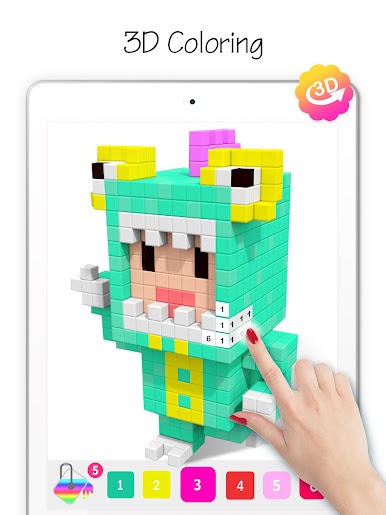
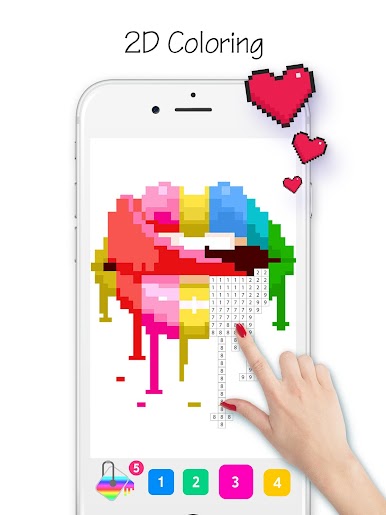
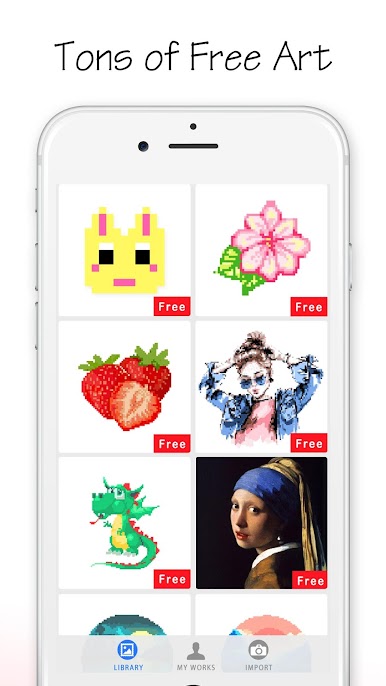
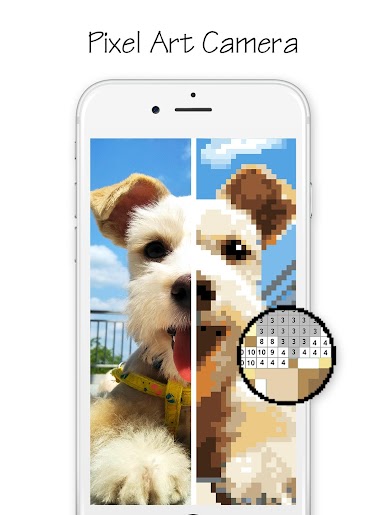
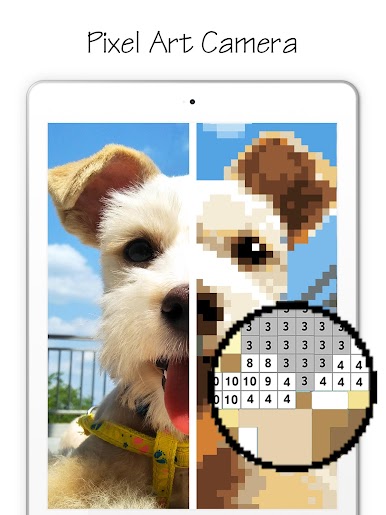
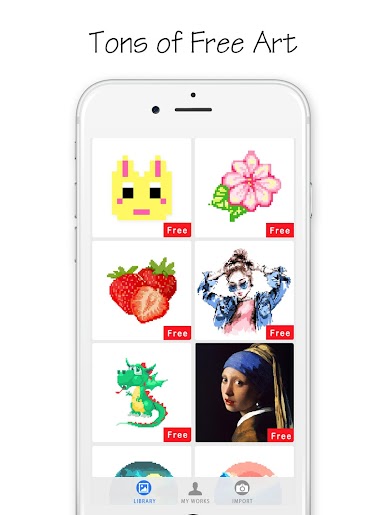
- Relaxing pixel coloring: Browse a big mix of pixel art—cute animals, cozy scenes, tasty snacks, and more—made to help you unwind.
- New art every day: Five fresh images arrive daily, keeping your queue stocked with something fun and stress-free.
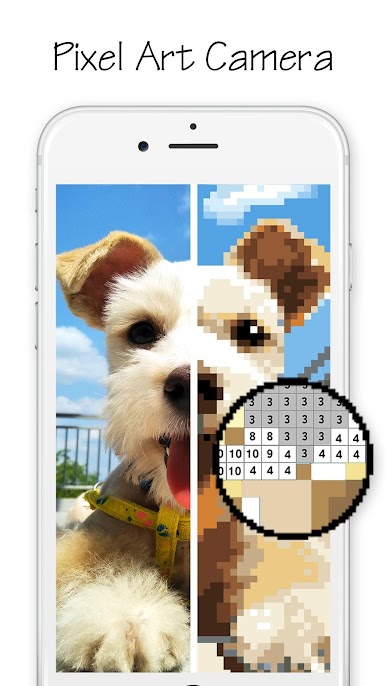
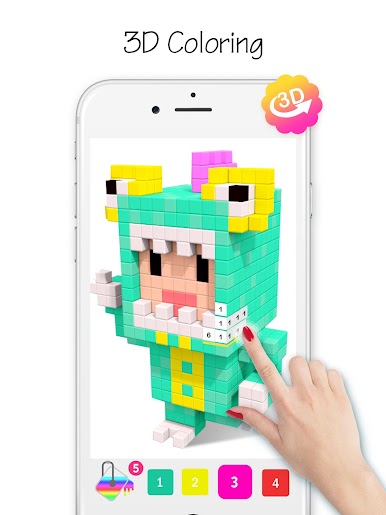
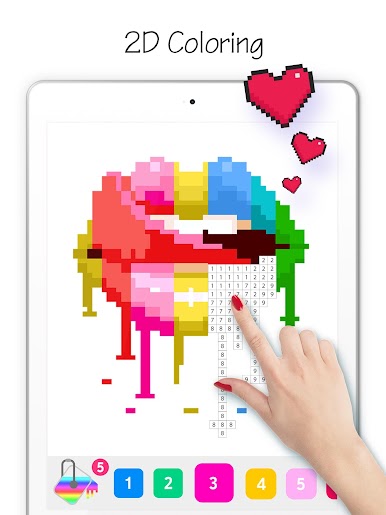
- Color-by-number made simple: Pick a color, tap the matching numbers, and watch the picture fill in. No drawing skills needed.
- Pinch-to-zoom precision: Zoom in to see tiny squares clearly, zoom out to enjoy the full picture as it comes together.
- Progress that sticks: Your finished pieces and works-in-progress live in a personal gallery, so it’s easy to pause and return later.
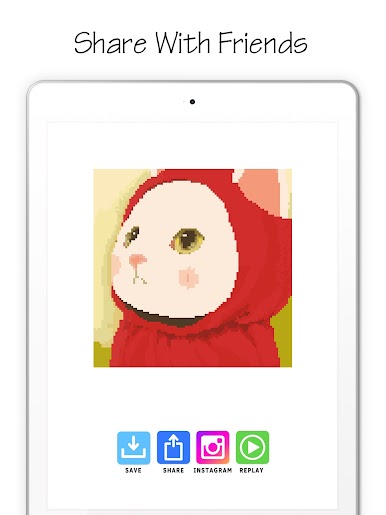
- Easy sharing: Show off your latest creation with a quick share to your favorite social apps or send it straight to friends.
- Satisfying “sand art” vibe: The fill-in motion feels smooth and tactile, giving you that oddly satisfying, one-more-section feeling.
- Optional unlimited access: Want the full library without limits? An optional subscription opens up the entire collection of pages.
- Big-screen coloring: Prefer a larger canvas and mouse controls? Coloring Life also runs smoothly on BlueStacks for a comfy desktop session.
Genre: Entertainment
Eager to take your app experience to the next level? Start right away by downloading BlueStacks on your PC or Mac.
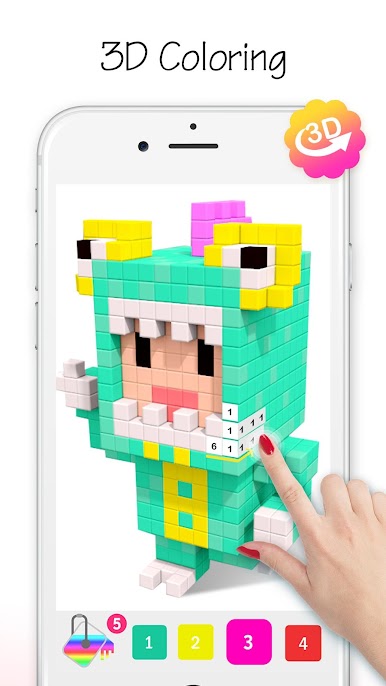
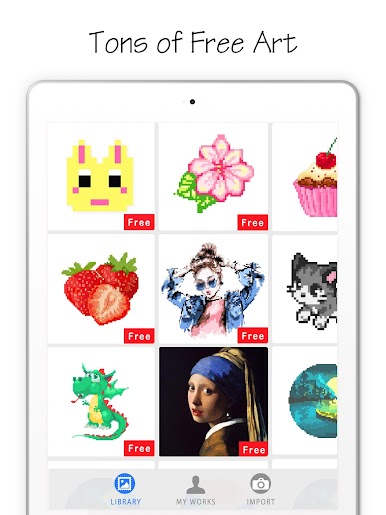

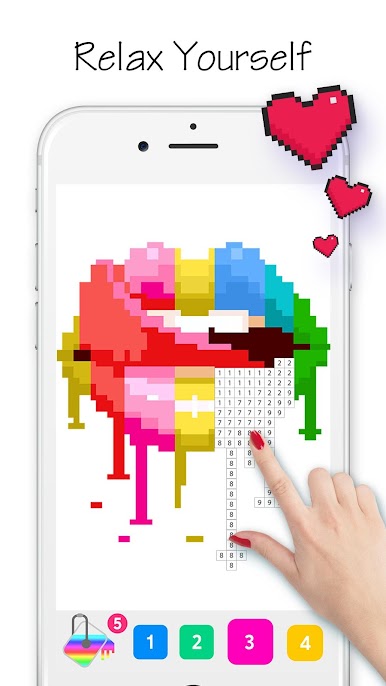

Play Coloring Life on PC. It’s easy to get started.
-
Download and install BlueStacks on your PC
-
Complete Google sign-in to access the Play Store, or do it later
-
Look for Coloring Life in the search bar at the top right corner
-
Click to install Coloring Life from the search results
-
Complete Google sign-in (if you skipped step 2) to install Coloring Life
-
Click the Coloring Life icon on the home screen to start playing

