


Machine Party
Play on PC with BlueStacks – the Android Gaming Platform, trusted by 500M+ gamers.

Page Modified on: Aug 24, 2026
Play Machine Party on PC
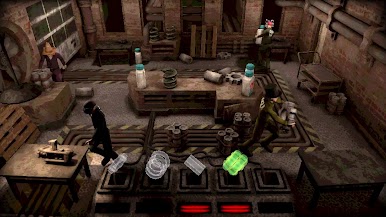
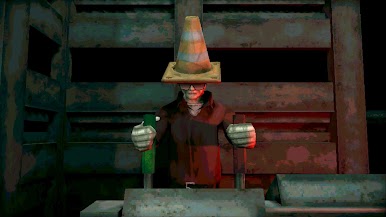
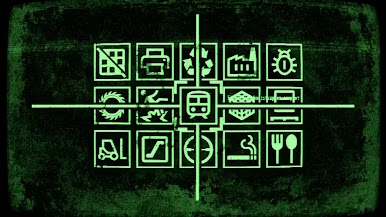
Welcome to Machine Party. In this series of dangerous, and some would say highly illegal, party games you will have to use every trick in the book to survive. Play through classic party game formats and new twists on the genre for sessions of fun, screaming, and horror.
Features:
- A collection of uniquely violent party games
- Support for 2 - 4 players
- An industrial soundtrack by Alex Peipman
- Customize your test subject
- Multiple devious ways of screwing your friends over


Play Machine Party on PC. It’s easy to get started.
-
Download and install BlueStacks on your PC
-
Complete Google sign-in to access the Play Store, or do it later
-
Look for Machine Party in the search bar at the top right corner
-
Click to install Machine Party from the search results
-
Complete Google sign-in (if you skipped step 2) to install Machine Party
-
Click the Machine Party icon on the home screen to start playing

