


最後的迴響
Play on PC with BlueStacks – the Android Gaming Platform, trusted by 500M+ gamers.

Page Modified on: Oct 30, 2026
Play 最後的迴響 on PC or Mac
Play 最後的迴響 by Glaciers Game on PC or Mac with BlueStacks. Use a bigger screen, mouse and keyboard controls, and smoother performance while you play.
About the Game
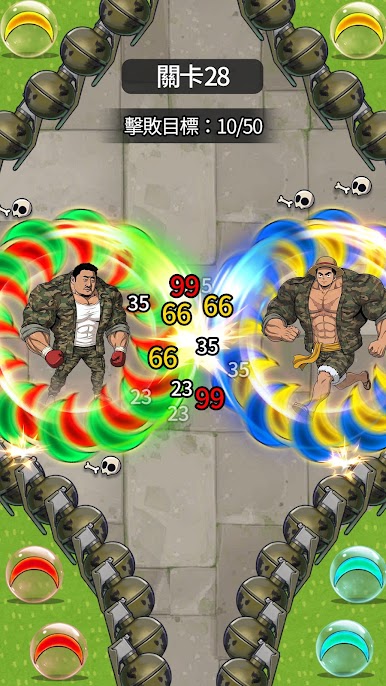
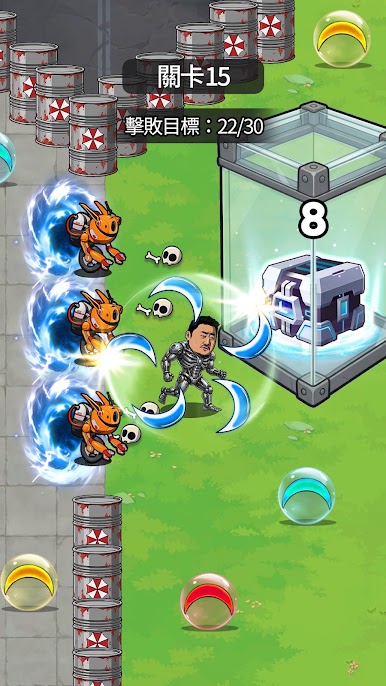
最後的迴響 puts a clever twist on kingdom rebuilding with a bold mix of puzzles, cannons, and careful planning. It’s a Strategy game where each move on the board shapes what happens on the battlefield—slide blocks to set up shots, trigger big reactions, and slowly stitch a fractured realm back together. You’ll recruit standout commanders, grow your influence, and choose when to push, when to hold, and when to call in friends for support. Prefer a bigger view? It plays smoothly on PC with BlueStacks.
Game Features
- Slide-and-Strike Boards: Move blocks to form lines, unlock angles, and prime your artillery for satisfying, high-impact shots.
- Cannon Cascades: Chain your moves to ignite volley after volley, turning a single spark into a screen-clearing barrage.
- One-Hand Friendly Controls: Tap, drag, and fire with simple inputs that keep the focus on brainy moves, not busywork.
- Unique Commanders: Build a roster of leaders with distinct perks, then combine them to cover weaknesses and create new openings.
- War Council Synergy: Appoint the right mix of advisors to unlock passives, boosts, and clever interactions that change how you solve each stage.
- Expanding Realm: Reclaim shattered lands, reinforce key zones, and watch your influence spread as your decisions reshape the map.
- Alliance Play: Form pacts to share benefits and push farther than you could alone—cooperation becomes another tool in your kit.
- Long Campaign, Fresh Puzzles: Tackle a hefty run of handcrafted challenges that keep introducing twists without losing that clean, think-first feel.
Get ready for a buttery smooth, high-performance gaming action only on BlueStacks.



Play 最後的迴響 on PC. It’s easy to get started.
-
Download and install BlueStacks on your PC
-
Complete Google sign-in to access the Play Store, or do it later
-
Look for 最後的迴響 in the search bar at the top right corner
-
Click to install 最後的迴響 from the search results
-
Complete Google sign-in (if you skipped step 2) to install 最後的迴響
-
Click the 最後的迴響 icon on the home screen to start playing

