


22bet
Play on PC with BlueStacks – the Android Gaming Platform, trusted by 500M+ gamers.

Page Modified on: Jan 20, 2026
Main 22bet on PC
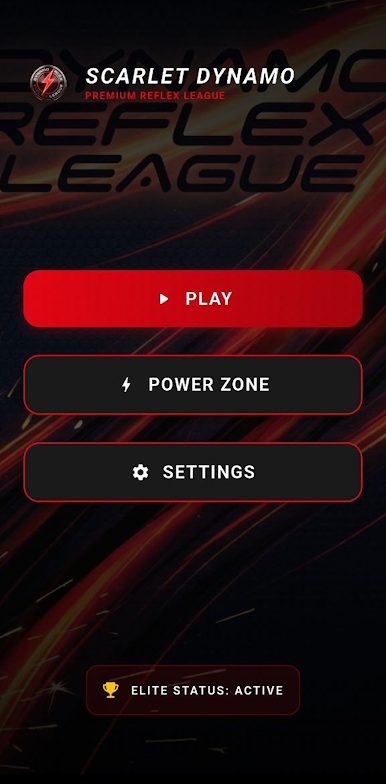
Experience the rush of the Speed League, where every millisecond counts. Progress through increasingly difficult levels as you tap targets with lightning-fast accuracy. If you prefer a tactical approach, the Precision League will challenge your timing—stop the motion exactly in the green zone to prove your mastery. Finally, dominate the Memory League by repeating complex sequences, showing that your mental agility is second to none.
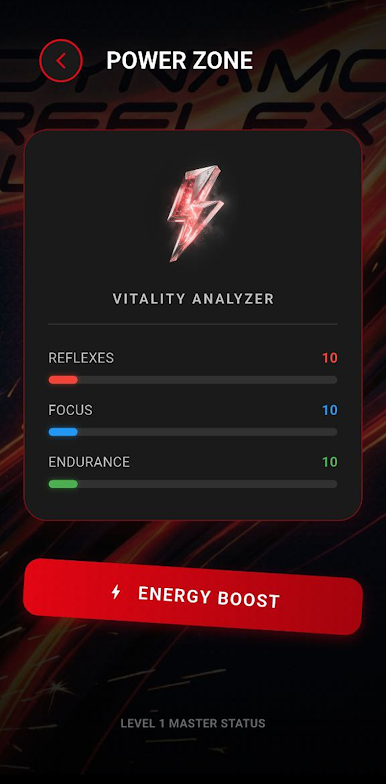
Dynamo Reflex League is more than just a game; it's a journey towards peak performance. Track your progress with our integrated Vitality Analyzer in the Power Zone. Monitor your stats across Reflexes, Focus, and Endurance. Use the daily Energy Boost to supercharge your player profile and climb the ranks of your personal bests. Our sleek, high-energy interface, inspired by professional sports branding, ensures every second spent in the league feels like a championship event.
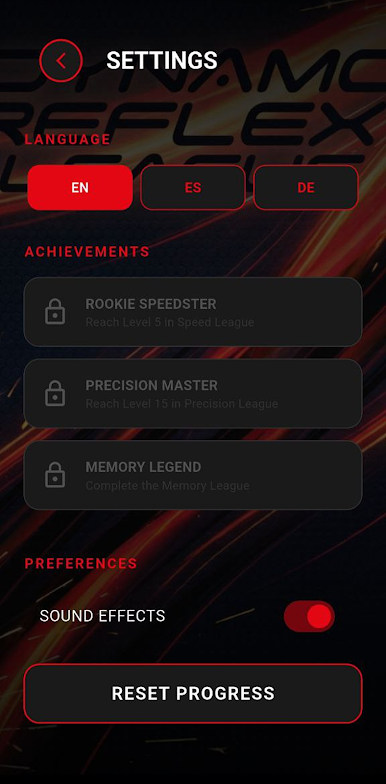
This is a 100% talent-driven arcade experience designed for competitive souls. Whether you are looking for a quick reflex check or a deep dive into skill mastery, our league offers the perfect balance of challenge and entertainment. Unlock achievements, master all 30 levels, and establish yourself as a Dynamo legend.


Play 22bet on PC. It’s easy to get started.
-
Download and install BlueStacks on your PC
-
Complete Google sign-in to access the Play Store, or do it later
-
Look for 22bet in the search bar at the top right corner
-
Click to install 22bet from the search results
-
Complete Google sign-in (if you skipped step 2) to install 22bet
-
Click the 22bet icon on the home screen to start playing

