


MONOPOLY GO!Chat
Play on PC with BlueStacks – the Android Gaming Platform, trusted by 500M+ gamers.

Page Modified on: Sep 29, 2026
Play MONOPOLY GO!Chat on PC
Whether you’re organizing a sticker trade, chatting about the latest Bank Heist, or celebrating your latest rewards, MONOPOLY GO!Chat is the social app that keeps the fun going beyond the board.
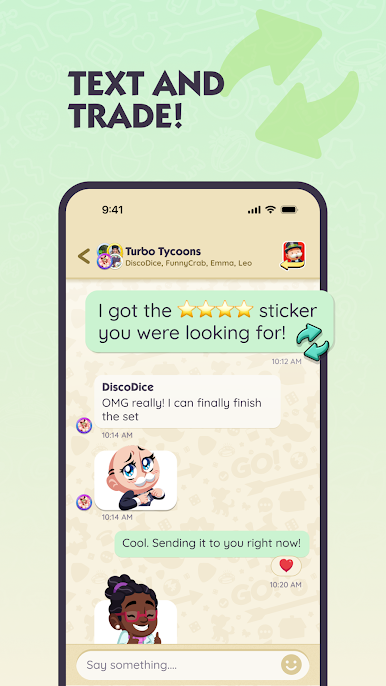
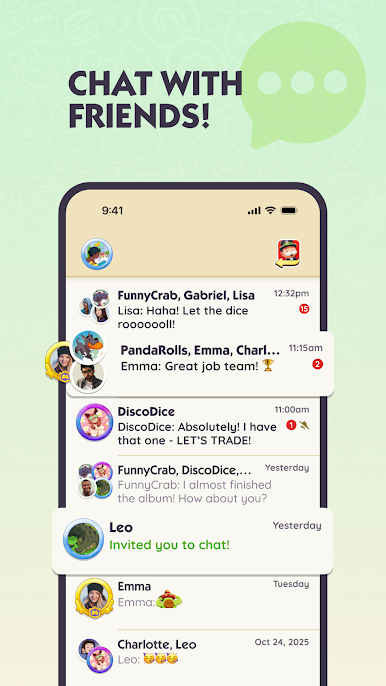
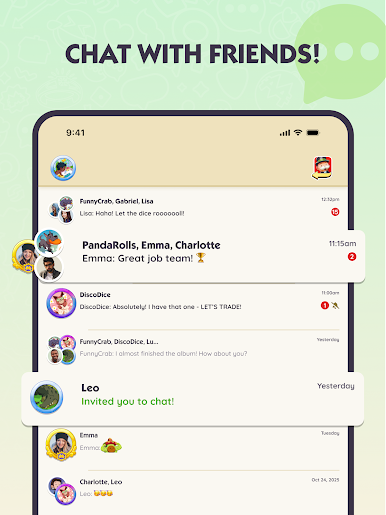
👥 TEXT WITH FRIENDS & TEAMMATES
· Message friends, family and teammates who play MONOPOLY GO!
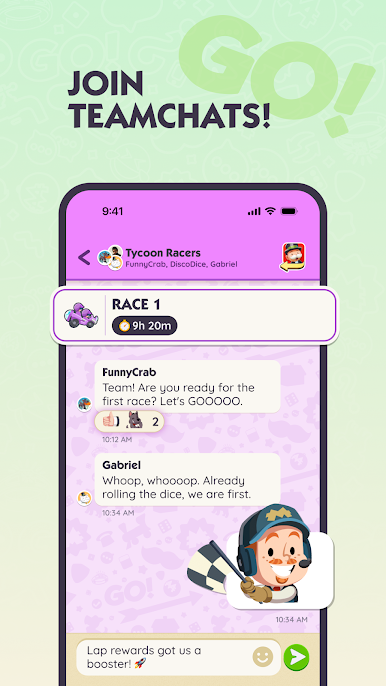
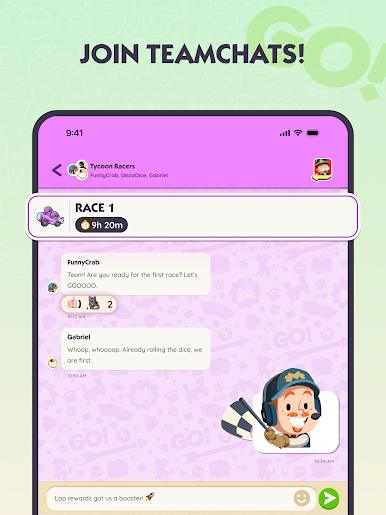
· Create or join groups for real-time strategy talks and to share wins
· Celebrate leaderboard climbs, album completions, and epic rewards
· Bring more fun to your chats with unlocked MONOPOLY GO! emojis!
🎲 ROLL TOGETHER, WIN TOGETHER
· Join the team chat during Racers and work together to race toward big rewards
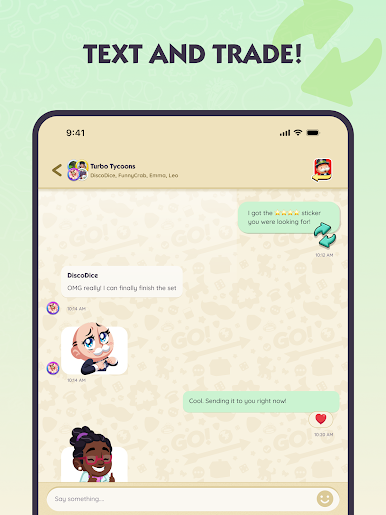
· Coordinate sticker trades to complete albums quicker
· Work together in community challenges to unlock more rewards
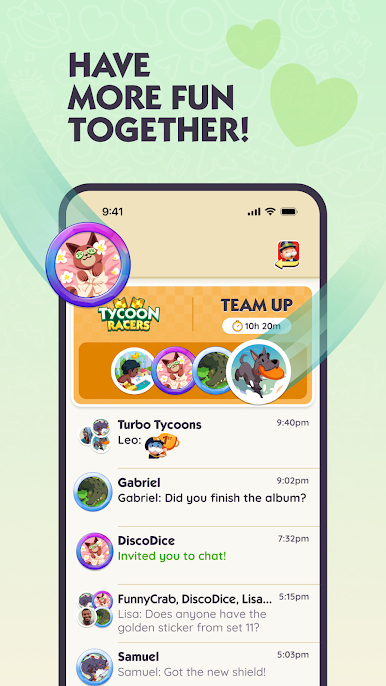
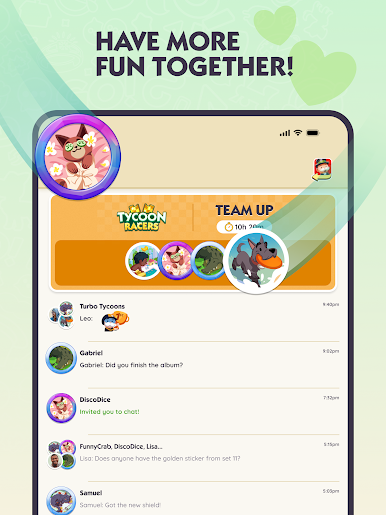
🎮 TEAM UP, HAVE MORE FUN
· Coordinate events and minigames to figure out the best moves
· Get app notifications when teammates need help
· Give teammates a nudge when it’s time to roll!
🎩 THE SOCIAL APP FOR TYCOONS
· Talk, text, and message players with the same goals
· Swap tips, share strategies, and enjoy the ride while collecting rewards
· Enjoy the thrill of the game together, wherever you are!
Why download MONOPOLY GO!Chat? Because the fun doesn’t stop at the board! Think of it as your very own messenger for MONOPOLY GO! - your app to talk, plan, and play!
Note: You’ll need MONOPOLY GO! installed and linked to unlock full features. Internet connection required.
Download MONOPOLY GO!Chat today - roll the dice, talk with friends, text your team, and have more fun together!
Play MONOPOLY GO!Chat on PC. It’s easy to get started.
-
Download and install BlueStacks on your PC
-
Complete Google sign-in to access the Play Store, or do it later
-
Look for MONOPOLY GO!Chat in the search bar at the top right corner
-
Click to install MONOPOLY GO!Chat from the search results
-
Complete Google sign-in (if you skipped step 2) to install MONOPOLY GO!Chat
-
Click the MONOPOLY GO!Chat icon on the home screen to start playing

