


Star Trek Fleet Command
Play on PC with BlueStacks – the Android Gaming Platform, trusted by 500M+ gamers.

Page Modified on: Oct 20, 2026
Play Star Trek Fleet Command on PC or Mac
Step into the World of Star Trek Fleet Command, a thrilling Strategy game from the house of Scopely. Play this Android game on BlueStacks App Player and experience immersive gaming on PC or Mac.
About the Game
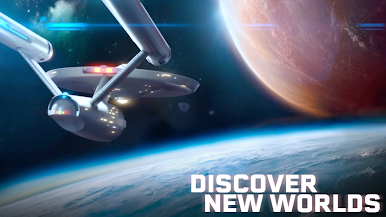
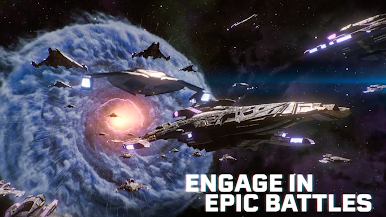
Star Trek Fleet Command is a space Strategy sandbox from Scopely that puts you in charge of a starbase at the edge of contested space. Build out your fleet, assemble legendary crews, and shape how the standoff between the Federation, Klingons, and Romulans unfolds. Want to parley, raid, or outmaneuver rivals with clever builds? You’ve got the conn.
Game Features
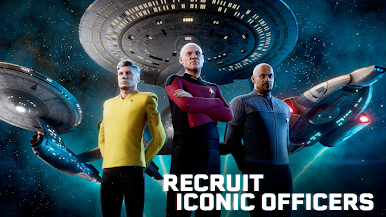
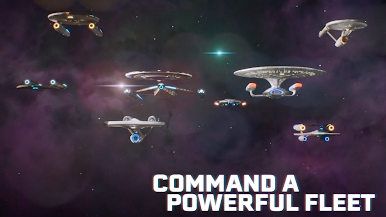
- Iconic crews and ships: Recruit officers like James T. Kirk, Spock, and Nero, then captain classics such as the U.S.S. Enterprise, a Romulan Warbird, or a Klingon Bird-of-Prey. Mix and match to create synergies that fit your playstyle.
- A galaxy on the brink: Patrol the Alpha and Beta quadrants where faction tensions run hot. Skirmish, spy, or strike when the opportunity appears—your choices ripple across nearby systems.
- Tactical officer abilities: Each officer brings unique perks, from survival boosts to precision strikes. Build specialized crews for mining runs, PvP ambushes, or boss-level encounters.
- Play your way: Take contracts to help locals, crack down on pirates, negotiate uneasy truces, or chase rare loot. Branching missions let you decide what kind of commander you’ll be.
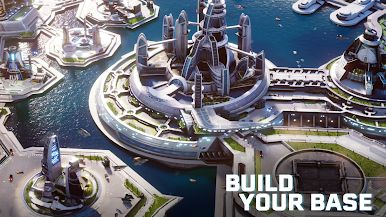
- Build the starbase you want: Upgrade docks, research new tech, and keep production humming. Protect your haul with defenses and smart fleet assignments.
- Alliance power plays: Team up, trade intel, and launch coordinated raids. Territory control, group events, and timed objectives reward tight teamwork.
- Stories across eras: Experience arcs inspired by the Kelvin Timeline plus nods to the original series, The Next Generation, Deep Space Nine, Discovery, Strange New Worlds, Lower Decks, and more.
- Evolving universe: Regular updates bring fresh events, officers, ships, and challenges, keeping the map—and your priorities—constantly shifting.
- Accessible worldwide: Jump in with multiple language options and intuitive systems that scale from new captains to seasoned tacticians.
- PC-friendly option: Prefer keyboard and mouse? Star Trek Fleet Command also plays smoothly on BlueStacks for a comfy, big-screen command chair.
Ready to top the leaderboard? We bet you do. Let precise controls and sharp visuals optimized on BlueStacks lead you to victory.

Play Star Trek Fleet Command on PC. It’s easy to get started.
-
Download and install BlueStacks on your PC
-
Complete Google sign-in to access the Play Store, or do it later
-
Look for Star Trek Fleet Command in the search bar at the top right corner
-
Click to install Star Trek Fleet Command from the search results
-
Complete Google sign-in (if you skipped step 2) to install Star Trek Fleet Command
-
Click the Star Trek Fleet Command icon on the home screen to start playing

