


WWE Champions: Wrestling RPG
Play on PC with BlueStacks – the Android Gaming Platform, trusted by 500M+ gamers.

Page Modified on: Sep 15, 2026
Play WWE Champions: Wrestling RPG on PC or Mac
Explore a whole new adventure with WWE Champions: Wrestling RPG, a Role Playing game created by Scopely. Experience great gameplay with BlueStacks, the most popular gaming platform to play Android games on your PC or Mac.
About the Game
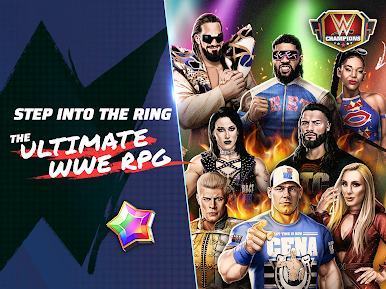
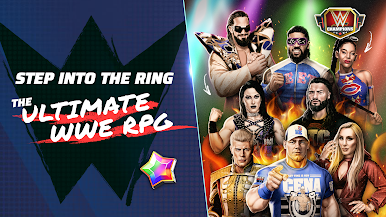
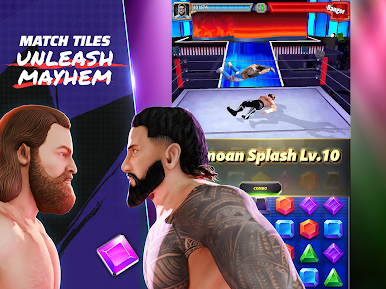
WWE Champions: Wrestling RPG mixes gem-matching strategy with the spectacle of sports entertainment. Build a dream roster of modern headliners and beloved legends, then crack the board to charge up signature moves and finishers. It’s a Role Playing brawler at heart—part team management, part brainy puzzle, all swagger. Prefer a bigger screen? It runs smoothly on BlueStacks too.
Game Features
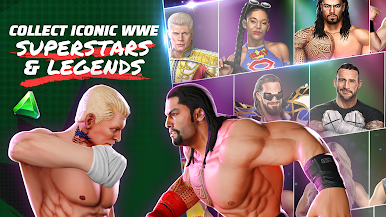
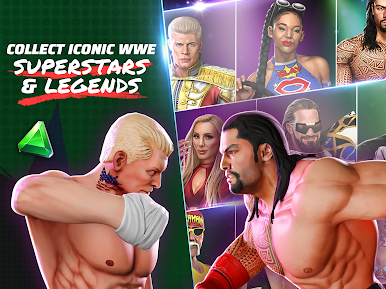
- Star-Studded Roster: Collect and manage a deep lineup featuring names like Roman Reigns, Cody Rhodes, Bianca Belair, The Rock, Becky Lynch, The Undertaker, and more.
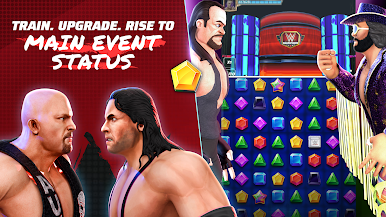
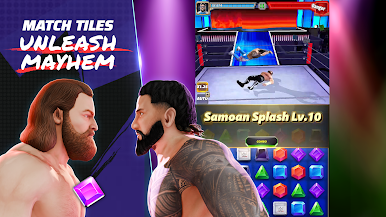
- Match-3 Meets Mayhem: Match gems to fuel strikes, grapples, and devastating finishers—timing and board control matter as much as brute force.
- Signature Finishers: Trigger iconic moves—from a Stunner to a Rock Bottom—by building the right color matches and move points.
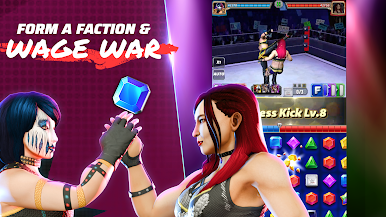
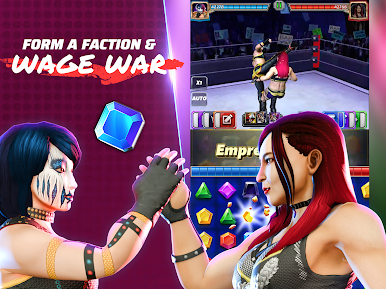
- Tag Teams and Boss Fights: Jump into tag bouts for clever combo plays, or coordinate with your faction to topple massive boss encounters.
- Build Your Style: Customize move sets, equip perks, and lean into class strengths like Technicians, Strikers, and more to counter tough opponents.
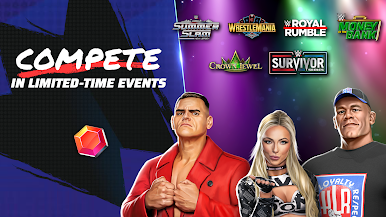
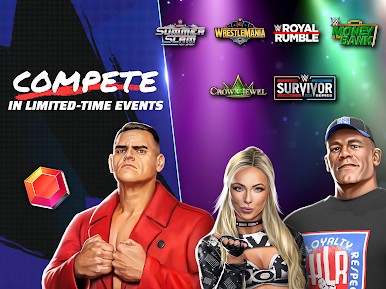
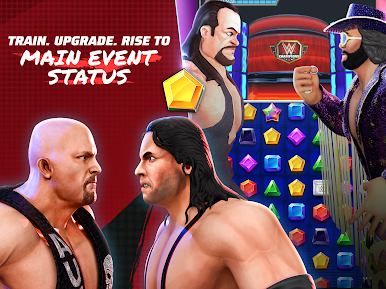
- From Development to Main Events: Battle through shows themed around NXT, RAW, and SmackDown while pushing your crew toward marquee matchups.
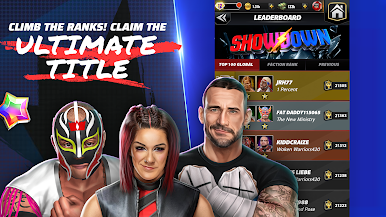
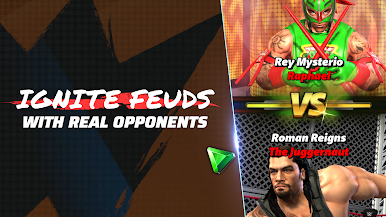
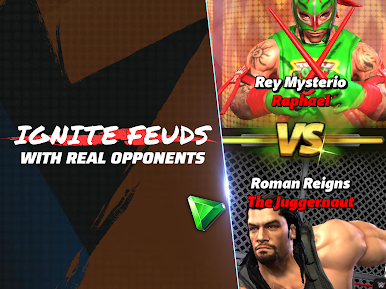
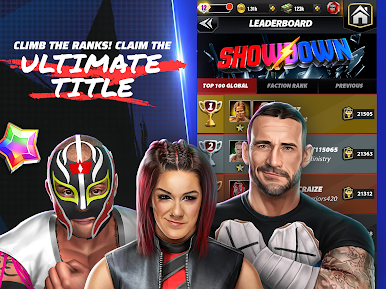
- Competitive Showdowns: Test your squad in PvP-style clashes with matchmaking that puts your strategy—and your roster depth—front and center.
- Meaningful Progression: Win matches to unlock upgrades, refine your lineup, and discover new team synergies that change how you approach each board.
BlueStacks gives you more room to focus on the game and less time adjusting around mobile limitations.

Play WWE Champions: Wrestling RPG on PC. It’s easy to get started.
-
Download and install BlueStacks on your PC
-
Complete Google sign-in to access the Play Store, or do it later
-
Look for WWE Champions: Wrestling RPG in the search bar at the top right corner
-
Click to install WWE Champions: Wrestling RPG from the search results
-
Complete Google sign-in (if you skipped step 2) to install WWE Champions: Wrestling RPG
-
Click the WWE Champions: Wrestling RPG icon on the home screen to start playing

