


Five Nights at Freddy's
Play on PC with BlueStacks – the Android Gaming Platform, trusted by 500M+ gamers.

Page Modified on: Sep 8, 2025
Main Five Nights at Freddy's on PC
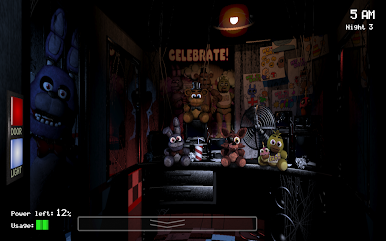
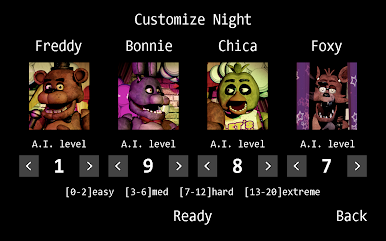
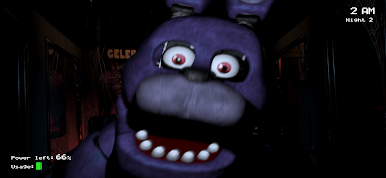
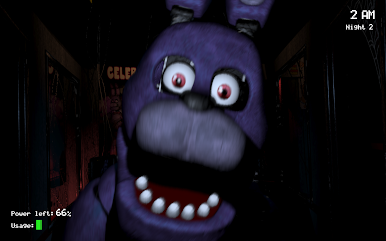
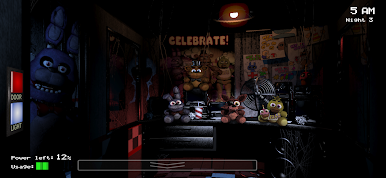
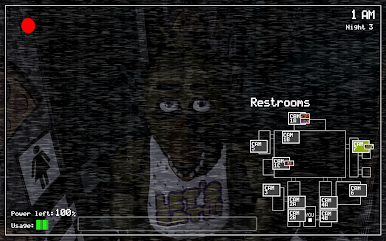
Welcome to your new summer job at Freddy Fazbear's Pizza, where kids and parents alike come for entertainment and food as far as the eye can see! The main attraction is Freddy Fazbear, of course; and his two friends. They are animatronic robots, programmed to please the crowds! The robots' behavior has become somewhat unpredictable at night however, and it was much cheaper to hire you as a security guard than to find a repairman.
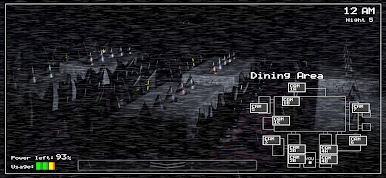
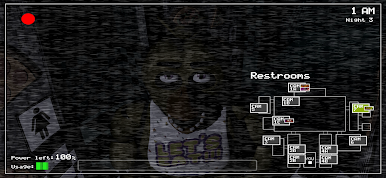
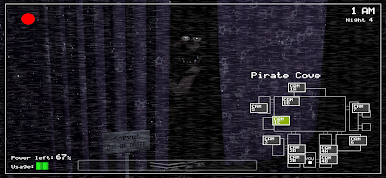
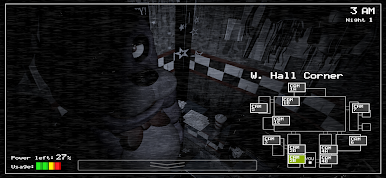
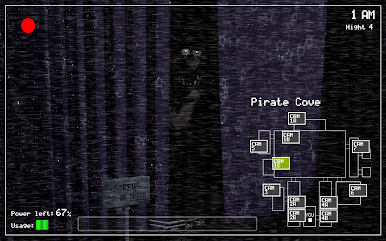
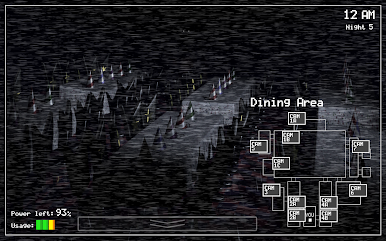
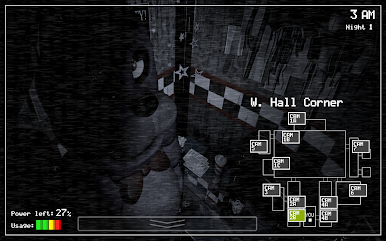
From your small office you must watch the security cameras carefully. You have a very limited amount of electricity that you're allowed to use per night (corporate budget cuts, you know). That means when you run out of power for the night- no more security doors and no more lights! If something isn't right- namely if Freddybear or his friends aren't in their proper places, you must find them on the monitors and protect yourself if needed!
Can you survive five nights at Freddy's?
NOTE: Interface and audio in English. Subtitles in English, French, German, Dutch, Spanish (Latin America), Italian, Portuguese (Brazil), Russian, Japanese, Chinese (Simplified), Korean.
#MadeWithFusion


Play Five Nights at Freddy's on PC. It’s easy to get started.
-
Download and install BlueStacks on your PC
-
Complete Google sign-in to access the Play Store, or do it later
-
Look for Five Nights at Freddy's in the search bar at the top right corner
-
Click to install Five Nights at Freddy's from the search results
-
Complete Google sign-in (if you skipped step 2) to install Five Nights at Freddy's
-
Click the Five Nights at Freddy's icon on the home screen to start playing

