


SCRAM: Hide and Seek
Play on PC with BlueStacks – the Android Gaming Platform, trusted by 500M+ gamers.

Page Modified on: Oct 23, 2026
Main SCRAM: Hide and Seek on PC
HOW IT WORKS
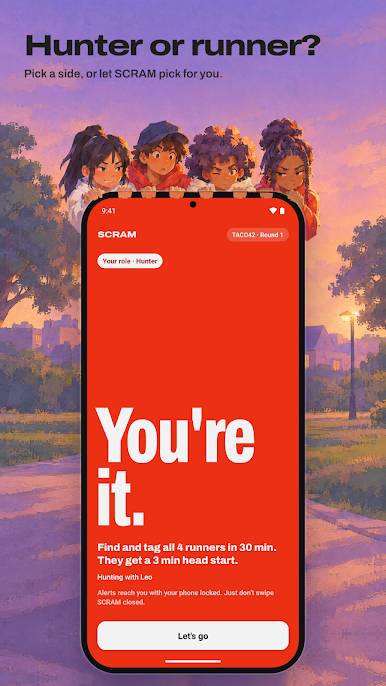
• Runners get a head start to hide.
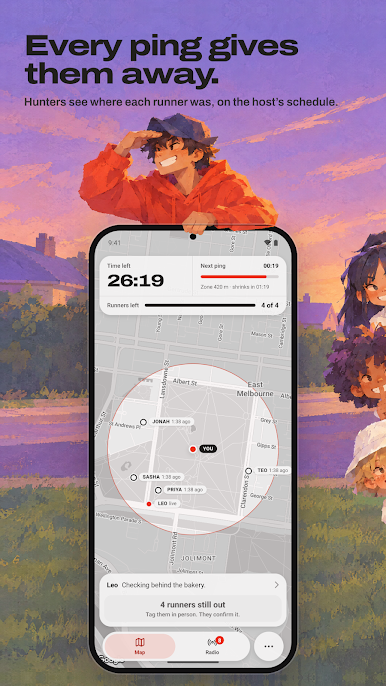
• Every few minutes the hunters get a ping: each runner's location pops up on their map, marked with how long ago it was.
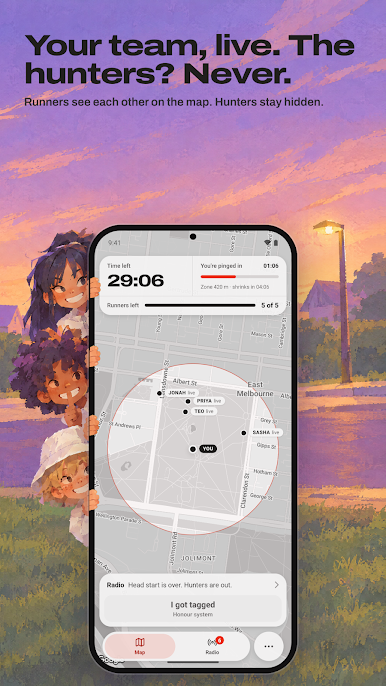
• Each team sees its own players live. Between pings the hunters are guessing, and runners never see hunters at all.
• Stray outside the play zone and, after 30 seconds, the hunters can see you live until you're back in.
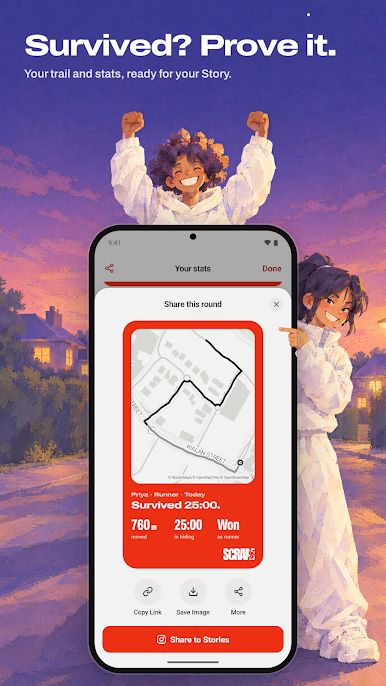
• Tag someone in person and they tap "I got tagged". Last runners standing when time runs out win.
YOU SET THE RULES
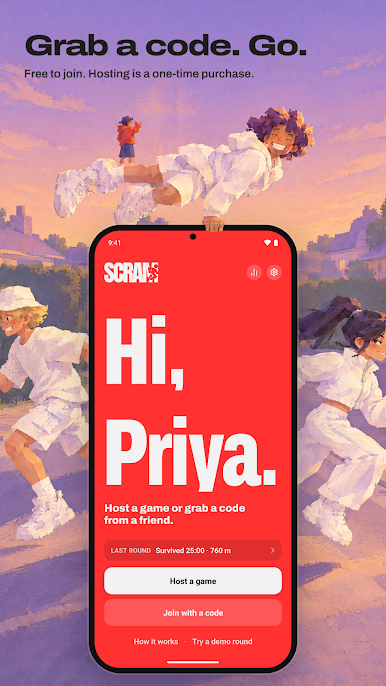
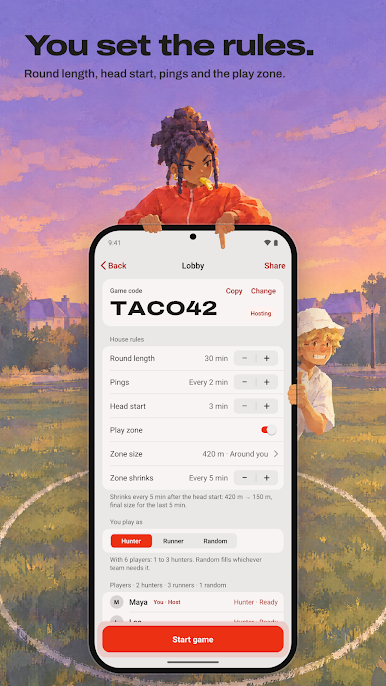
The host picks the round length, the head start, how often the pings come (or none at all), and the play zone: its size, where it sits, and how often it shrinks. Or switch the zone off and play anywhere. Everyone joins with a six-character game code.
MADE FOR PLAYING OUTSIDE
• Alerts reach you with your phone locked: pings, the head start ending, the zone shrinking, and tags.
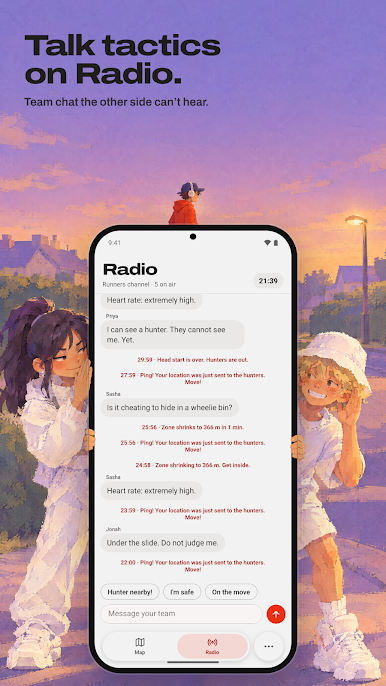
• Radio keeps each team talking without the other team listening.
• Alerts buzz instead of ring, so they won't give away where you're hiding.
YOUR LOCATION, ONLY WHEN IT COUNTS
SCRAM shares your location only during a round, and only with the players in your game. Games are private and need their code to join, and they're deleted after seven days.
FREE TO JOIN
Downloading SCRAM and joining games is free. Hosting your own games is a one-time purchase: no subscription and no ads.
Play somewhere safe, keep an eye on traffic, and stay off private property.
Play SCRAM: Hide and Seek on PC. It’s easy to get started.
-
Download and install BlueStacks on your PC
-
Complete Google sign-in to access the Play Store, or do it later
-
Look for SCRAM: Hide and Seek in the search bar at the top right corner
-
Click to install SCRAM: Hide and Seek from the search results
-
Complete Google sign-in (if you skipped step 2) to install SCRAM: Hide and Seek
-
Click the SCRAM: Hide and Seek icon on the home screen to start playing

