


Edge Lighting: Border Light
Play on PC with BlueStacks – the Android Gaming Platform, trusted by 500M+ gamers.

Page Modified on: Dec 4, 2025
Play Edge Lighting: Border Light on PC
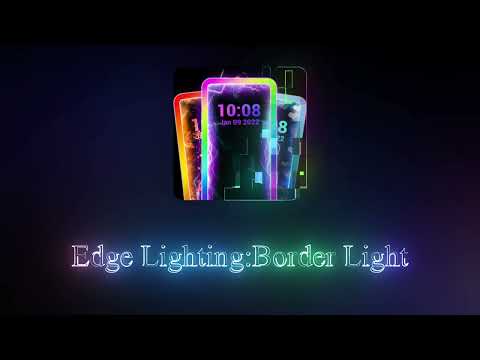
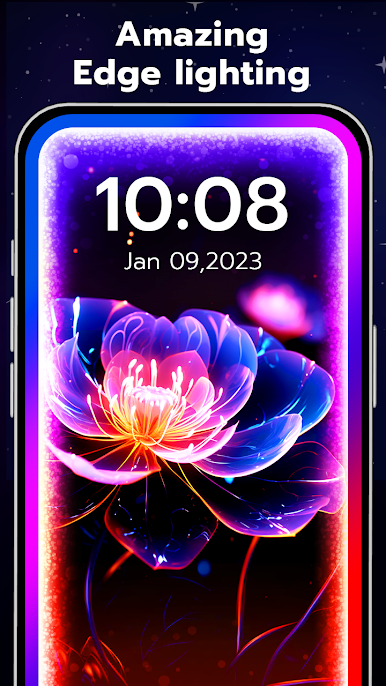
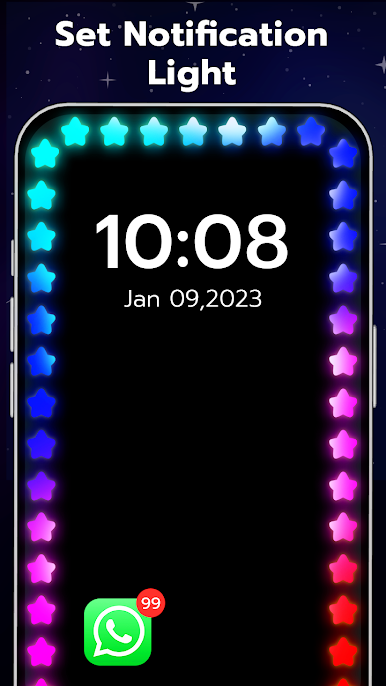
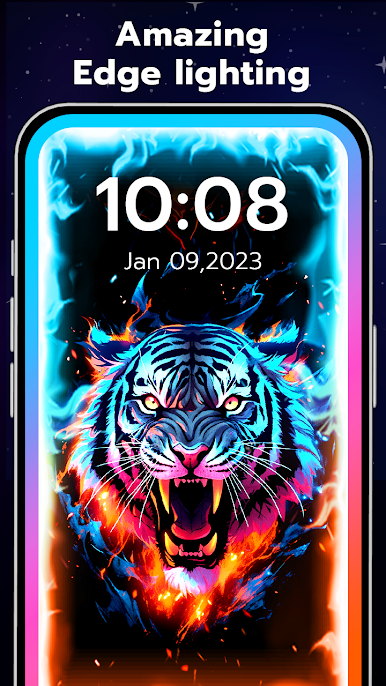
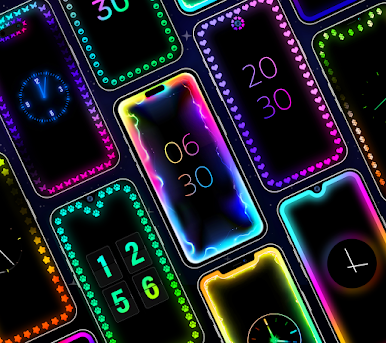
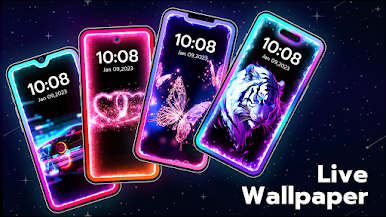
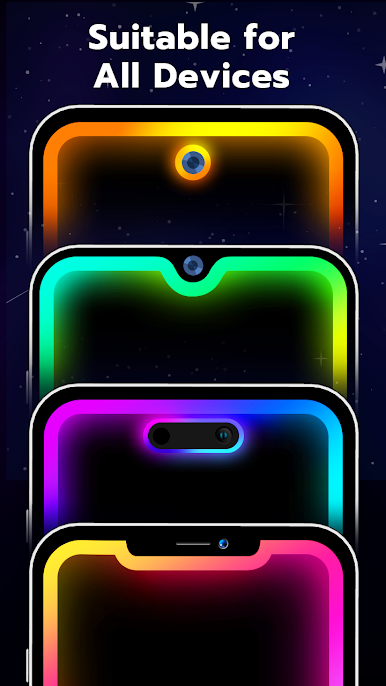
🌈Edge Lighting: Border Light allows you to customize your screen light with 100+ beautiful and stylish effects including personalized RGB colors, pattern, width, speed, notch, etc. After setting, it can stay over other Apps and even on the lock screen. Try border light live wallpaper now!
Useful for all types of screens (notch screen, infinity O, U, V) and all mobile phones!!! Free Lighting Edge Screen - borderlight live wallpaper app will bring you a brilliant edge lighting wallpaper experience.
🌈The Best BorderLight App with Battery Saver does not consume more battery, just like an edge screen launcher.
🌈Free Rounding Light Features:
-Battery friendly
-Works on any Android Device
-Set LED lighting color as Wallpaper Live & Notification screen light
-Use any photo beside border light with opacity customization and set Live wallpaper
-Edge lighting calling: set notification light and let the App notify you of important calls
-Adjust Display Notch width, speed, curved radius top and bottom screen on your device
-Wallpaper 3d with various themes: choose a 3d wallpaper and make your phone stand out among other wallpapers
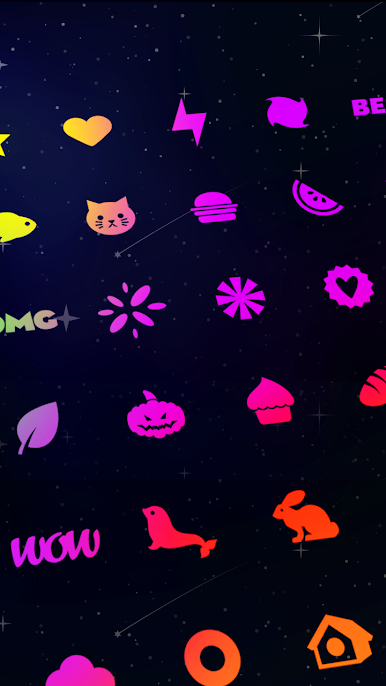
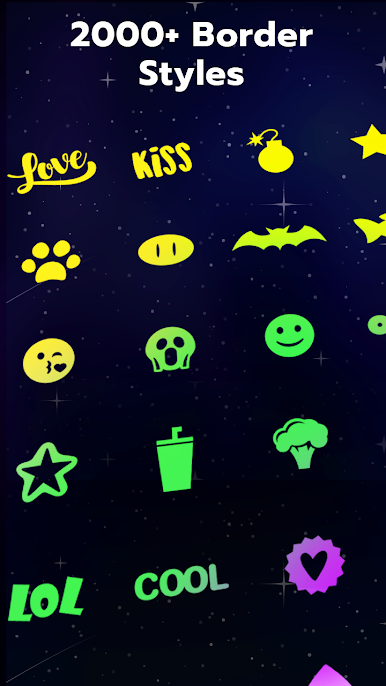
-More than 100+ types: Choose edge screen lighting patterns (Heart, Moon, Cloud, Stars, Kitten, Puppy, Rabbit, Interesting emoji & Sticker, Ice cream, Fruit etc.)
-Always on display AOE: Choose Apps to Display lighting effects or not. Display RGB light screen - borderline lighting over any other applications on your phone
Border Color Light - Rounded Corner for All Device App makes your mobile screen totally unique with attractive lighting. Edge lighting with LED edge lighting notification has option to change mobile live screen wallpaper and also set your own image Background.
Wanna make your edging light colors stand out? Download Edge Lighting BorderLight and you won't regret it!
Play Edge Lighting: Border Light on PC. It’s easy to get started.
-
Download and install BlueStacks on your PC
-
Complete Google sign-in to access the Play Store, or do it later
-
Look for Edge Lighting: Border Light in the search bar at the top right corner
-
Click to install Edge Lighting: Border Light from the search results
-
Complete Google sign-in (if you skipped step 2) to install Edge Lighting: Border Light
-
Click the Edge Lighting: Border Light icon on the home screen to start playing

