


Screw Pin - Nuts Jam
Play on PC with BlueStacks – the Android Gaming Platform, trusted by 500M+ gamers.

Page Modified on: Nov 10, 2025
Play Screw Pin - Nuts Jam on PC or Mac
Screw Pin – Nuts Jam is a Puzzle game developed by WeMaster Games. BlueStacks app player is the best Android emulator to play this Android game on your PC or Mac for an immersive gaming experience.
About the Game
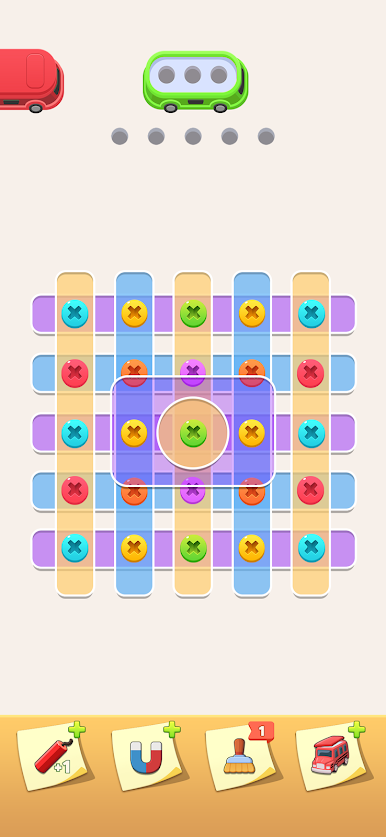
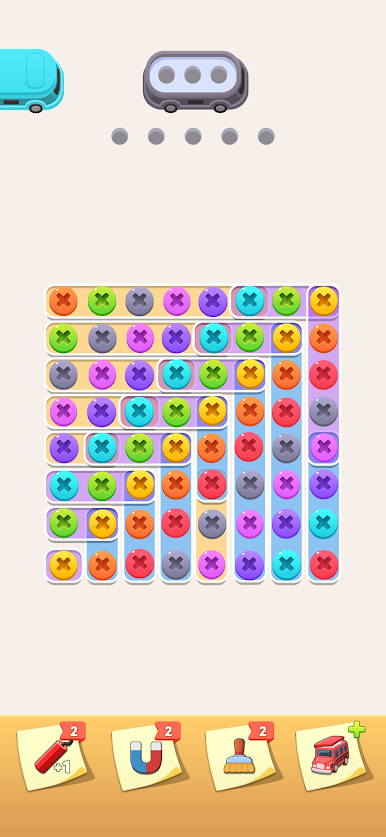
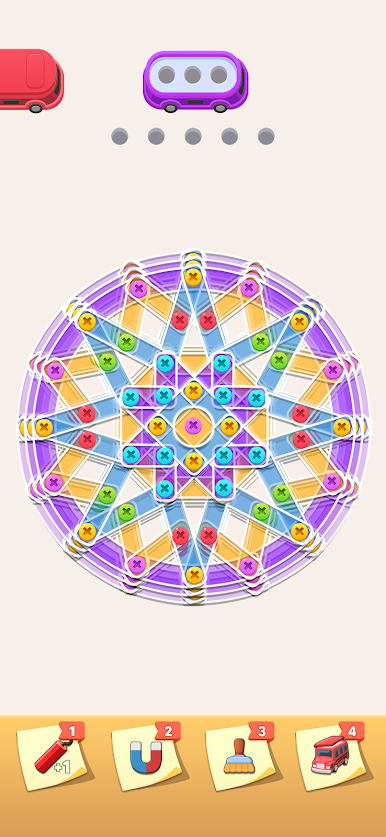
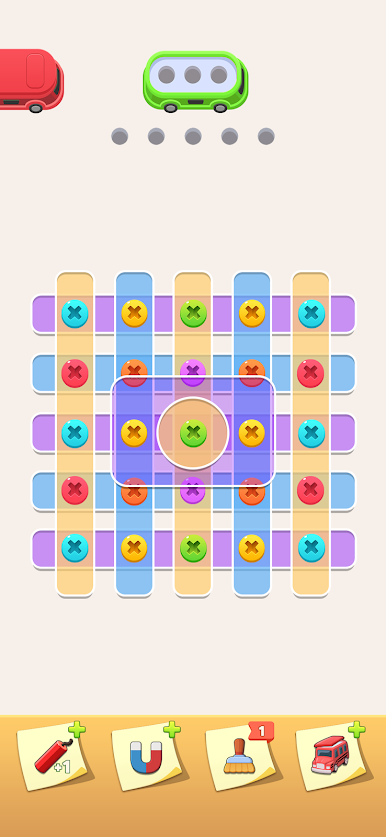
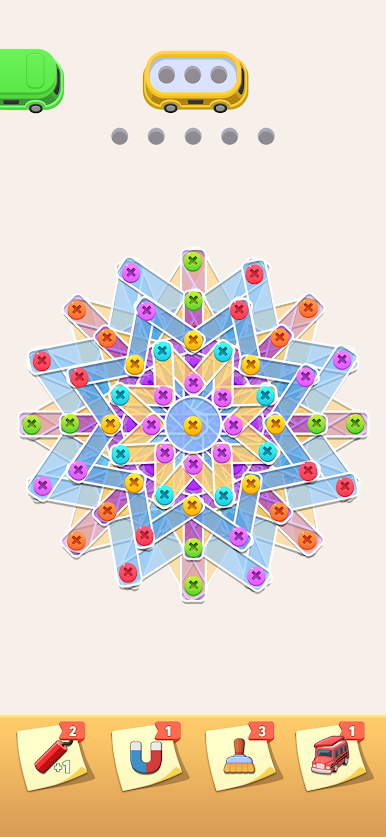
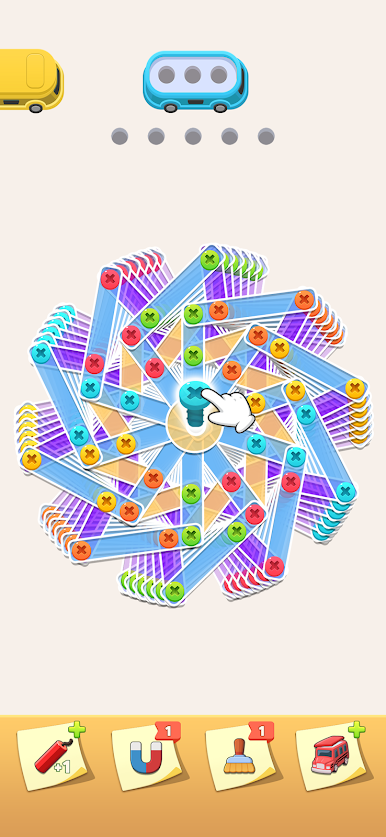
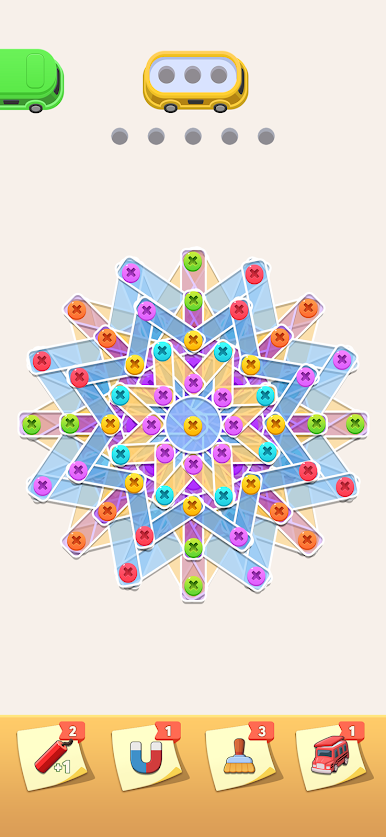
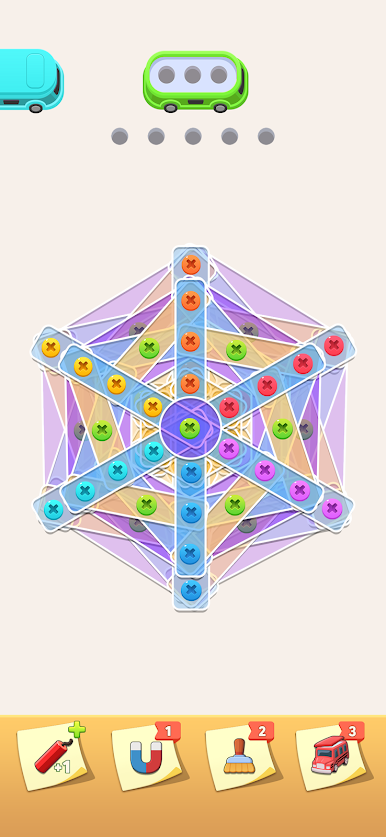
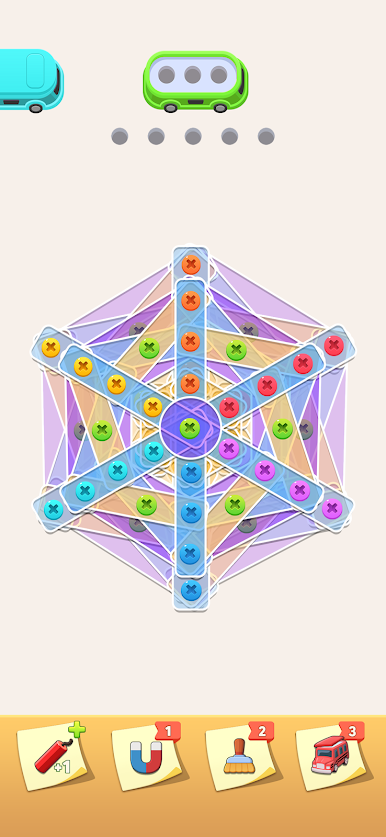
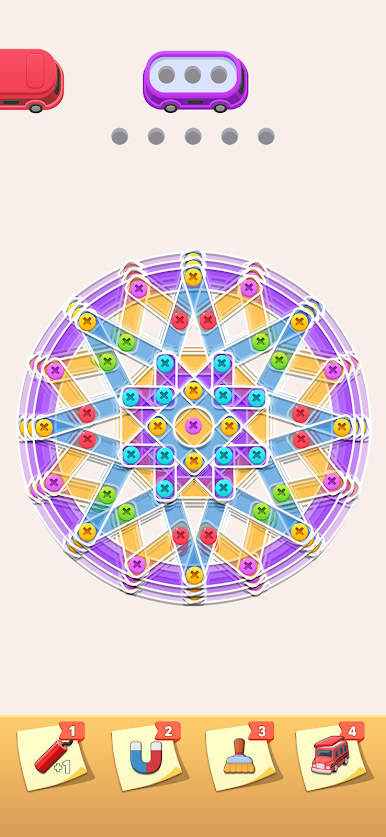
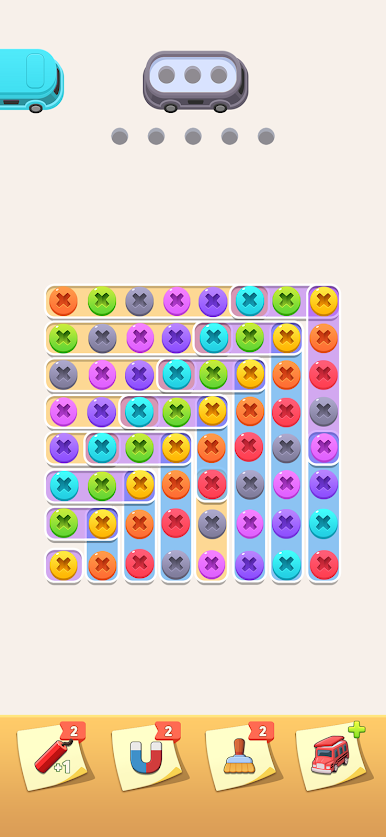
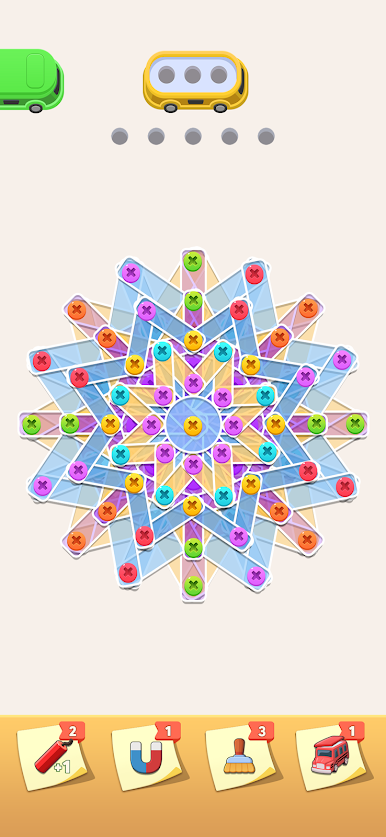
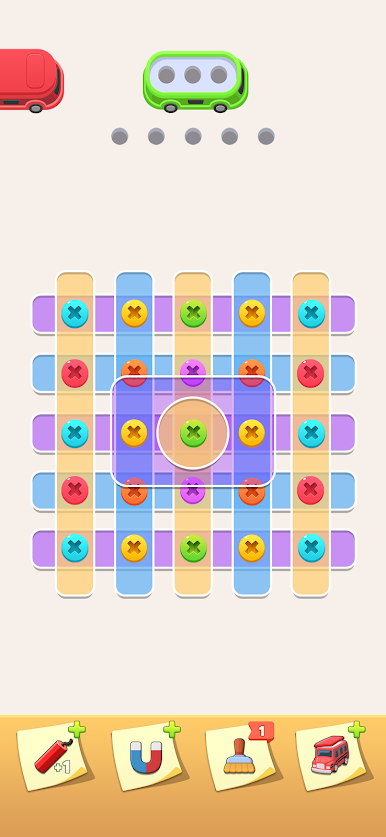
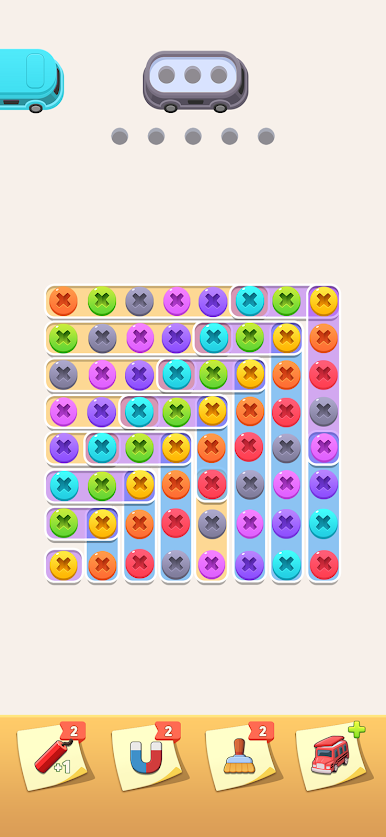
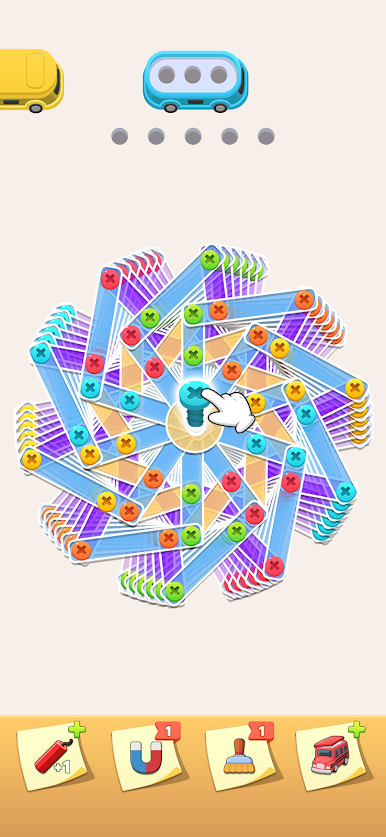
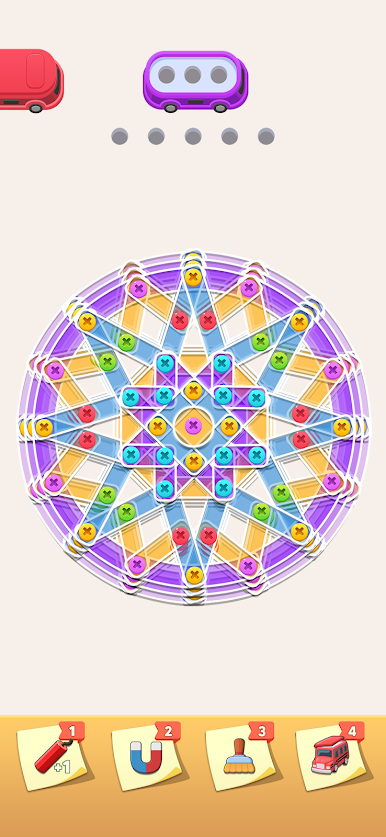
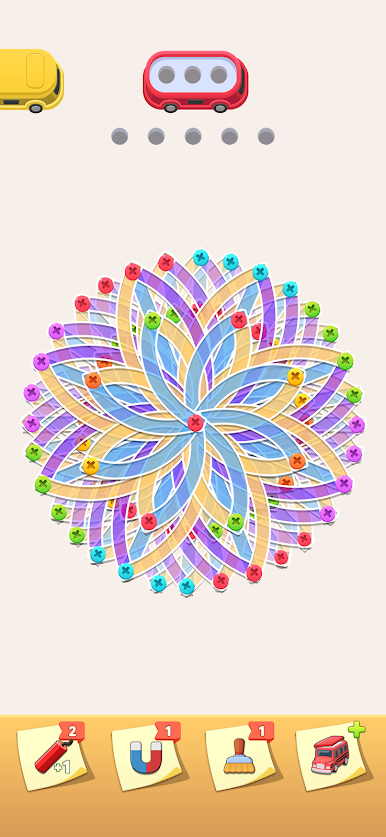
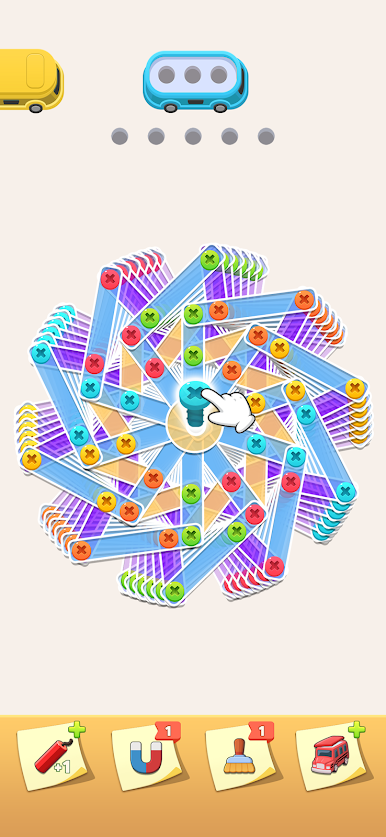
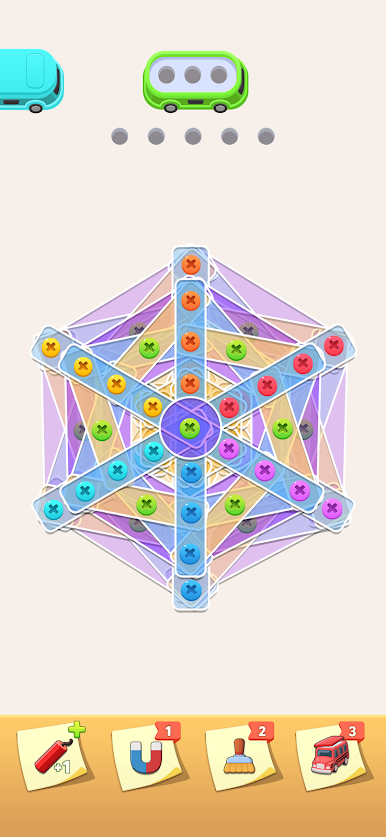
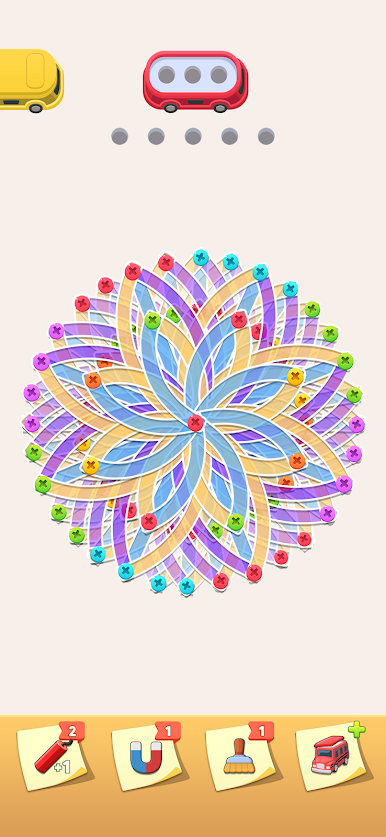
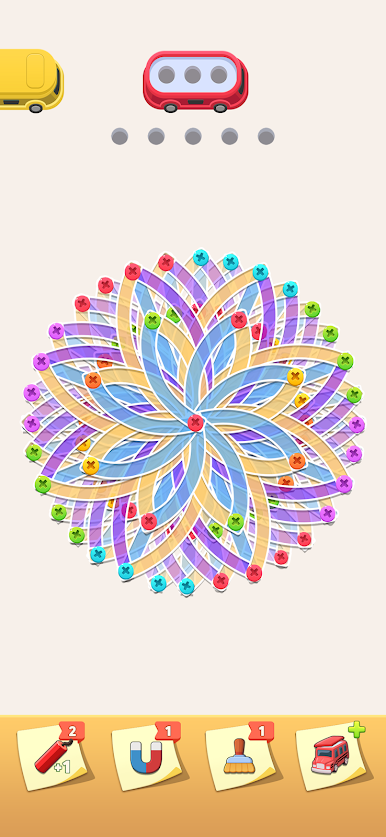
Step into the world of mechanics with Screw Pin – Nuts Jam! Your goal is simple yet intriguing: untwist screws and match them in the right screw boxes. Expect a satisfying blend of strategy and relaxation as you solve these puzzling tasks at your own pace.
Game Features
-
Relaxed Playstyle: No ticking clock here! Play whenever you’re ready to unwind.
-
Endless Challenges: With unlimited levels, there’s always a new nut or bolt puzzle waiting for your skills.
-
Strategic Boosters: Stuck on a level? Use boosters to cleverly navigate tricky situations.
-
Stunning ASMR Design: Enjoy the eye-catching visuals and soothing sounds that enhance your gaming experience.
Master the art of mechanics in Screw Pin – Nuts Jam, where relaxing puzzles meet endless fun!

Play Screw Pin - Nuts Jam on PC. It’s easy to get started.
-
Download and install BlueStacks on your PC
-
Complete Google sign-in to access the Play Store, or do it later
-
Look for Screw Pin - Nuts Jam in the search bar at the top right corner
-
Click to install Screw Pin - Nuts Jam from the search results
-
Complete Google sign-in (if you skipped step 2) to install Screw Pin - Nuts Jam
-
Click the Screw Pin - Nuts Jam icon on the home screen to start playing

