


Nurse Girl Screw Care
Play on PC with BlueStacks – the Android Gaming Platform, trusted by 500M+ gamers.

Page Modified on: Oct 9, 2026
Play Nurse Girl Screw Care on PC
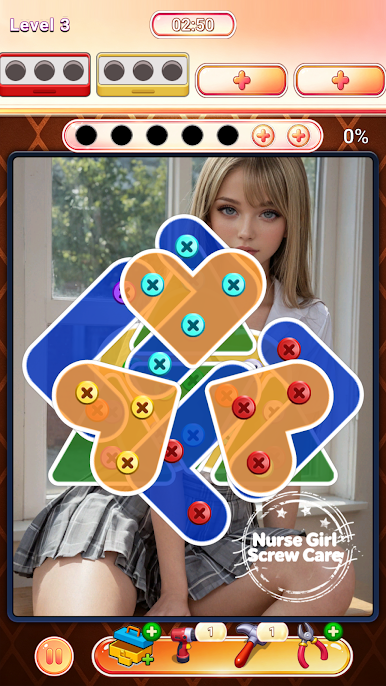
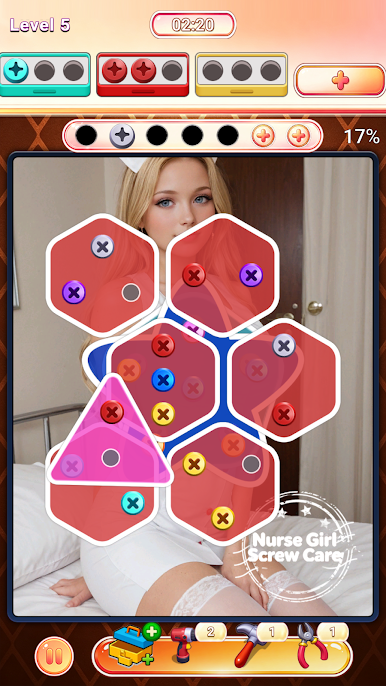
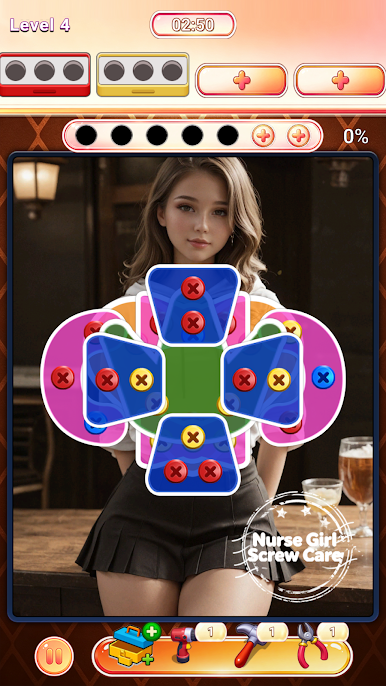
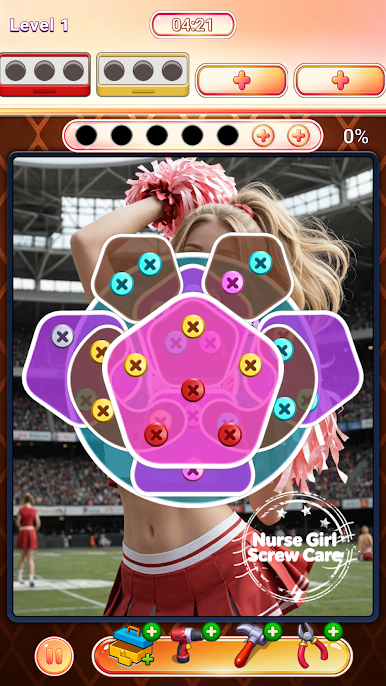
Puzzle boards vary widely across hundreds of levels. Heart, hexagon and irregular shaped plates interlock and cover one another, creating tricky spatial puzzles. A screw can only be removed once the panels covering it are cleared. This rule pushes you to observe the whole layout ahead and map out your unscrewing order. Hasty taps will leave screws locked under plates and stall your progress.
As you advance, the stacking structure grows more intricate. More plate layers overlap together, requiring sharper logical thinking. When you hit a tough spot, practical helper tools come to rescue. Use screwdriver boosts, quick screw extractors or board reset items to break through bottlenecks without restarting from scratch.
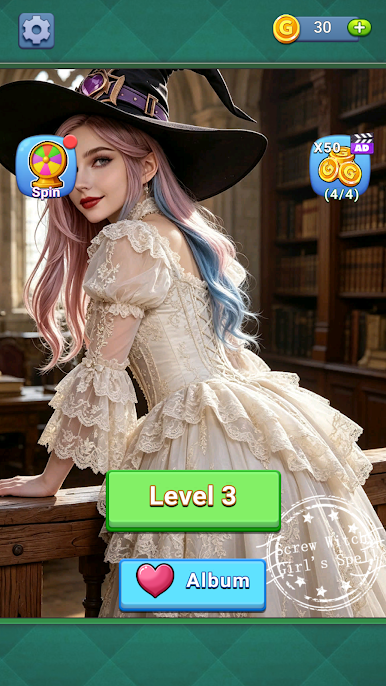
Every completed puzzle grants you coin rewards. Collect these coins to unlock brand-new character pictures inside your album. The warm nurse girl theme sets a gentle, playful tone throughout your puzzle journey, balancing brainwork with delightful visual surprises.
Designed for casual players, the game features intuitive tap controls with zero steep learning curve. Enjoy the calming, satisfying pop sound every time a screw comes off. Play freely during short breaks or spend longer stretches cracking harder puzzles. Train your spatial observation, dismantle every stacked plate, and fill your album with all gorgeous character art in Nurse Girl Screw Care.
Play Nurse Girl Screw Care on PC. It’s easy to get started.
-
Download and install BlueStacks on your PC
-
Complete Google sign-in to access the Play Store, or do it later
-
Look for Nurse Girl Screw Care in the search bar at the top right corner
-
Click to install Nurse Girl Screw Care from the search results
-
Complete Google sign-in (if you skipped step 2) to install Nurse Girl Screw Care
-
Click the Nurse Girl Screw Care icon on the home screen to start playing

