


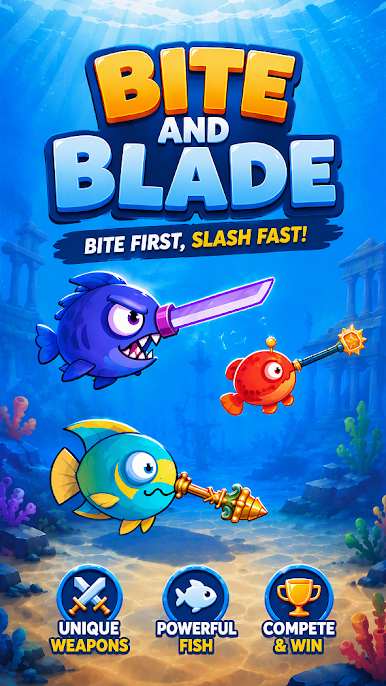
Bite and Blade
Play on PC with BlueStacks – the Android Gaming Platform, trusted by 500M+ gamers.

Page Modified on: Oct 29, 2026
Overview
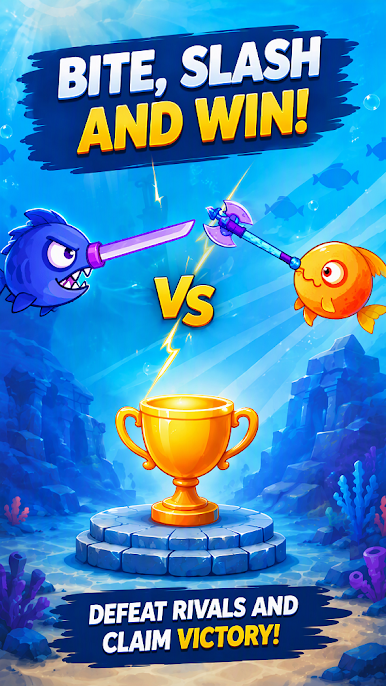
Pick your favorite fish, grab a sword, axe, or magic wand in your mouth, and enter the fierce ocean arena! Defeat your rivals, collect treasures, and grow bigger to dominate the sea. The rule of the ocean is simple: Big fish eat small fish! 🦈💦
Can you survive the chaos and become the ultimate apex predator?
✨ Key Features:
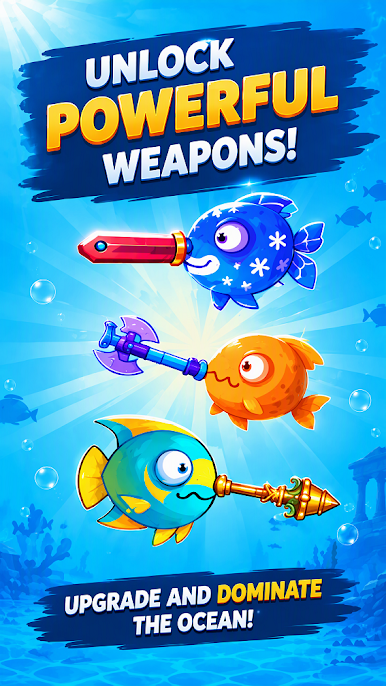
🗡️ Hilarious Weapon Combat: Control adorable fish holding massive weapons in their mouths! Slash, smash, and poke your enemies in fast-paced brawls.
📈 Evolve & Grow: Defeat opponents to absorb their energy. Grow from a tiny fry into an unstoppable ocean behemoth! Size matters!
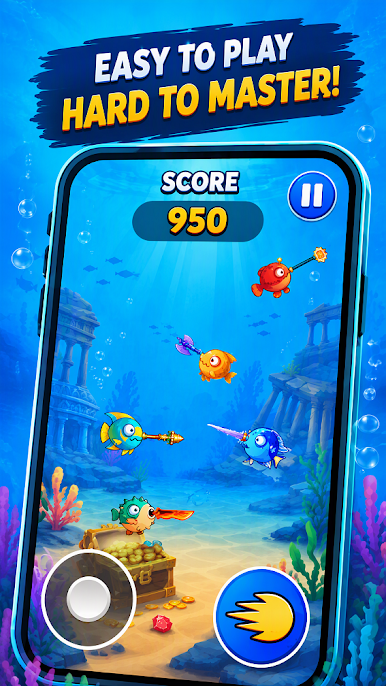
🎮 Easy to Play, Hard to Master: Simple joystick movement combined with a thrilling "Dash" button. Dodge bigger predators or dash in for a surprise counter-attack!
🐠 Unlock Unique Fish & Gear: Earn coins to unlock a variety of wacky fish species and powerful weapons. Mix and match to find your perfect fighting style!
🏆 Action-Packed .io Arena: Survive the underwater chaos, climb the global leaderboard, and claim the ultimate victory!
🏠 Launcher Support: Set Bite and Blade as your phone’s home screen launcher.
Are you ready to rule the ocean? Download Bite and Blade now! Bite first, slash fast, and survive! 🏆📱
Play Bite and Blade on PC. It’s easy to get started.
-
Download and install BlueStacks on your PC
-
Complete Google sign-in to access the Play Store, or do it later
-
Look for Bite and Blade in the search bar at the top right corner
-
Click to install Bite and Blade from the search results
-
Complete Google sign-in (if you skipped step 2) to install Bite and Blade
-
Click the Bite and Blade icon on the home screen to start playing

