


Music player
Play on PC with BlueStacks – the Android Gaming Platform, trusted by 500M+ gamers.

Page Modified on: Jul 9, 2026
Run Music player on PC or Mac
Music player is a Music & Audio app developed by creative & quality std. BlueStacks app player is the best platform (emulator) to run this Android app on your PC or Mac for an immersive user experience!
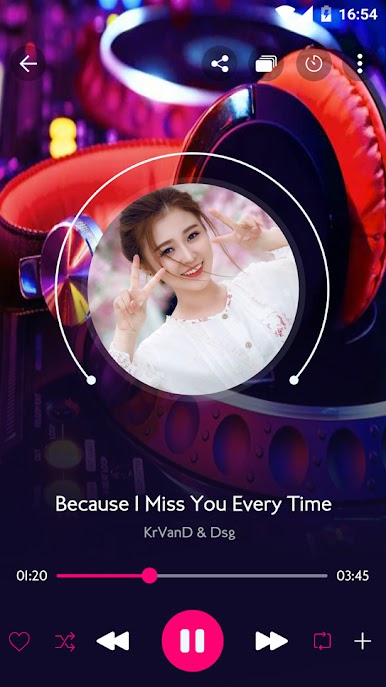
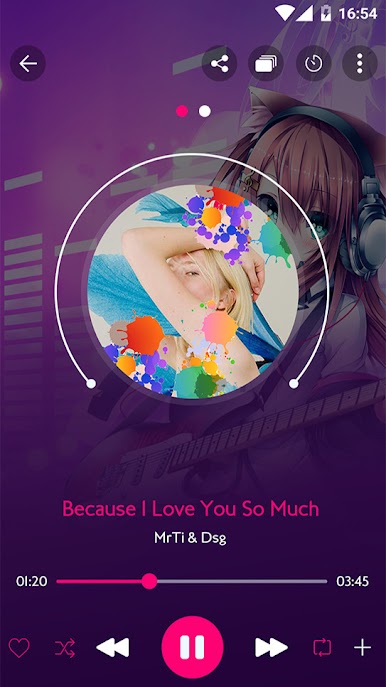
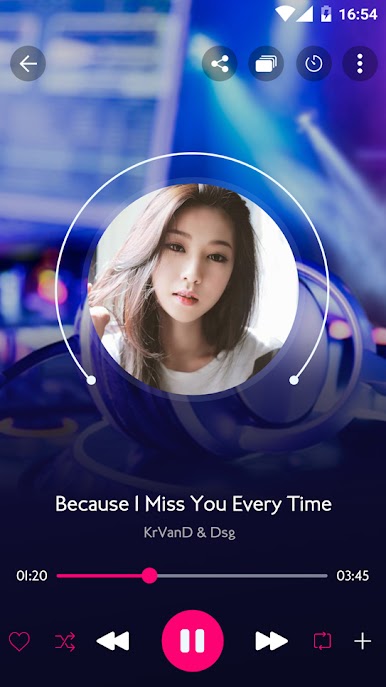
Listen to countless songs from your favorite artists on the Music player app. Edit song details to add the title, album name, artist, and any other relevant information. And it doesn’t have to be in MP3 alone; you can listen to audio in different formats, ranging from AAC, MP4, WAV, M4A, etc.
About the App
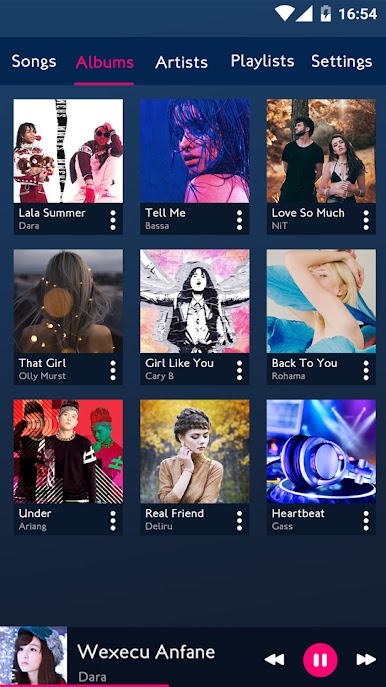
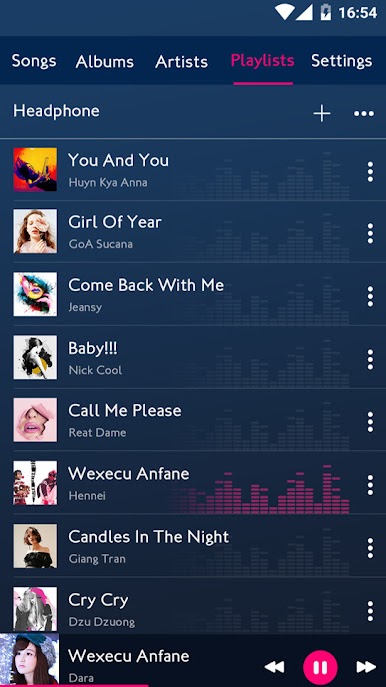
Music player is an intuitive app that gives you total control over the songs you play. These songs are even arranged according to labels like album, artist, genre, and playlist to help you navigate smoothly. The app offers an equalizer that you can use to enhance audio quality.
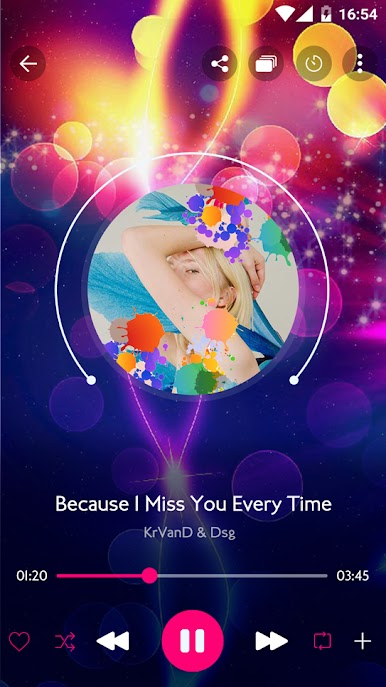
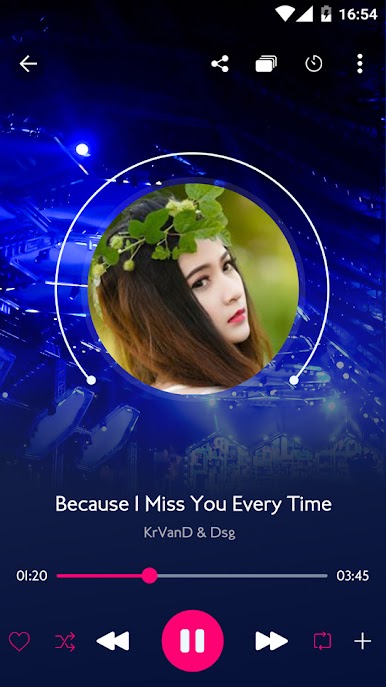
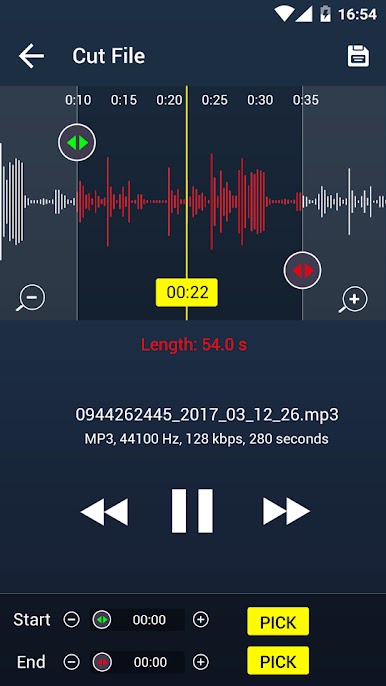
Music player gives you access to a cutting editor that you can use to trim or crop music and make smaller audio. You can also choose from several wallpapers to beautify your listening hours and overall experience.
App Features
- Responsive user interface
- Advanced equalizer & editor
- Wide format support
- Music player widget
How to Get?
Download Music player for free from the Google Play Store using the BlueStacks app player.
Play Music player on PC. It’s easy to get started.
-
Download and install BlueStacks on your PC
-
Complete Google sign-in to access the Play Store, or do it later
-
Look for Music player in the search bar at the top right corner
-
Click to install Music player from the search results
-
Complete Google sign-in (if you skipped step 2) to install Music player
-
Click the Music player icon on the home screen to start playing

