


Brick Inc. Idle Breaker
Play on PC with BlueStacks – the Android Gaming Platform, trusted by 500M+ gamers.

Page Modified on: Dec 29, 2025
Play Brick Inc. Idle Breaker on PC or Mac
Brick Inc. Idle Breaker brings the Arcade genre to life, and throws up exciting challenges for gamers. Developed by Seasoning Games, this Android game is best experienced on BlueStacks, the World’s #1 app player for PC and Mac users.
About the Game
Ever feel like breaking stuff just for the sheer fun of it? Brick Inc. Idle Breaker lets you smash bricks to your heart’s content, with a simple but addictive rhythm that’s hard to put down. This arcade game, brought to you by Seasoning Games, keeps things fast, fun, and surprisingly relaxing — whether you’re tapping away a few spare minutes or settling in for a longer session. Expect waves of bricks, tons of destruction, and plenty of ways to keep your upgrades rolling.
Game Features
-
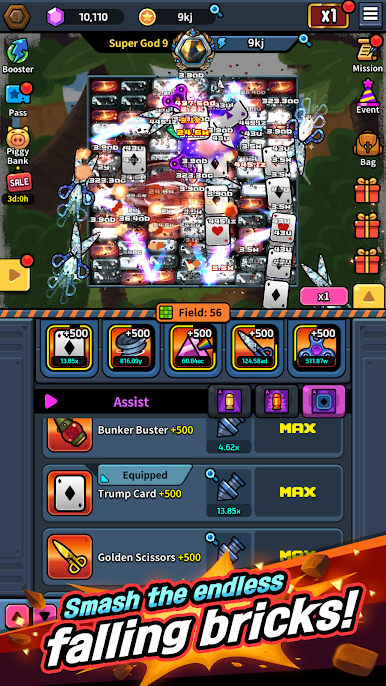
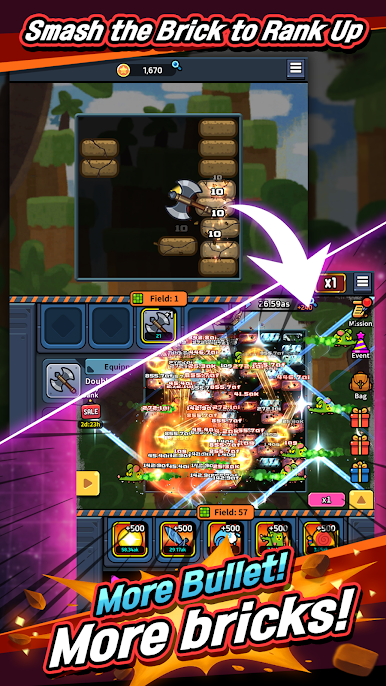
Endless Brick-Smashing Fun
There’s something oddly satisfying about breaking brick after brick, especially when there’s always more to crush. The more you play, the more chaos you can create. -
Upgrade Everything
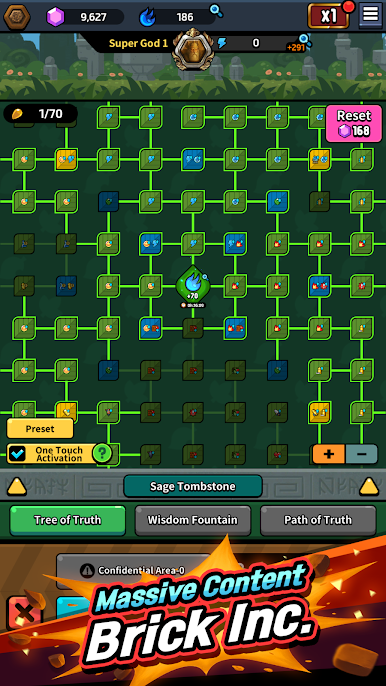
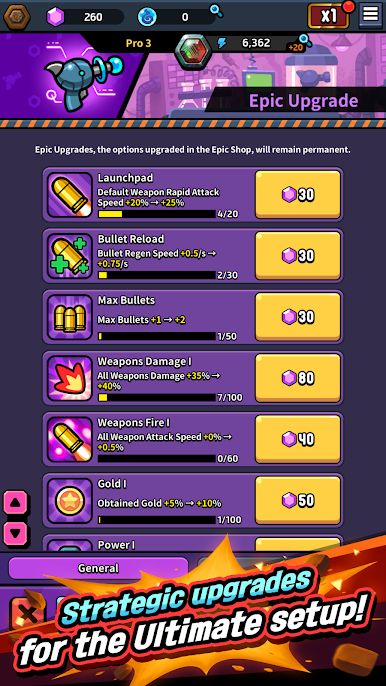
Racking up points? Use them to power up your weapons or unlock upgrades that amp up your smashing game. Each step up means faster and bigger destruction. -
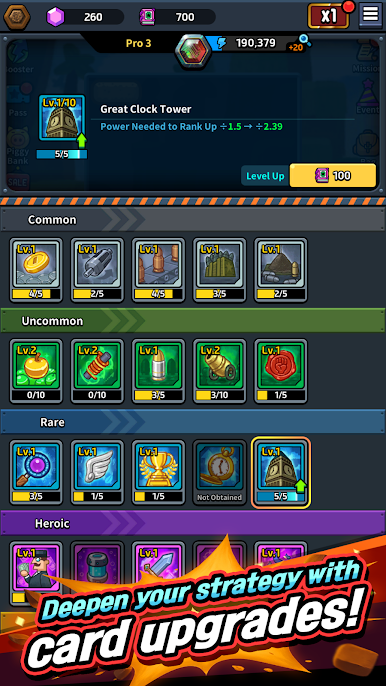
Powerful Cards & Legendary Companions
Collect special cards and team up with wild divine beasts. These aren’t just cool to have — they’ll boost your power and make every burst of brick-breaking even more intense. -
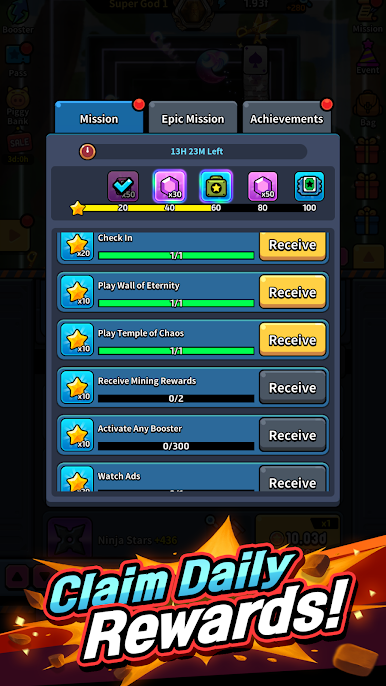
Loads of Challenges
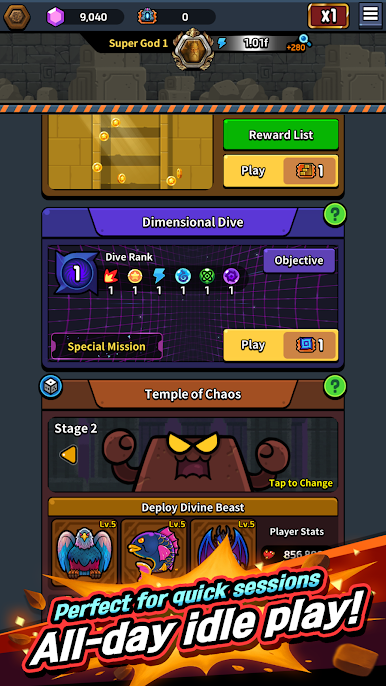
Not in the mood for the usual grind? Check out bonus content packed with fresh challenges and big rewards, so there’s always something new to mix up your routine. -
Seamless Play on BlueStacks
Prefer playing on your PC? Brick Inc. Idle Breaker runs smoothly on BlueStacks, letting you keep your hands free and your bricks shattering without missing a beat.
Start your journey now. Download the game on BlueStacks, invite your friends, and march on a new adventure.


Play Brick Inc. Idle Breaker on PC. It’s easy to get started.
-
Download and install BlueStacks on your PC
-
Complete Google sign-in to access the Play Store, or do it later
-
Look for Brick Inc. Idle Breaker in the search bar at the top right corner
-
Click to install Brick Inc. Idle Breaker from the search results
-
Complete Google sign-in (if you skipped step 2) to install Brick Inc. Idle Breaker
-
Click the Brick Inc. Idle Breaker icon on the home screen to start playing

