


Lumber Zoo
Play on PC with BlueStacks – the Android Gaming Platform, trusted by 500M+ gamers.

Page Modified on: Apr 20, 2026
Play Lumber Zoo on PC
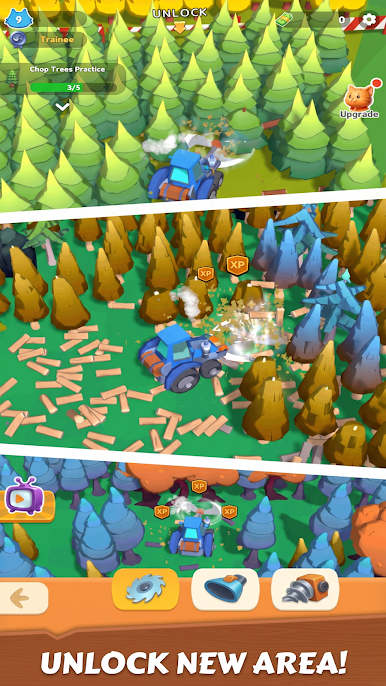
Lead your adorable crew of 3D cartoon animals, chop trees, and automate the entire process! From a wild forest to a bustling factory, build self-running production lines that turn logs into profit. Expand your furry lumber empire and become the ultimate timber tycoon!
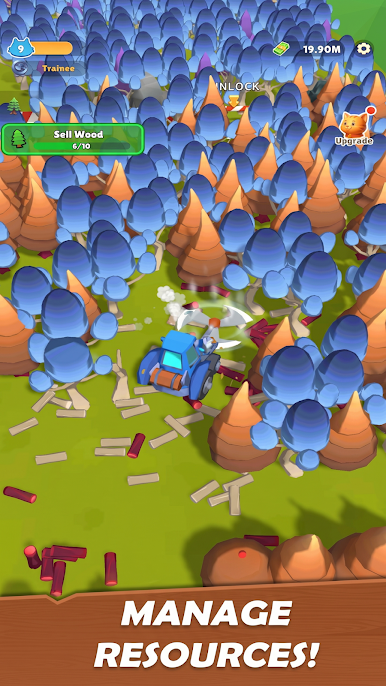
🪵 Simple controls, addictive gameplay! Harvest wood, craft products, and unlock advanced machines while managing your hardworking animal employees to keep your empire growing nonstop.
🚀 Key Features:
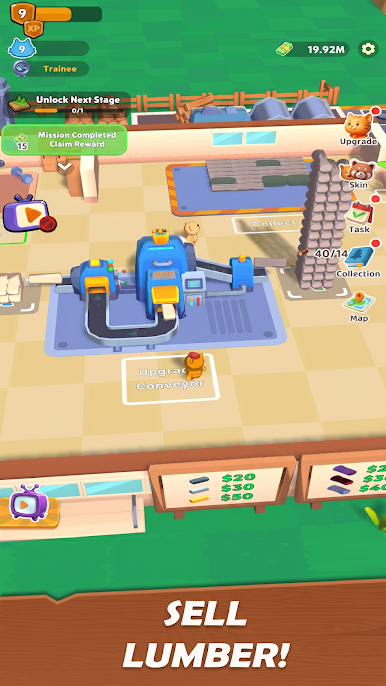
🐻 Chop & Process: Command your charming animal workers, collect timber, and automate sawmills for cute but highly efficient production.
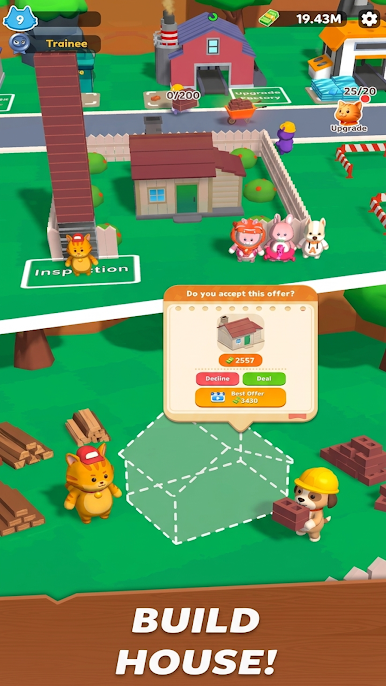
🏭 Build & Upgrade: Expand from a cozy forest shed to a fully automated, state-of-the-art lumber factory.
🏆 Complete Orders & Events: Fulfill dynamic challenges and join limited-time competitions for unique rewards and special animal outfits.
👑 Become a Tycoon: Optimize your workflow, maximize profits, and let your furry friends rule the lumber world!
🎯 Start small, dream big—your automated animal lumber journey begins now!
⏬ Download Lumber Zoo today and build the furry empire of your dreams!

Play Lumber Zoo on PC. It’s easy to get started.
-
Download and install BlueStacks on your PC
-
Complete Google sign-in to access the Play Store, or do it later
-
Look for Lumber Zoo in the search bar at the top right corner
-
Click to install Lumber Zoo from the search results
-
Complete Google sign-in (if you skipped step 2) to install Lumber Zoo
-
Click the Lumber Zoo icon on the home screen to start playing

