


Lumber Zoo
Play on PC with BlueStacks – the Android Gaming Platform, trusted by 500M+ gamers.

Page Modified on: May 31, 2026
Play Lumber Zoo on PC or Mac
From the innovators and creators at Seikami, Lumber Zoo is another fun addition to the World of Arcade games. Go beyond your mobile screen and play it bigger and better on your PC or Mac. An immersive experience awaits you.
About the Game
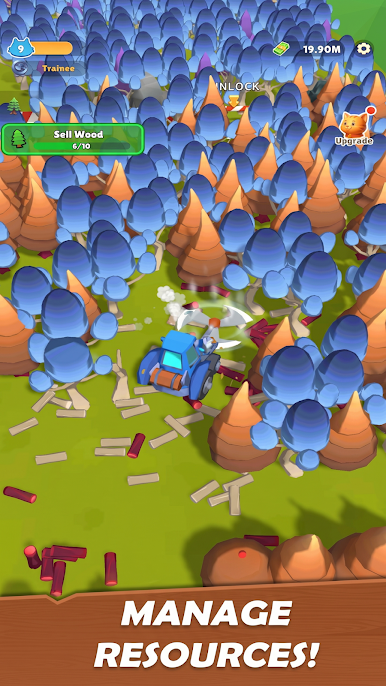
Lumber Zoo is an Arcade game by Seikami that puts a squad of goofy, hard-working animals in charge of your budding lumber business. You’ll chop trees, set up smooth production lines, and turn raw logs into goods while your crew keeps things humming. Prefer playing on a bigger screen? It runs nicely on BlueStacks too.
Game Features
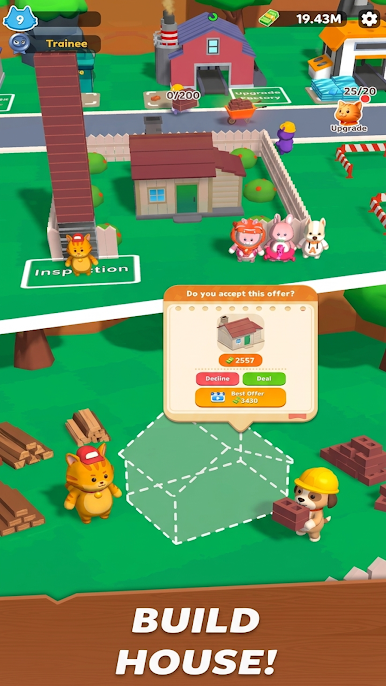
- Adorable Animal Crew: Put a team of chunky 3D critters to work—assign tasks, watch them hustle, and enjoy the goofy animations while they get the job done.
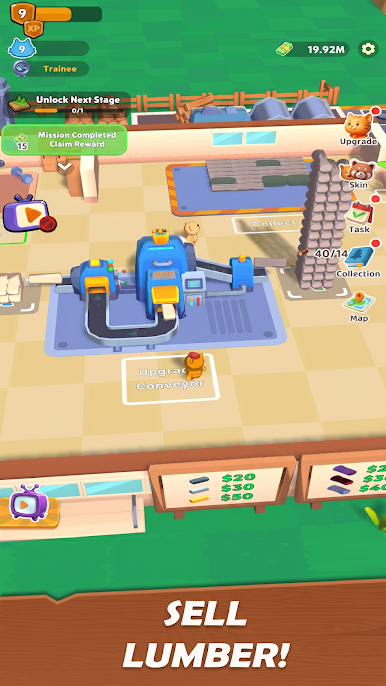
- From Forest to Factory: Start at a simple woodland camp, then grow into a full-blown operation with saws, planers, and assembly stations that keep wood moving.
- Set It Up, Let It Run: Build loops that keep cutting, hauling, and crafting rolling along, so you can step back and focus on smarter upgrades.
- Tap-Friendly Controls: Quick taps to harvest, drag-and-drop building, and clean menus make it easy to manage everything without fuss.
- Upgrades That Matter: Boost worker speed, expand storage, tune machine output, and fine-tune each station to clear bottlenecks and raise profits.
- Orders and Time-Limited Events: Take on rotating contracts and special challenges for sweet rewards and fun outfits for your furry workforce.
- Satisfying Flow: Watch conveyors fill, stacks grow, and machines whir—each milestone pops with crisp feedback that makes progress feel great.
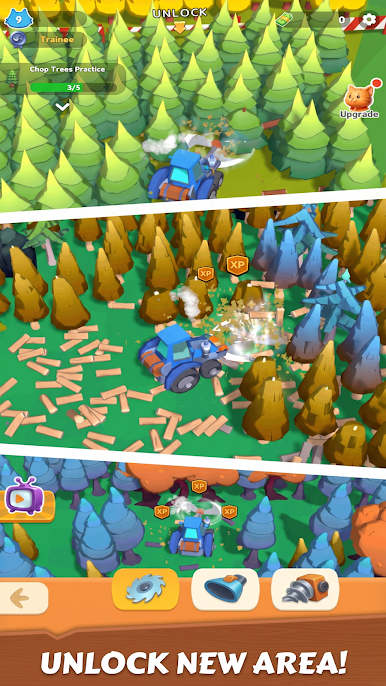
- Build a Timber Empire: Unlock new zones, add specialized machines, and stitch together bigger, smarter lines for that true timber tycoon feel.
- Play Your Way: Hop in for quick sessions to queue upgrades or stick around to min-max your layout; it’s relaxed when you want and hands-on when you don’t.
Ready to top the leaderboard? We bet you do. Let precise controls and sharp visuals optimized on BlueStacks lead you to victory.

Play Lumber Zoo on PC. It’s easy to get started.
-
Download and install BlueStacks on your PC
-
Complete Google sign-in to access the Play Store, or do it later
-
Look for Lumber Zoo in the search bar at the top right corner
-
Click to install Lumber Zoo from the search results
-
Complete Google sign-in (if you skipped step 2) to install Lumber Zoo
-
Click the Lumber Zoo icon on the home screen to start playing

