


Miner GO!
Play on PC with BlueStacks – the Android Gaming Platform, trusted by 500M+ gamers.

Page Modified on: Jan 4, 2026
Play Miner GO! on PC
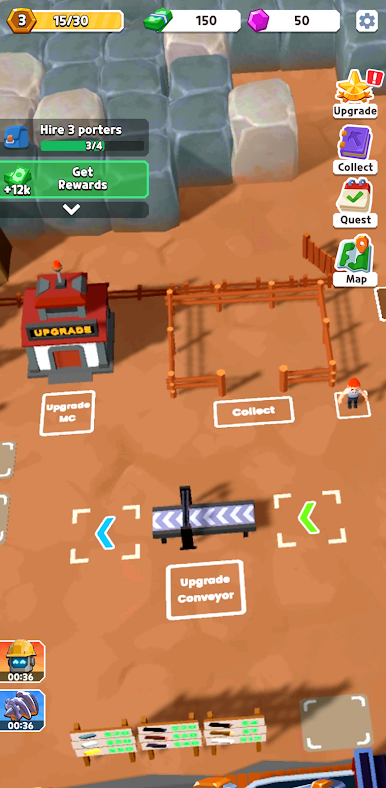
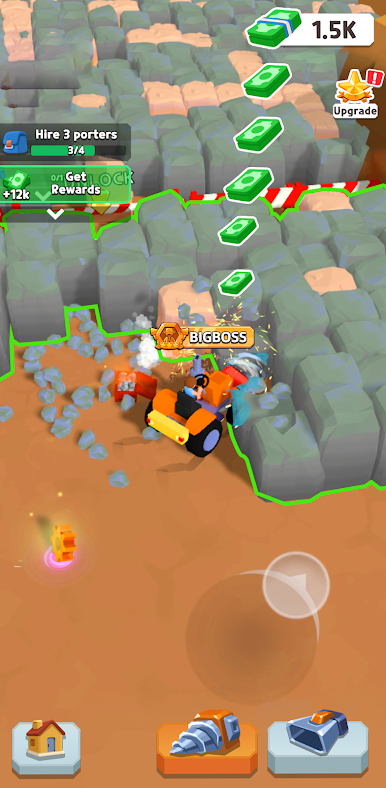
Pilot your rugged mining rig, dig deep, and automate the entire process! From quarry to refinery, build self-operating production lines that turn raw ore into wealth. Expand your mining empire and become the ultimate resource magnate!
🔧 Simple controls, addictive gameplay! Excavate minerals, process materials, and unlock advanced machinery to keep your empire growing nonstop.
🚀 **Key Features:**
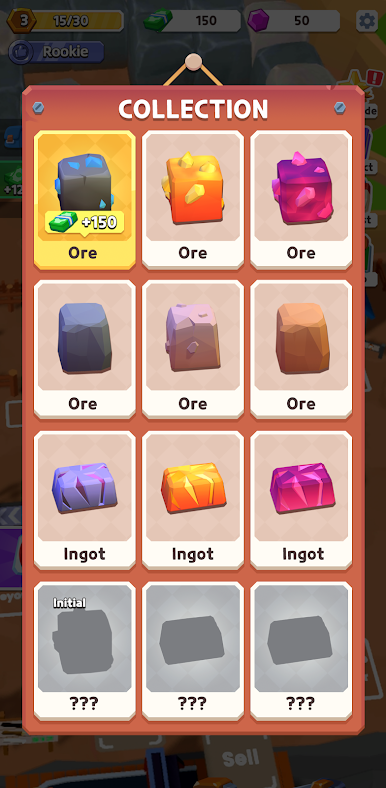
**Dig & Refine:** Operate your drilling rig, collect ores, and automate smelters for high-efficiency production.
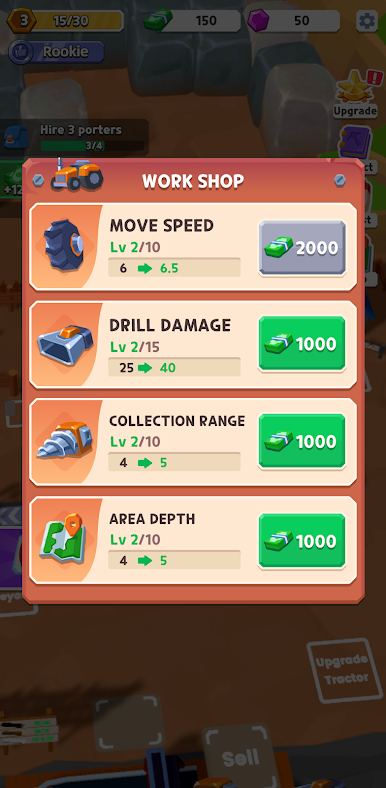
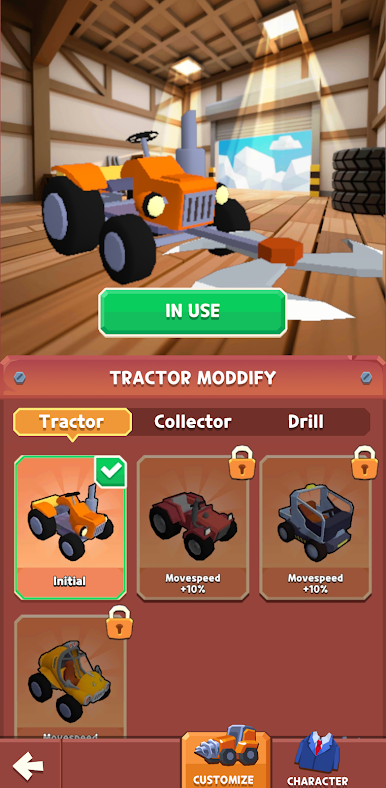
**Build & Upgrade:** Expand from a simple mining camp to a fully automated industrial complex.
**Complete Contracts & Events:** Tackle dynamic challenges and join limited-time expeditions for exclusive rewards.
**Become a Magnate:** Optimize your supply chain, maximize earnings, and dominate the mining world!
🎯 Start with a pickaxe, end with an empire—your automated mining journey begins now!
⏬ **Download Miner GO! today and unearth the empire of your dreams!**
Play Miner GO! on PC. It’s easy to get started.
-
Download and install BlueStacks on your PC
-
Complete Google sign-in to access the Play Store, or do it later
-
Look for Miner GO! in the search bar at the top right corner
-
Click to install Miner GO! from the search results
-
Complete Google sign-in (if you skipped step 2) to install Miner GO!
-
Click the Miner GO! icon on the home screen to start playing

