


Sense-U Baby
Play on PC with BlueStacks – the Android Gaming Platform, trusted by 500M+ gamers.

Page Modified on: Feb 11, 2026
Play Sense-U Baby on PC
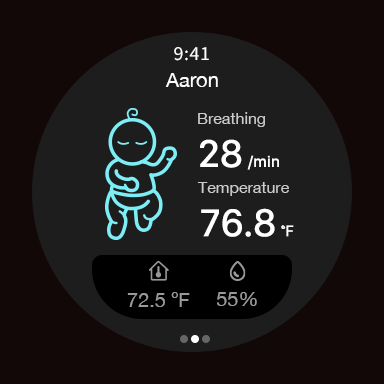
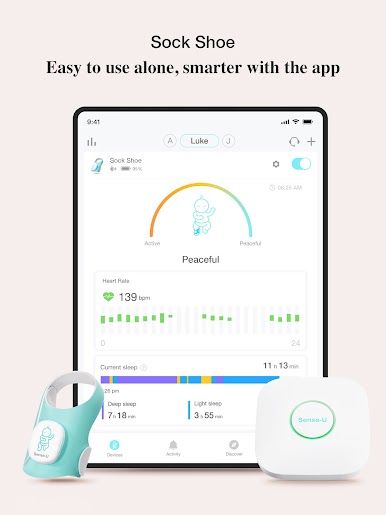
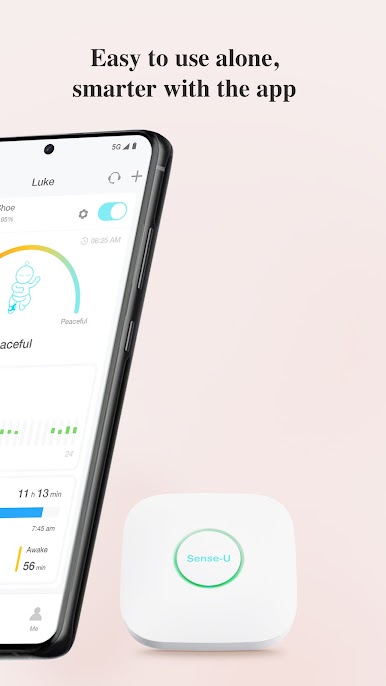
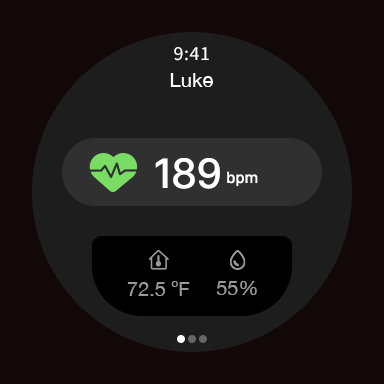
Supports Wear OS smartwatch applications and works in conjunction with a compatible mobile app.
Compatible Products:
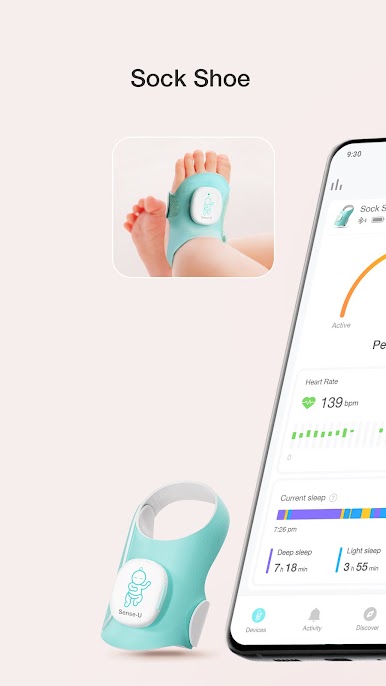
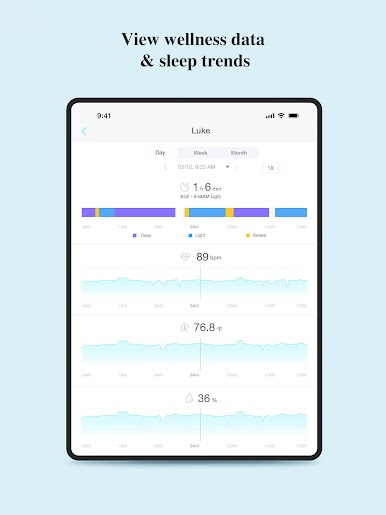
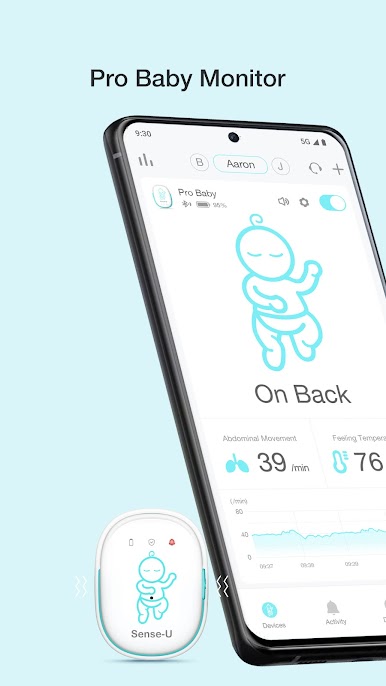
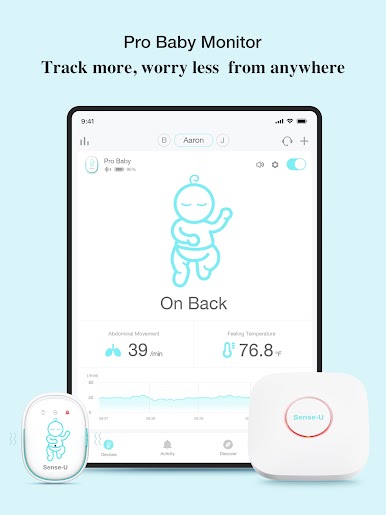
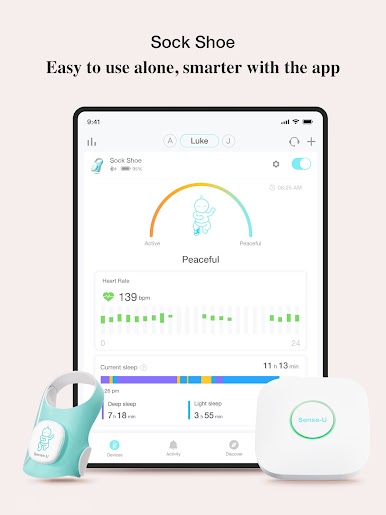
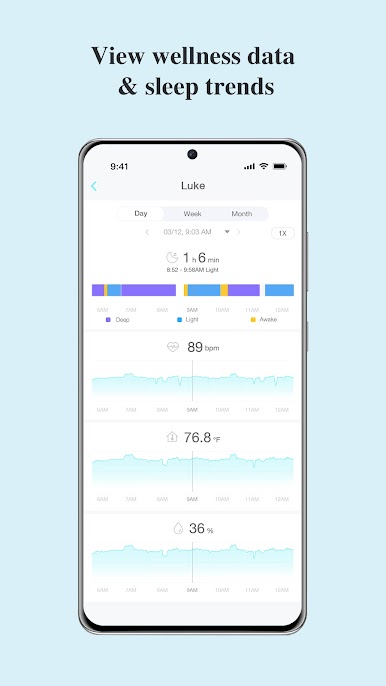
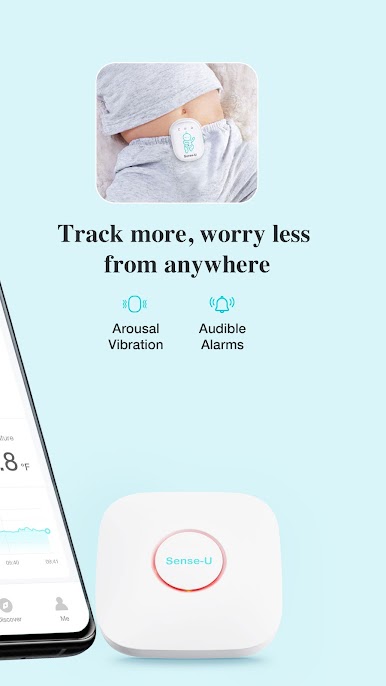
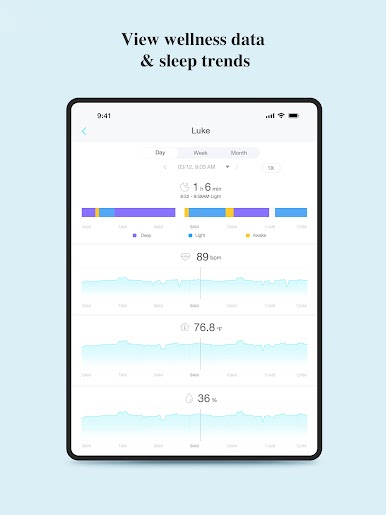
Sense-U Smart Baby Monitor: Tracks your baby's abdominal movement, temperature, and sleep position on your smartphone directly.
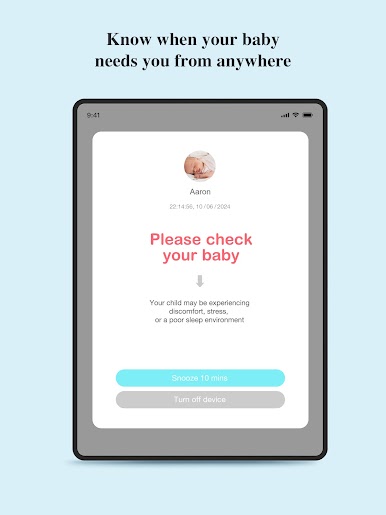
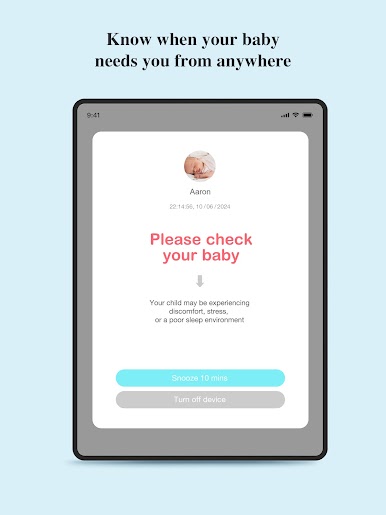
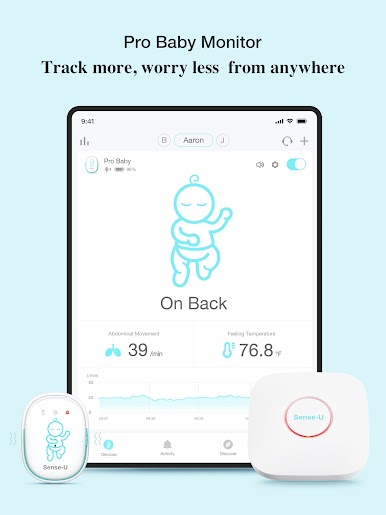
Sense-U Smart Baby Monitor 2 & 3: Tracks your baby's abdominal movement, temperature, and sleep position from anywhere.
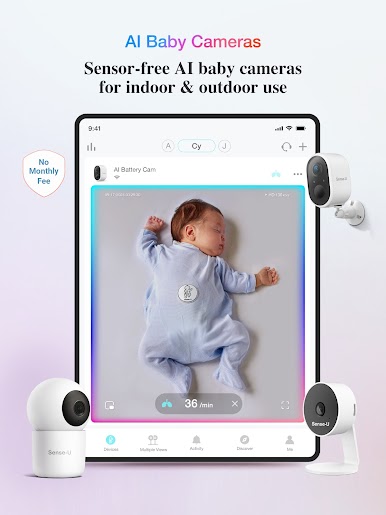
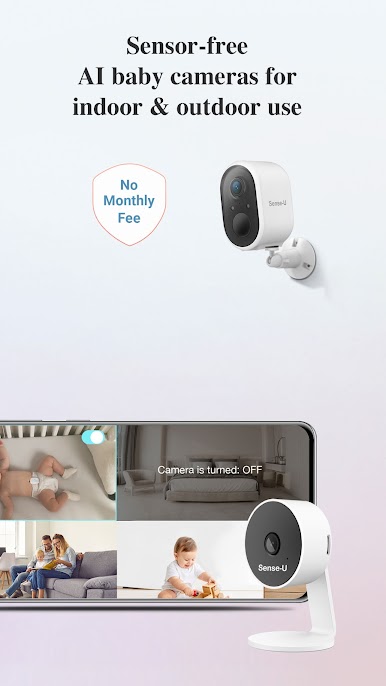
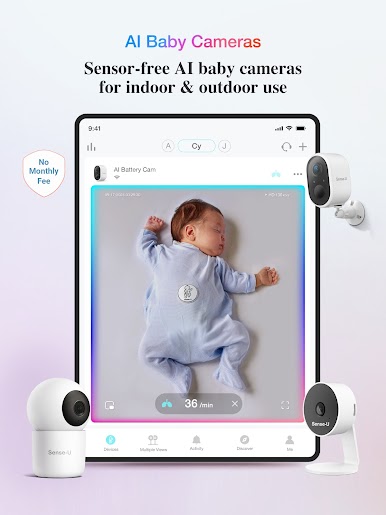
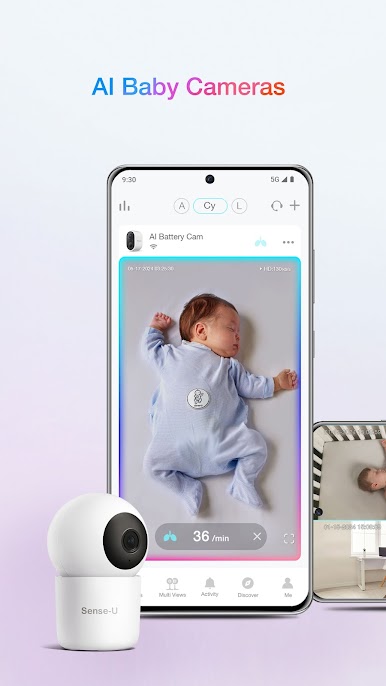
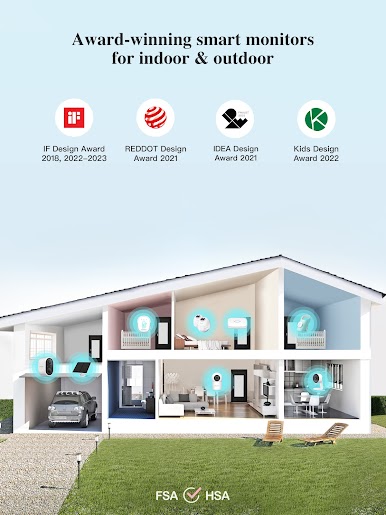
Sense-U Cameras (Indoor, PTZ, Outdoor): See, hear and talk to your child, anytime, anywhere.
More Sense-U smart products are available on www.sense-u.com, and we ship to most countries around the world.
If you have any questions regarding your Sense-U products, please contact us directly from in-app feedback (Sense-U App->Me->Contact Us) for expedite processing. For general questions, contact us at INFO@SENSE-U.COM.
Awards:
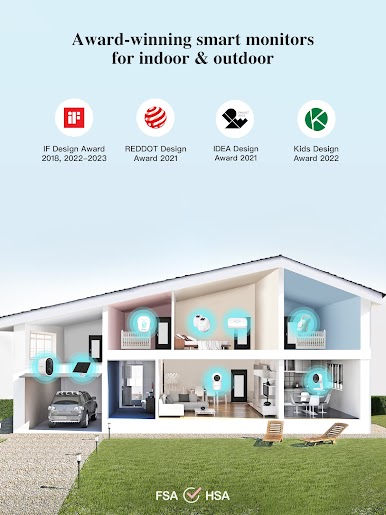
IF Design Award - Best Baby Monitor of 2023, 2022, 2017
Redot Design Award - Best Baby Monitor of 2022
Babylist - Best Baby Movement Monitor of 2023, 2022, 2021
Kids Design Award(Japan) - Best Baby Monitor of 2022
IDEA - Finalist of 2021
Moms Choice - Best Baby Monitor of 2021
etc...
* The Sense-U Baby Monitors are not medical devices and are not intended for use in the diagnosis of disease or other conditions, or in the cure, mitigation, treatment, or prevention of disease.
* Avoid sandwiching clothing or other material between the clip accessory and the Sense-U Baby Monitor Device. It may break the accessory and introduce false notifications at your own risk."
Play Sense-U Baby on PC. It’s easy to get started.
-
Download and install BlueStacks on your PC
-
Complete Google sign-in to access the Play Store, or do it later
-
Look for Sense-U Baby in the search bar at the top right corner
-
Click to install Sense-U Baby from the search results
-
Complete Google sign-in (if you skipped step 2) to install Sense-U Baby
-
Click the Sense-U Baby icon on the home screen to start playing

