


ServiceChannel Provider
Play on PC with BlueStacks – the Android Gaming Platform, trusted by 500M+ gamers.

Page Modified on: Oct 1, 2026
Play ServiceChannel Provider on PC
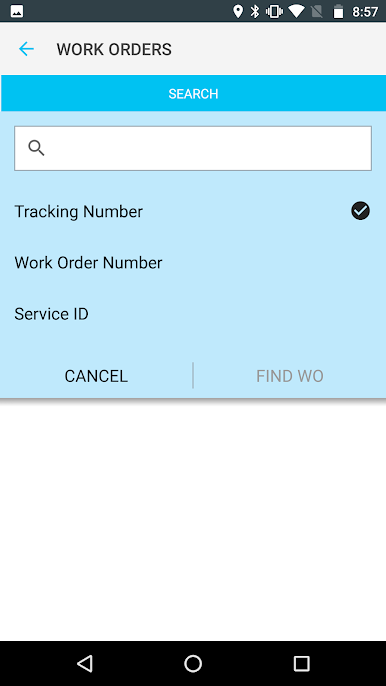
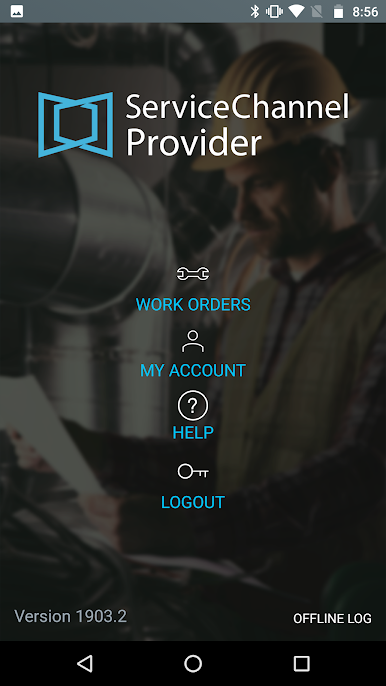
Save time and deliver more efficient, cost-effective service:
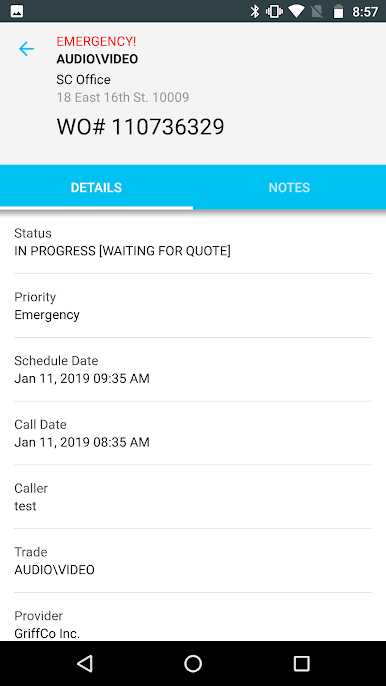
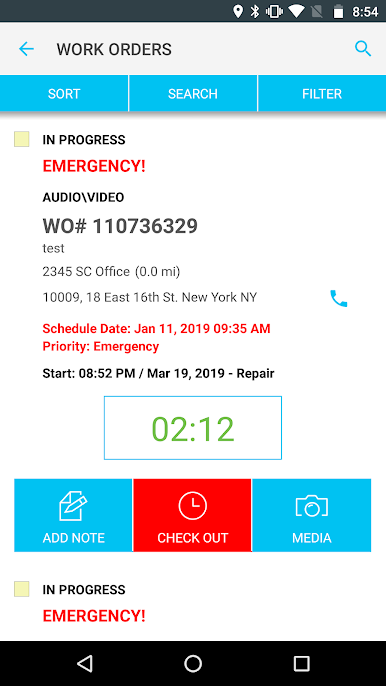
- View and add notes on-site as well as add photo documentation of work orders
- Check incoming jobs and update work order statuses on the go
- Capture electronic signatures from your customer’s employees
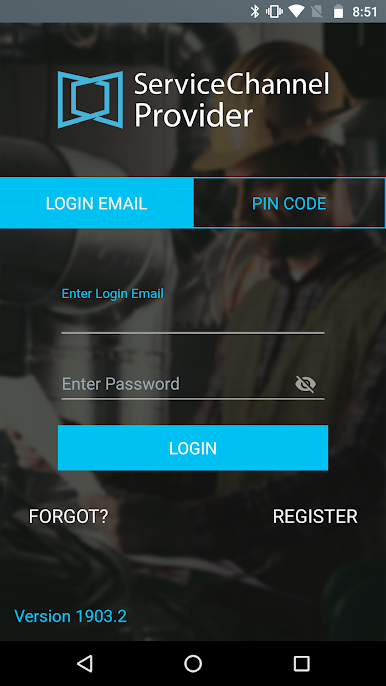
- Access work using existing PIN codes or technician accounts
- Show accurate work hours for invoicing with geolocation tracking
Based on your customer’s configuration, you can access additional features, such as:
- Time Tracking and Return Schedules
- Work Order Creation
- Inventory Management
- Refrigerant Tracking
Play ServiceChannel Provider on PC. It’s easy to get started.
-
Download and install BlueStacks on your PC
-
Complete Google sign-in to access the Play Store, or do it later
-
Look for ServiceChannel Provider in the search bar at the top right corner
-
Click to install ServiceChannel Provider from the search results
-
Complete Google sign-in (if you skipped step 2) to install ServiceChannel Provider
-
Click the ServiceChannel Provider icon on the home screen to start playing

