


FNF Music Battle Full Mod
Play on PC with BlueStacks – the Android Gaming Platform, trusted by 500M+ gamers.

Page Modified on: May 9, 2023
Overview
He is trying to kiss his GF, because that's what he want most in the world, but her evil father won't let him get close to her. GF's father is a former rock star, so the only way to get to his heart and get his girlfriend back is through the power of music - try to play all the musical notes at the right time to earn enough points and win the game! However BF only has small chance while having battle alone with her Dad, let's join BF Crew and help him get his girl!
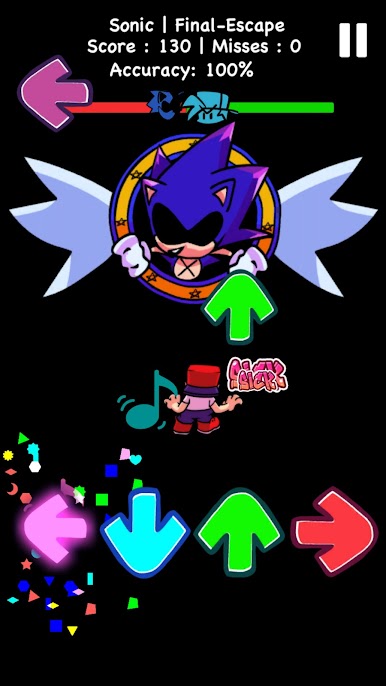
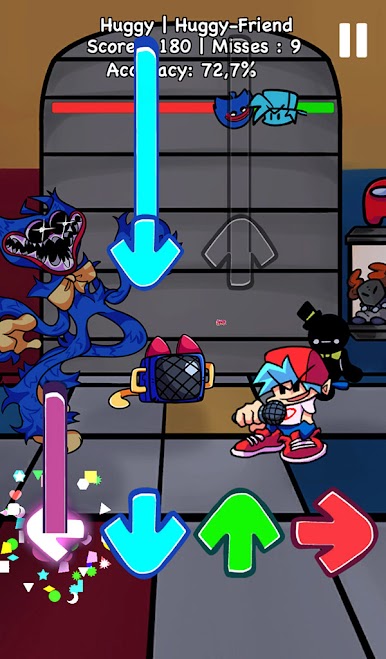
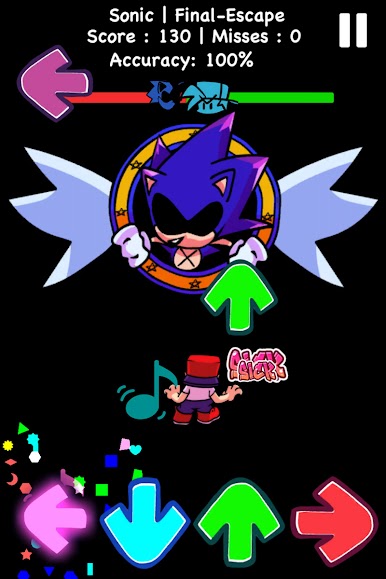
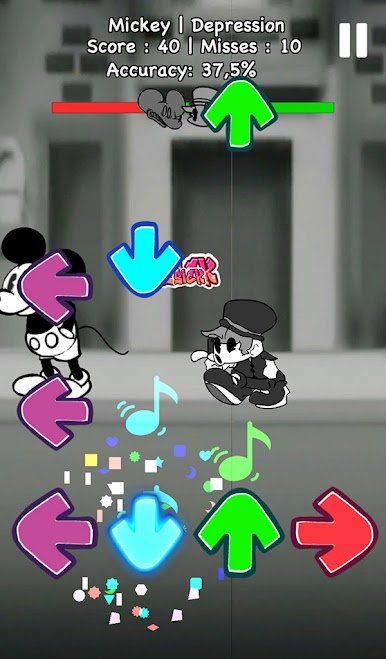
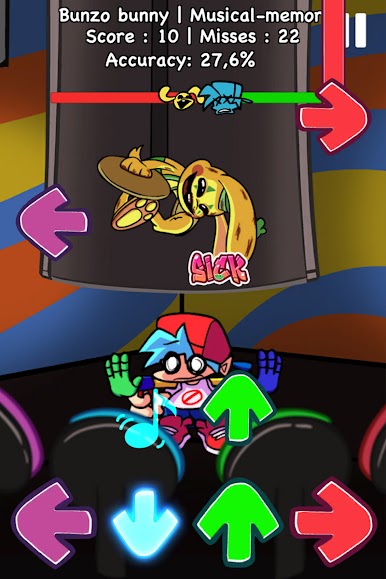
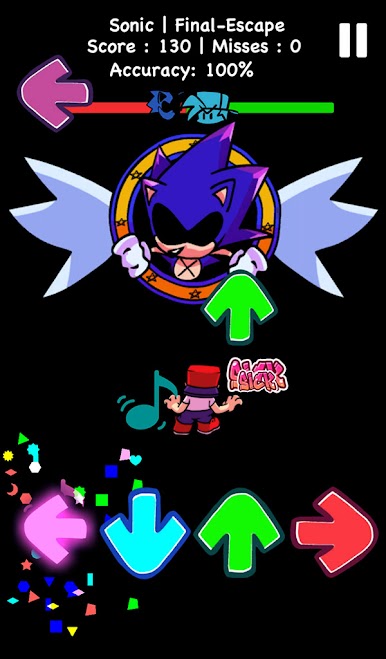
FNF Full Mod Music Battle will rock your music world from tip to toe. Multiple gameplays and numerous catchy songs are waiting for you to enjoy. Moreover, various interesting stories are waiting for you the explore in each week of this FNF BF rap fight. Let's feel the flow of this Friday Night original tale right now
🎶 GAMEPLAY FEATURE 🎶
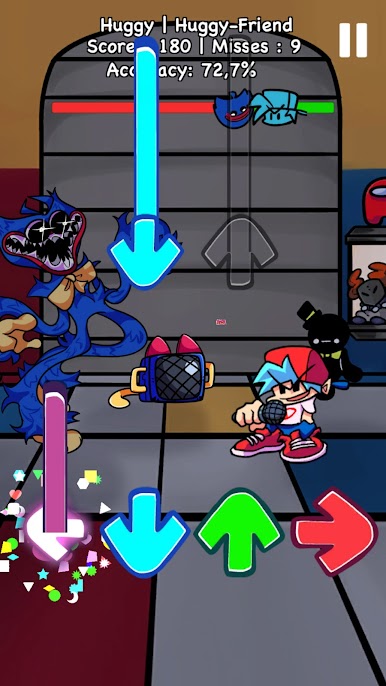
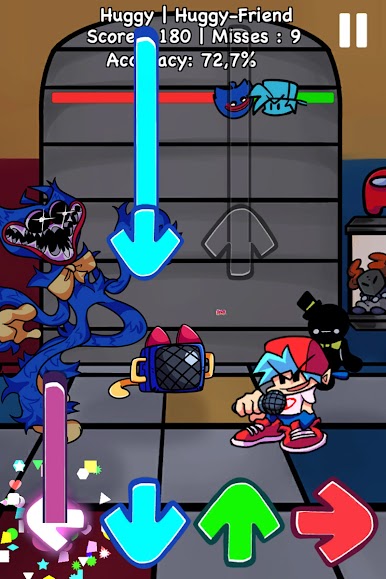
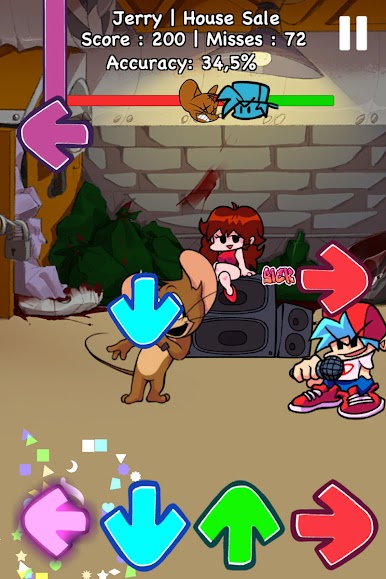
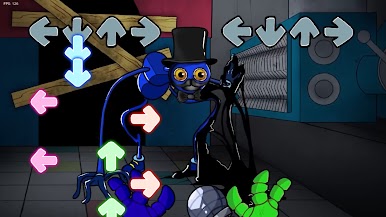
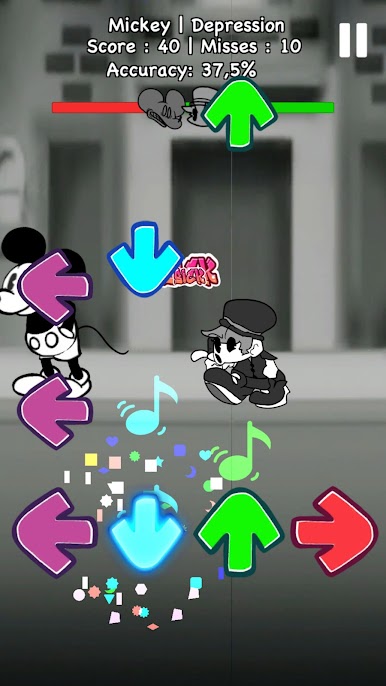
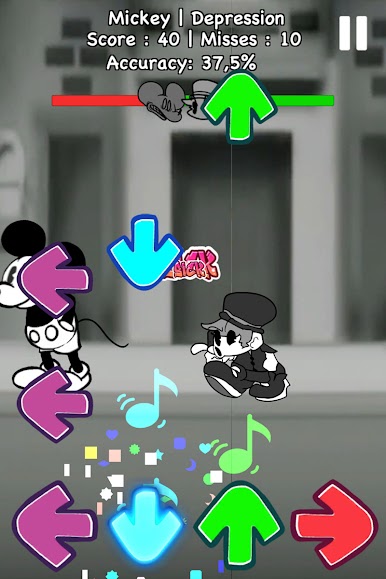
- Colorful magic tiles in tune with rhythm.
- Huge music background library with fetching notes.
- Stunning 2D graphics.
- A whole exciting story of Boyfriend and Girlfriend, of Tabi and Ruv,...
🎤 HOW TO PLAY🎤
- Precisely use your finger to hit the magic arrows.
- Keep in mind to tap the music arrows right on beat
Ready to fight for the beat, burn the stage and save your girl. Join with us in FNF Full Mod Music Battle










Play FNF Music Battle Full Mod on PC. It’s easy to get started.
-
Download and install BlueStacks on your PC
-
Complete Google sign-in to access the Play Store, or do it later
-
Look for FNF Music Battle Full Mod in the search bar at the top right corner
-
Click to install FNF Music Battle Full Mod from the search results
-
Complete Google sign-in (if you skipped step 2) to install FNF Music Battle Full Mod
-
Click the FNF Music Battle Full Mod icon on the home screen to start playing

