

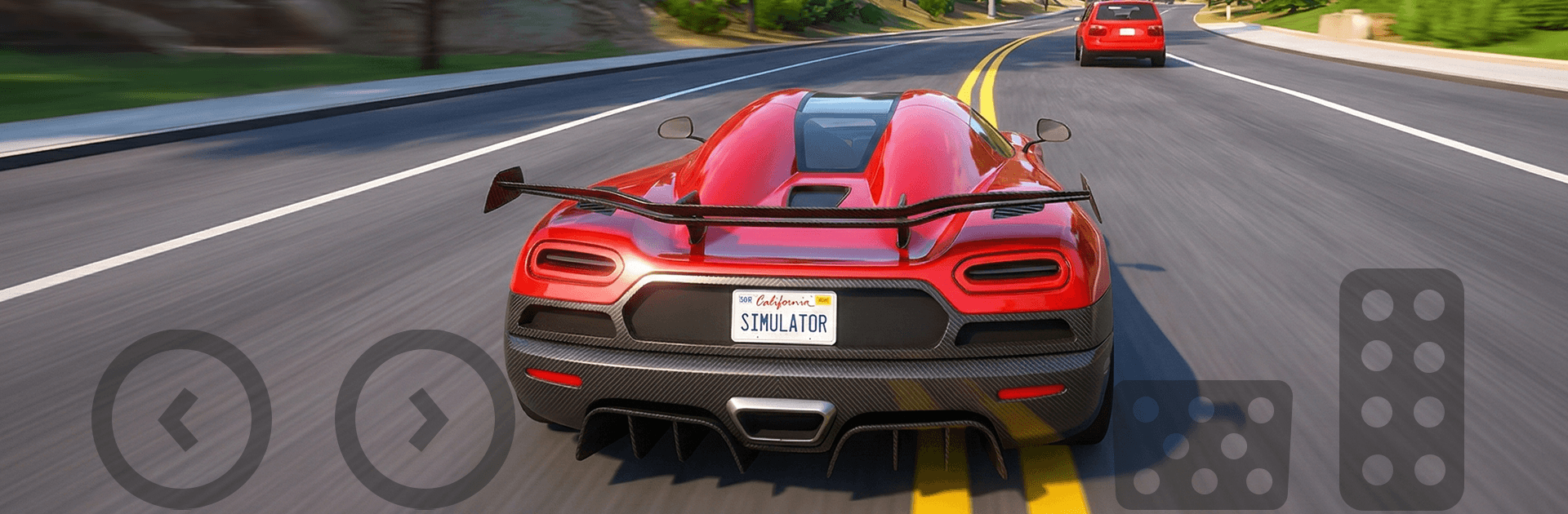
Real Traffic Car Simulator 3D
Play on PC with BlueStacks – the Android Gaming Platform, trusted by 500M+ gamers.

Page Modified on: Aug 20, 2026
Play Real Traffic Car Simulator 3D on PC or Mac
Play Real Traffic Car Simulator 3D by Safari MMS on PC or Mac with BlueStacks. Use a bigger screen, mouse and keyboard controls, and smoother performance while you play.
About the Game
Real Traffic Car Simulator 3D drops you behind the wheel for high-tension runs through living, breathing roads. You’ll squeeze through tight gaps, outmaneuver aggressive drivers, and actually feel the weight of your car as it grips and surges. It’s a flexible Racing experience with modes for quick sessions, long grinds, or pure bragging rights.
Game Features
- Real-world vibes: Cruise sprawling highways with shifting time of day and changing weather, from golden sunsets to slick, rain-soaked asphalt.
- Weighty driving model: Every lane change, brake tap, and throttle punch has consequence thanks to grounded physics that make close calls and clean passes feel earned.
- Push through traffic: Thread between bumpers, time bold overtakes, and muscle past rivals when it gets crowded—clean driving or rough-and-ready, your call.
- Big garage, bigger personality: Build a collection and give each ride a look—new paints, finishes, and other visual touches that make it unmistakably yours.
- Make it faster: Upgrade performance parts to trim braking distances, sharpen turn-in, and stretch that top speed for those long, open straights.
- Modes for any mood: Knock out objectives in Mission Mode, chase perfection in Challenge Mode, or test your nerve when the sirens hit in a chaotic police mode.
- Endless climb: Go for marathon runs in Endless Mode and chase global rankings to see how your reflexes stack up against everyone else.
- Looks the part: Clean 3D visuals and smooth motion keep the sense of speed front and center without getting in the way.
- Play your way: Prefer a bigger screen and steady frames? Fire it up on BlueStacks and let the road open up.
Start your journey now. Download the game on BlueStacks, invite your friends, and march on a new adventure.
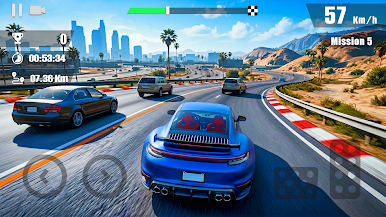
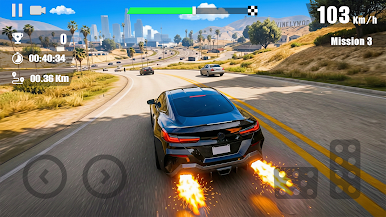
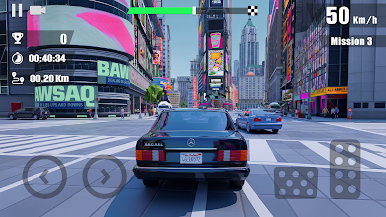
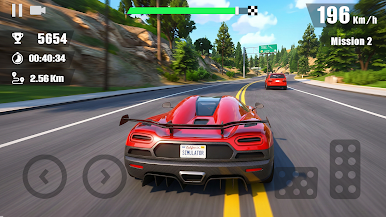
Play Real Traffic Car Simulator 3D on PC. It’s easy to get started.
-
Download and install BlueStacks on your PC
-
Complete Google sign-in to access the Play Store, or do it later
-
Look for Real Traffic Car Simulator 3D in the search bar at the top right corner
-
Click to install Real Traffic Car Simulator 3D from the search results
-
Complete Google sign-in (if you skipped step 2) to install Real Traffic Car Simulator 3D
-
Click the Real Traffic Car Simulator 3D icon on the home screen to start playing

