


Last Combat: Z Shooter
Play on PC with BlueStacks – the Android Gaming Platform, trusted by 500M+ gamers.

Page Modified on: Oct 5, 2026
Main Last Combat: Z Shooter on PC
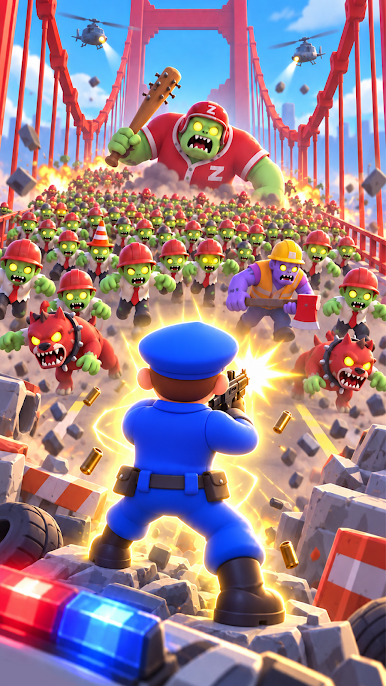
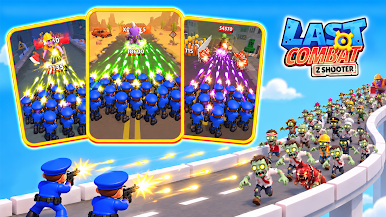
Take control of your army, clear the battlefield, collect resources, and upgrade your forces to push further into the zombie apocalypse. Start small, build your power, and turn your team into an unstoppable force against the undead!
🔫 HOW TO PLAY
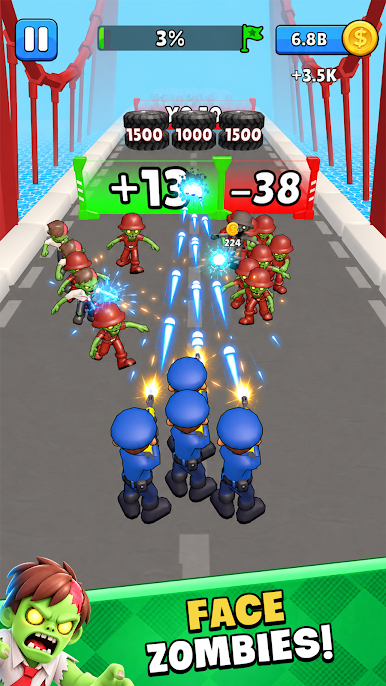
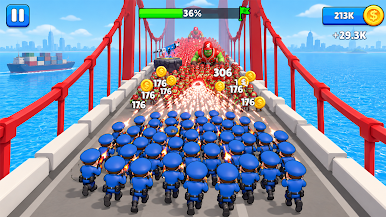
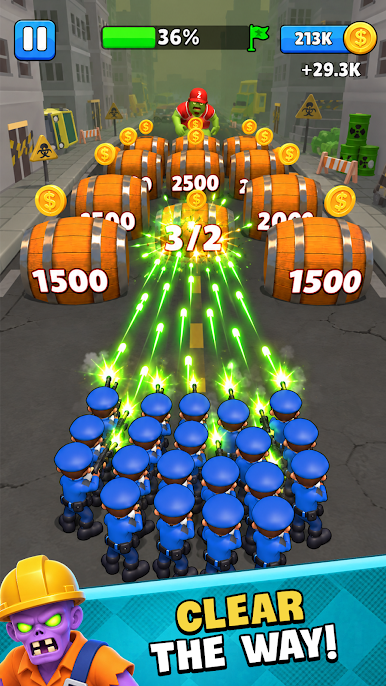
- Shoot zombies and clear enemies blocking your way
- Collect resources from the battlefield and use them to strengthen your forces
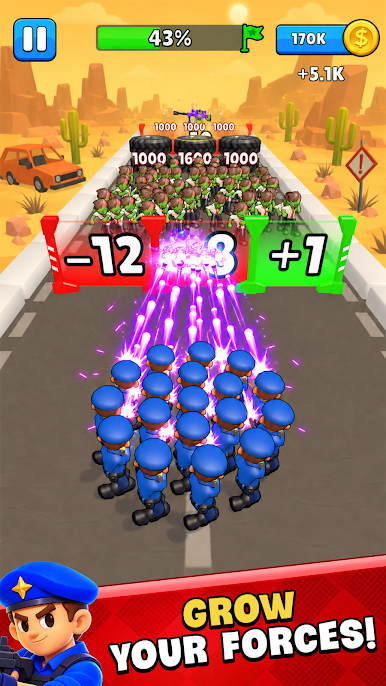
- Upgrade your team to increase your power and take on stronger enemies
- Return to battle, push further, and see how much stronger your squad has become
🔨 FEATURES
- Easy-to-understand shooter gameplay with simple controls
- Build your forces from weak to powerful through upgrades
- Satisfying shooting and zombie destruction
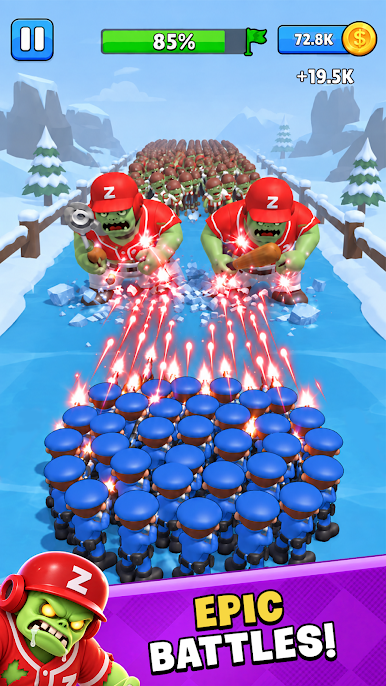
- Increasingly challenging battles with stronger enemies and bosses
🧠 WHY YOU'LL LOVE IT
- Jump straight into the action without complicated mechanics
- Watch your squad grow stronger and clear more of the battlefield
- Feel the satisfaction of shooting through zombie hordes and destroying obstacles
- Upgrade, return to battle, and push further every time you play
Build your squad, take control, destroy the zombie horde, and fight your way through the apocalypse! 🧟🔫🚔
Play Last Combat: Z Shooter on PC. It’s easy to get started.
-
Download and install BlueStacks on your PC
-
Complete Google sign-in to access the Play Store, or do it later
-
Look for Last Combat: Z Shooter in the search bar at the top right corner
-
Click to install Last Combat: Z Shooter from the search results
-
Complete Google sign-in (if you skipped step 2) to install Last Combat: Z Shooter
-
Click the Last Combat: Z Shooter icon on the home screen to start playing

