


Fun Clicker Game
Play on PC with BlueStacks – the Android Gaming Platform, trusted by 500M+ gamers.

Page Modified on: Feb 24, 2026
Play Fun Clicker Game on PC
Cute characters, funny emojis, chill vibes — just click and relax. Easy… right?
👉 Keep clicking.
Something starts to feel a little off.
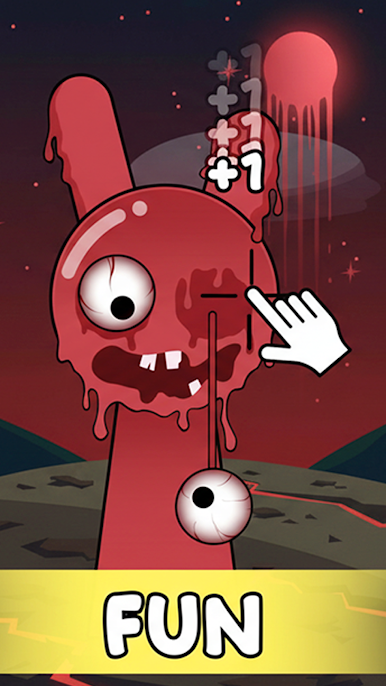
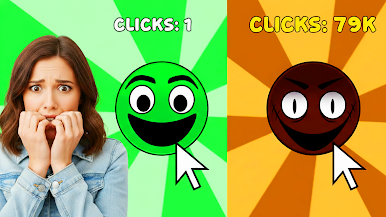
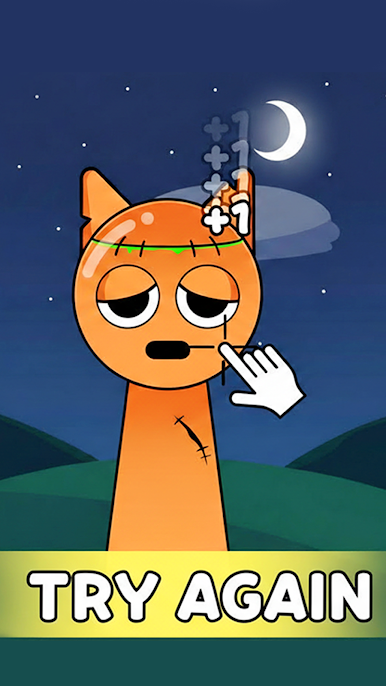
Each level brings a new character — happy emojis 😆, silly faces 🤡, and familiar icons that look harmless at first. But the more you tap, the more they change. Smiles slowly disappear. Eyes begin to stare. The fun turns… spoopy 👻
🎮 Fun Clicker Idle: So Spoopy is perfect for short play sessions and casual players who love meme games, clicker games, and weird little surprises. You’ll keep thinking, “just one more click” — and then regret it.
😈 Game Features:
Simple and relaxing clicker gameplay
Multiple levels with unique characters
Fun 😄 to creepy 😵 transformations
Meme-style spoopy moments
Casual, strange, and addictive fun
Click more. Relax more.
And watch the fun slowly turn spoopy with Fun Clicker Game 👻

Play Fun Clicker Game on PC. It’s easy to get started.
-
Download and install BlueStacks on your PC
-
Complete Google sign-in to access the Play Store, or do it later
-
Look for Fun Clicker Game in the search bar at the top right corner
-
Click to install Fun Clicker Game from the search results
-
Complete Google sign-in (if you skipped step 2) to install Fun Clicker Game
-
Click the Fun Clicker Game icon on the home screen to start playing

