


Agent Shooter - Shooting Game
Play on PC with BlueStacks – the Android Gaming Platform, trusted by 500M+ gamers.

Page Modified on: Apr 24, 2026
Main Agent Shooter - Shooting Game on PC
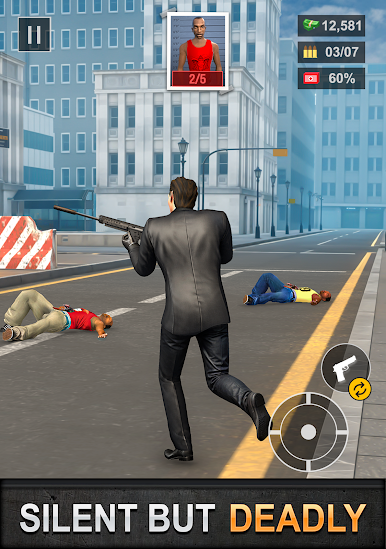
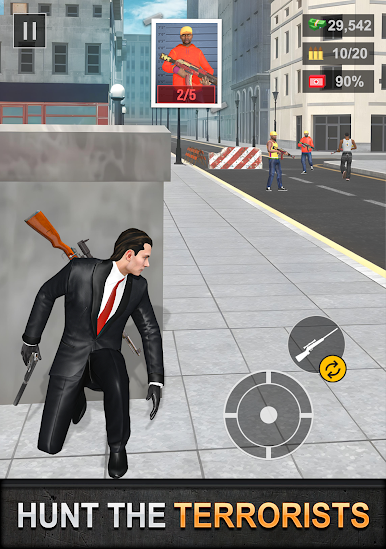
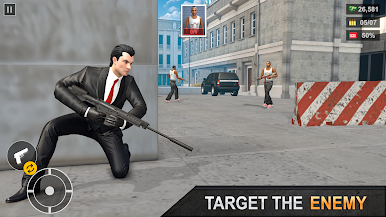
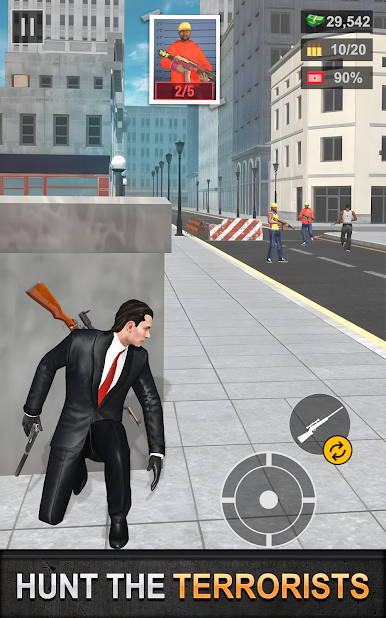
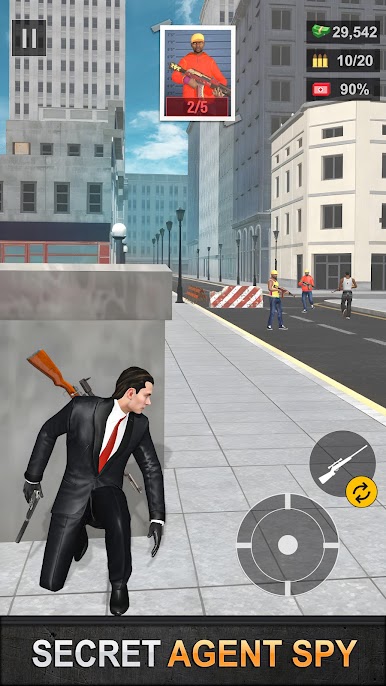
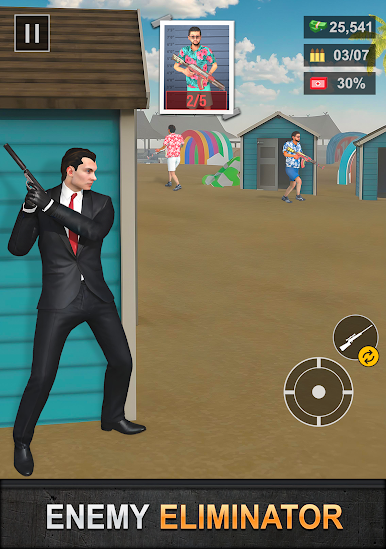
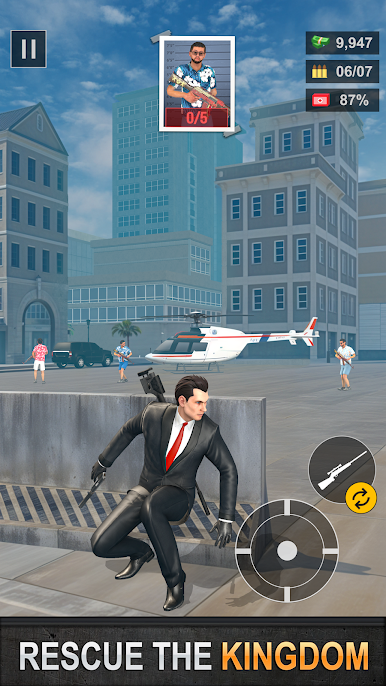
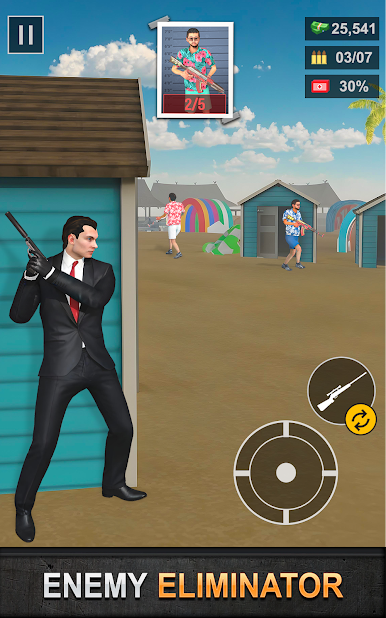
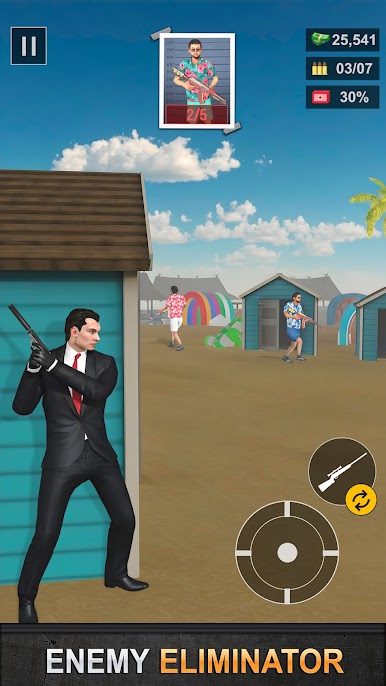
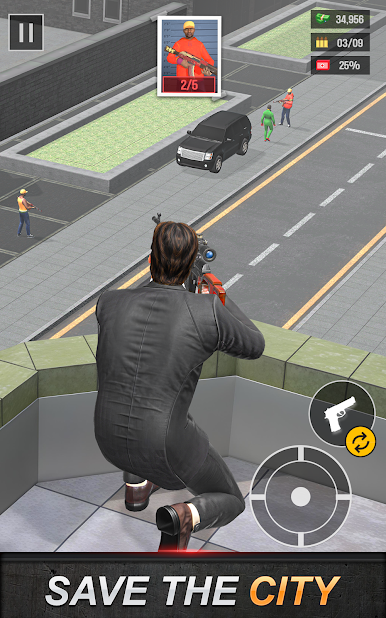
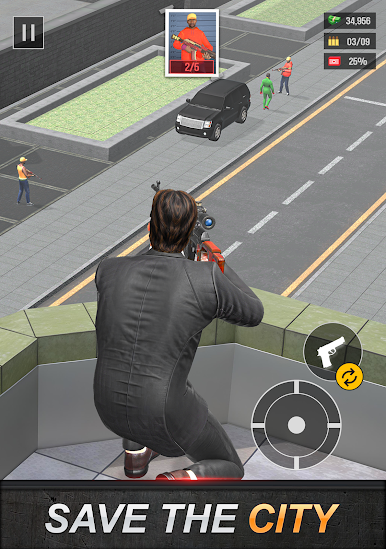
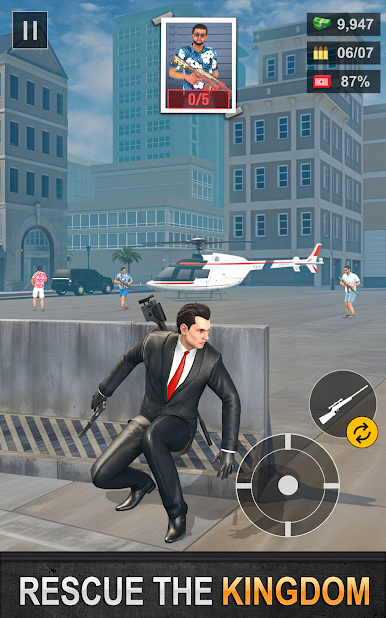
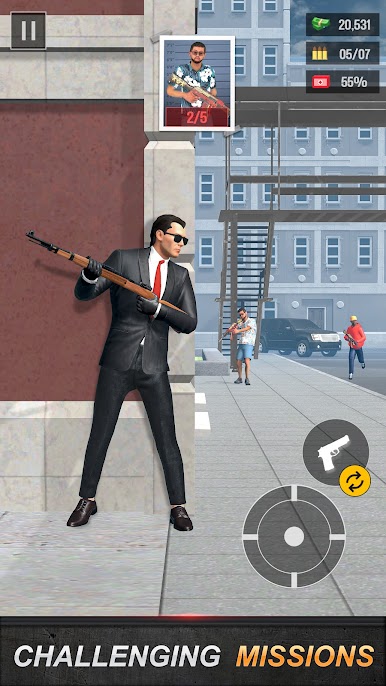
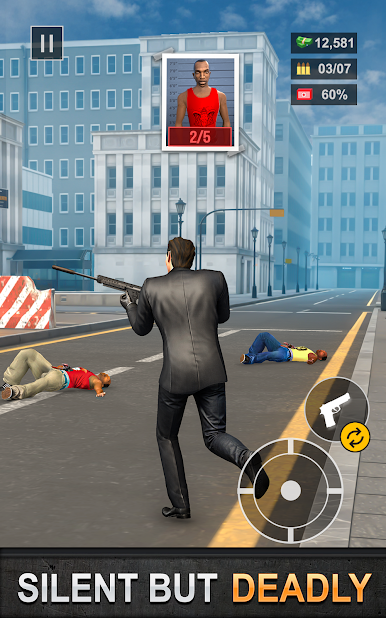
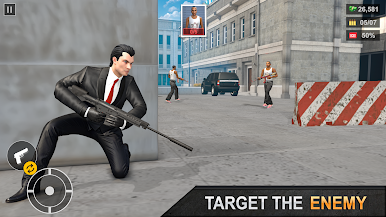
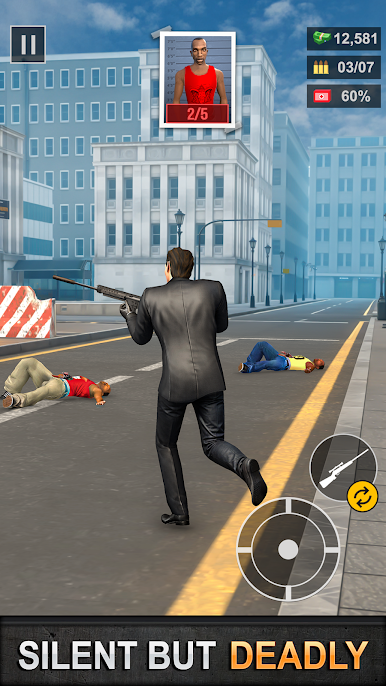
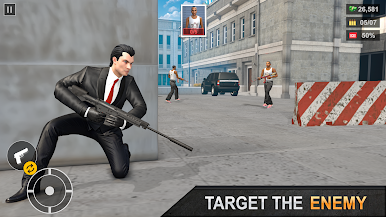
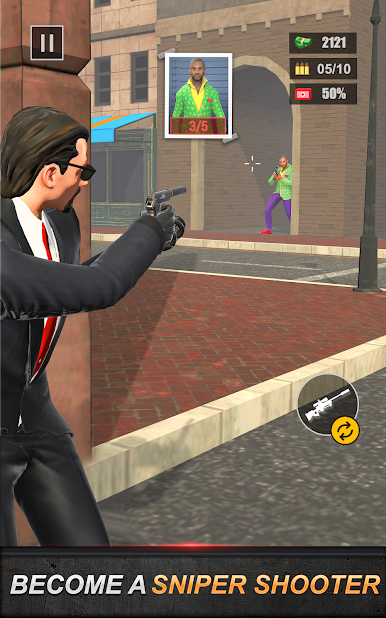
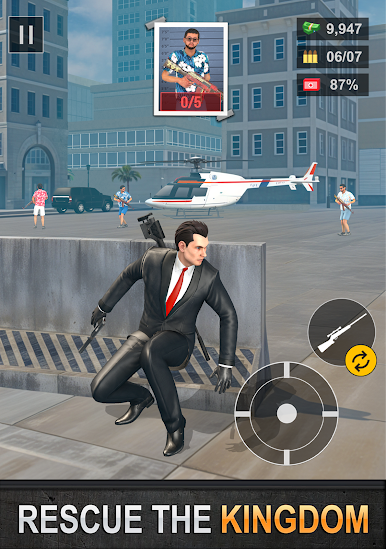
Take on the role of a trained agent and complete secret operations across different environments. Use precision, timing, and smart movement to eliminate enemies. This action game combines fast shooting with tactical decision-making for a complete experience.
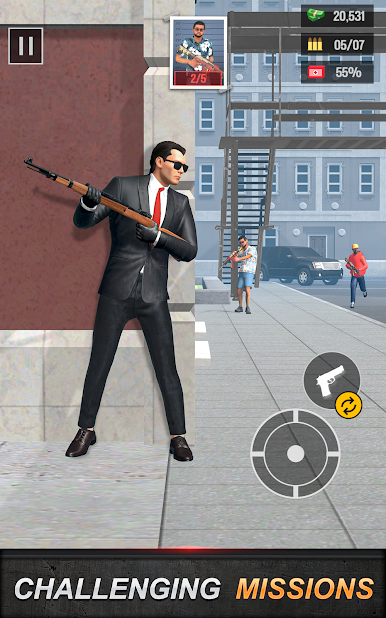
Engage in intense missions across city streets, secure zones, and combat areas. Some levels quick action for elimate the enimies. This gun shooter game is exciting shooting game.
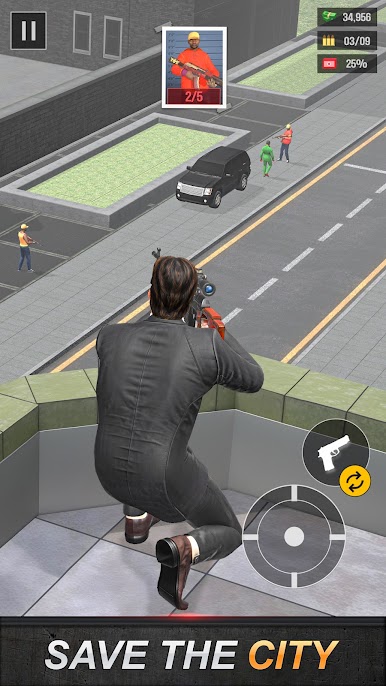
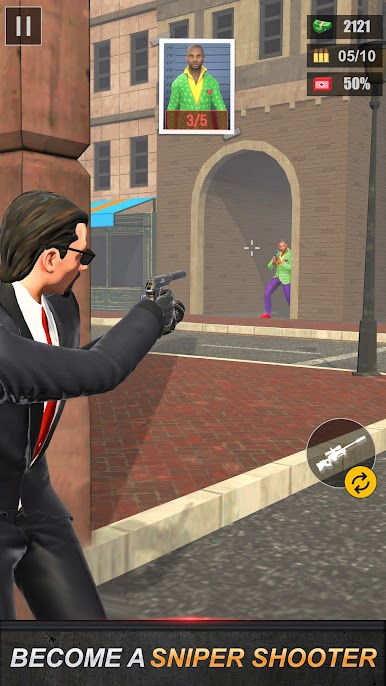
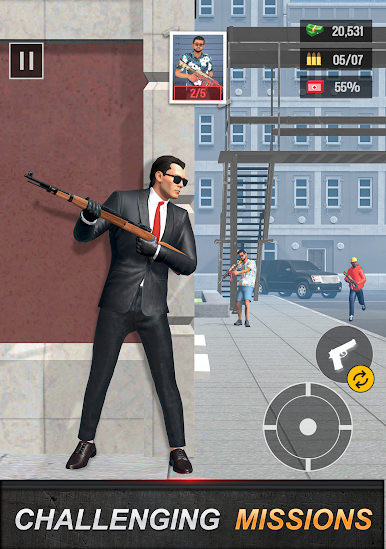
Choose from a wide range of weapons including sniper, assault guns, and pistols. Each weapon enhances your gameplay and allows you to approach missions differently, making it choice for fans of sniper shooting games.
Enjoy smooth controls and optimized performance in action gun game. Whether you are a beginner or an experienced player, you can easily improve your skills and complete challenging missions.
Game Features:
- Realistic sniper shooting game experience.
- Tactical missions in an immersive action game.
- Multiple weapons.
- Smooth controls and responsive gameplay.
- Shooting game play anytime.
- Challenging levels with increasing difficulty.
If you are looking for a gun game that combines action and strategy, Agent Shooter is your good choice. Every mission pushes your limits and sharpens your shooting skills.
Join now and complete your missions in this intense sniper game experience.
Play Agent Shooter - Shooting Game on PC. It’s easy to get started.
-
Download and install BlueStacks on your PC
-
Complete Google sign-in to access the Play Store, or do it later
-
Look for Agent Shooter - Shooting Game in the search bar at the top right corner
-
Click to install Agent Shooter - Shooting Game from the search results
-
Complete Google sign-in (if you skipped step 2) to install Agent Shooter - Shooting Game
-
Click the Agent Shooter - Shooting Game icon on the home screen to start playing

