

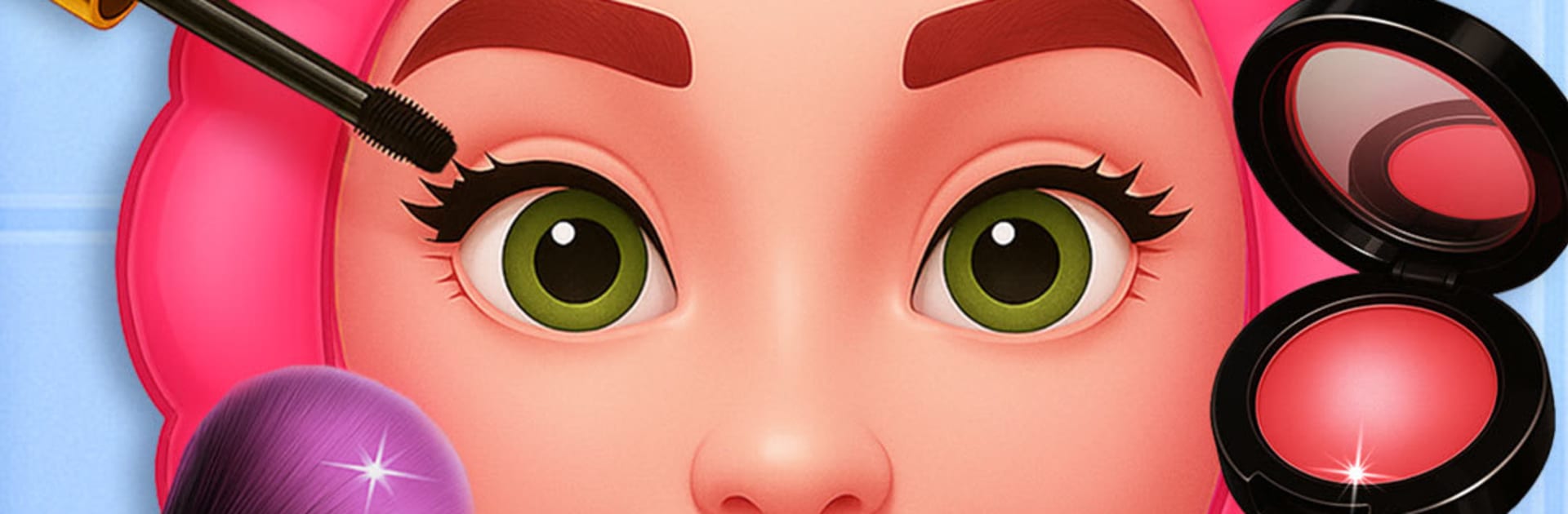
ASMR Makeover: Skincare Games
Play on PC with BlueStacks – the Android Gaming Platform, trusted by 500M+ gamers.

Page Modified on: Aug 11, 2026
Play ASMR Makeover: Skincare Games on PC or Mac
ASMR Makeover: Skincare Games by stick hunter has plenty to keep you busy. BlueStacks lets you play it on PC or Mac with more screen space, better control, and fewer mobile limits.
About the Game
ASMR Makeover: Skincare Games is a Casual beauty playground where every brush, pop, and snip feels soothing to the senses. It’s all about relaxing routines—cleanse a face, style a look, tidy nails, and care for those oddly satisfying details from head to toe. Whether you’ve got a few spare minutes or want to zone out for a while, it’s a chill, tactile fix with crisp ASMR sounds. It runs nicely on BlueStacks, too.
Game Features
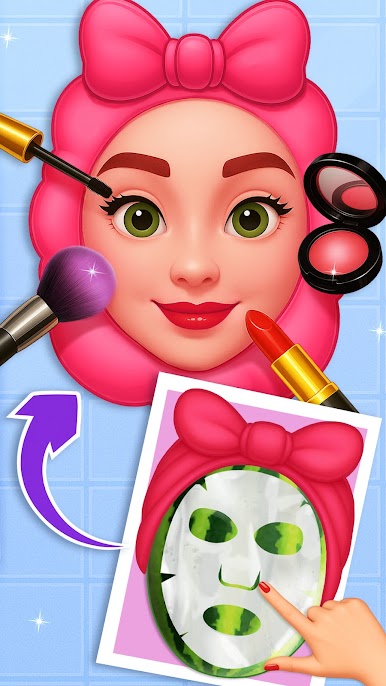
- Face Care: Cleanse, exfoliate, and carefully clear breakouts, then finish with masks and serums for that fresh-after-spa look.
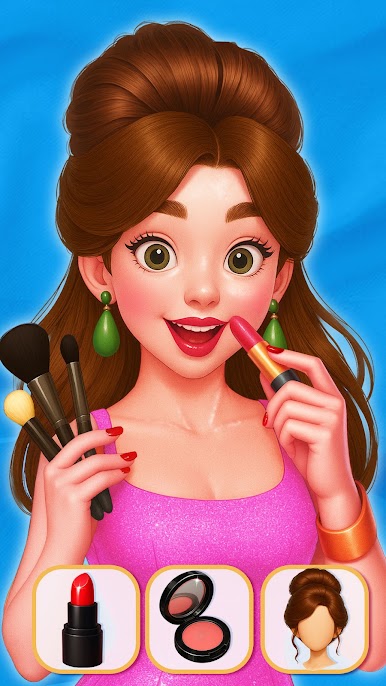
- Makeup Studio: Try eyeshadow blends, liner wings, blush placements, bold lip colors, and fluttery lashes to create your vibe.
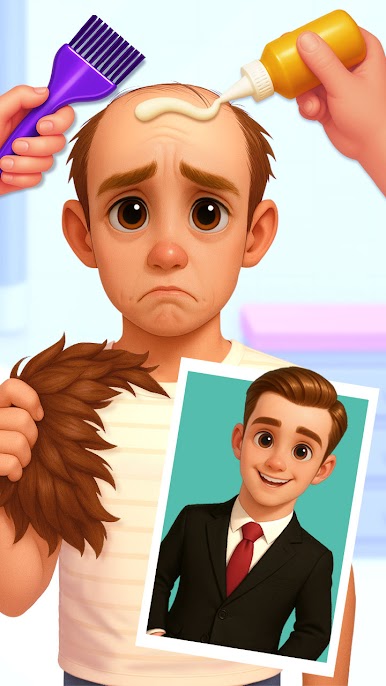
- Hair Salon: Shampoo and blow out, smooth or curl, trim split ends, and experiment with vibrant dyes before styling.
- Eye & Brow Care: Shape brows just right, soothe tired eyes with masks, and add tiny gems or accents when you’re feeling extra.
- Gentle Ear Cleaning: Tidy wax with the right tools, use soft swabs, and pick earrings to complete a neat, cozy result.
- Nail Art: Trim, buff, and shape, then paint with solids or gradients and top it off with stickers, glitter, or gems.
- Foot Spa: Soak, scrub, and treat rough spots, then tidy toenails for clean, comfy feet.
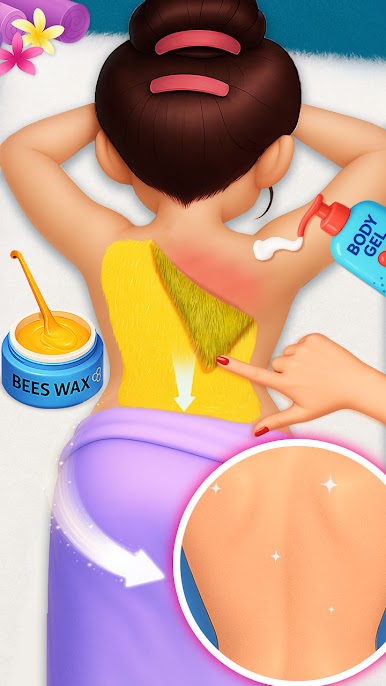
- Body Waxing & Brightening: Smooth legs, underarms, and back with gentle waxing steps and aftercare that keeps skin even and cared for.
Start your journey now. Download the game on BlueStacks, invite your friends, and march on a new adventure.

Play ASMR Makeover: Skincare Games on PC. It’s easy to get started.
-
Download and install BlueStacks on your PC
-
Complete Google sign-in to access the Play Store, or do it later
-
Look for ASMR Makeover: Skincare Games in the search bar at the top right corner
-
Click to install ASMR Makeover: Skincare Games from the search results
-
Complete Google sign-in (if you skipped step 2) to install ASMR Makeover: Skincare Games
-
Click the ASMR Makeover: Skincare Games icon on the home screen to start playing

