


ASMR Makeover: Skincare Games
Play on PC with BlueStacks – the Android Gaming Platform, trusted by 500M+ gamers.

Page Modified on: Aug 11, 2026
Main ASMR Makeover: Skincare Games on PC
Features of ASMR Makeover: Skincare Games
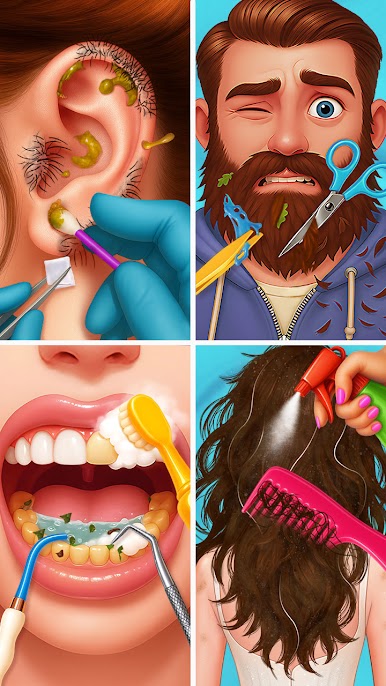
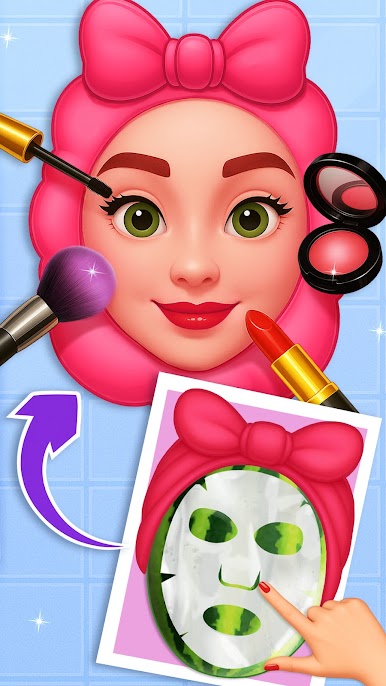
💆 Face Care: Wash, cleanse, remove pimples & apply makeup
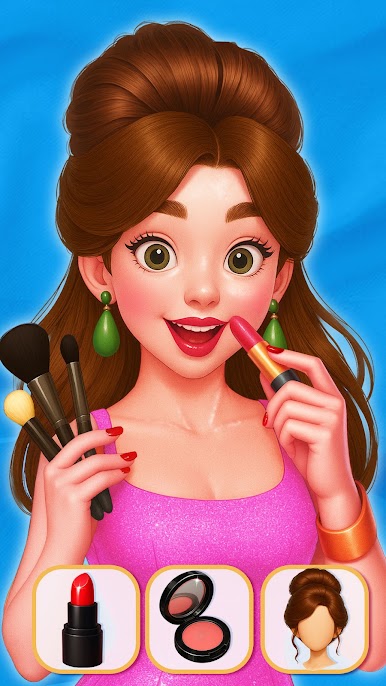
💄 Makeup Studio: Eye shadow, blush, eyeliner, lipstick & lashes
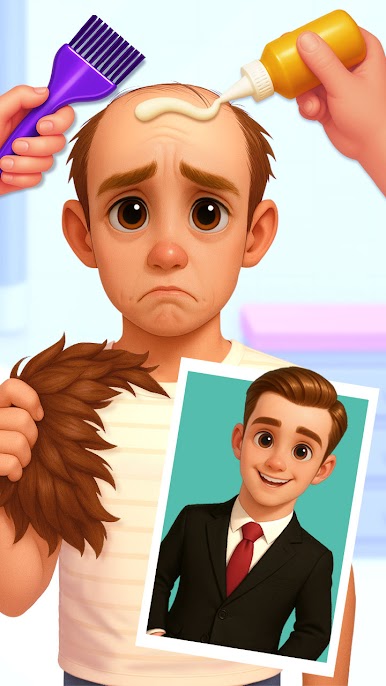
💇 Hair Salon: Shampoo, straighten, color, cut, & style
👁️ Eye & Brow Care: Pluck, mask, shape & decorate
👂 Ear Cleaning: Wax, cotton swabs, earrings & hygiene tools
💅 Nail Art: Cut, polish, design & decorate with glitter
🦶 Foot Spa: Wash, trim nails, treat wounds & clean skin
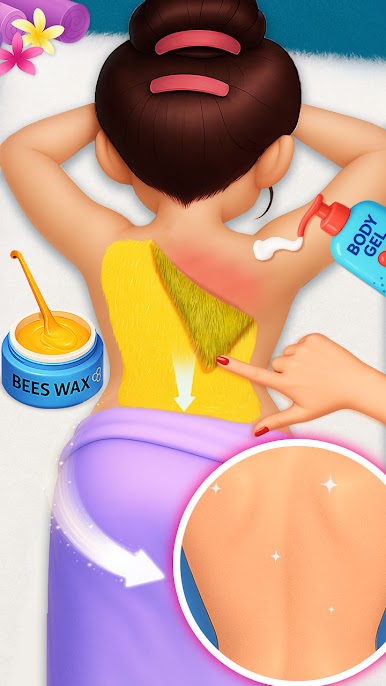
🦵 Body Waxing & Whitening: Legs, underarms, back & more
From face masks to foot scrubs, the ultimate skin care game is here!
Download now and glow up your world!
Play ASMR Makeover: Skincare Games on PC. It’s easy to get started.
-
Download and install BlueStacks on your PC
-
Complete Google sign-in to access the Play Store, or do it later
-
Look for ASMR Makeover: Skincare Games in the search bar at the top right corner
-
Click to install ASMR Makeover: Skincare Games from the search results
-
Complete Google sign-in (if you skipped step 2) to install ASMR Makeover: Skincare Games
-
Click the ASMR Makeover: Skincare Games icon on the home screen to start playing

