


Case Upgrader
Play on PC with BlueStacks – the Android Gaming Platform, trusted by 500M+ gamers.

Page Modified on: Dec 13, 2025
Overview
Upgrader
Upgrade your old skin to new better skin! Available multipliers: 1.5x,2.0x,5.0x,10.0x
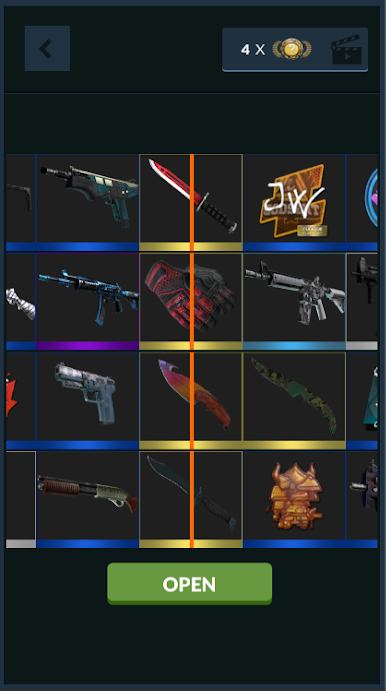
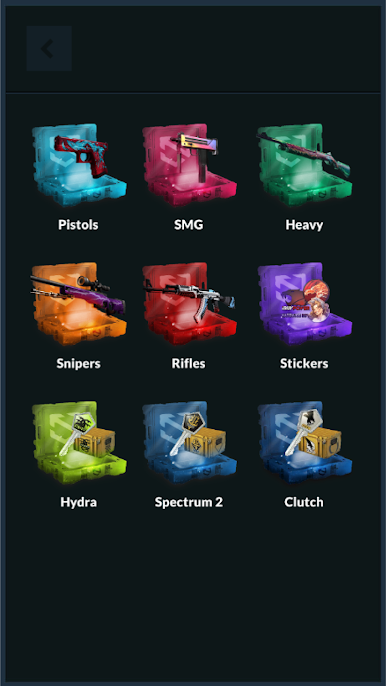
Case opener&Special cases
Open cases with all skins or special cases with specific skins. You can open 4 cases at time. Earned skins you can use in upgrader, trades, contracts, coinflip, jackpot, tower, slot machine.
Slot machine&Tower
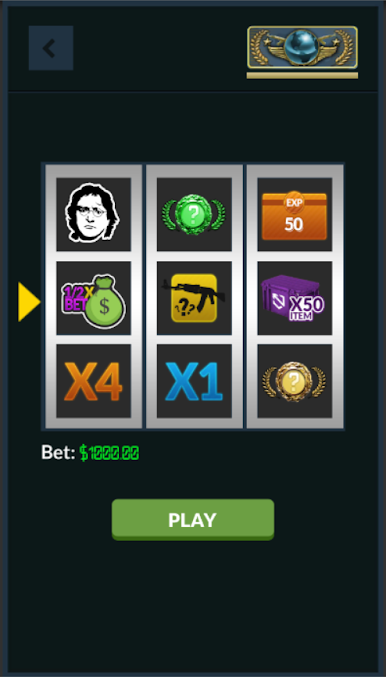
Multiply your skins by up to 6000x in tower or slot machine!
Jackpot&Coinflip
Fight with other players and earn more skins in online modes!
Trades&Chat
Chat and trade with other users online!
Scratch
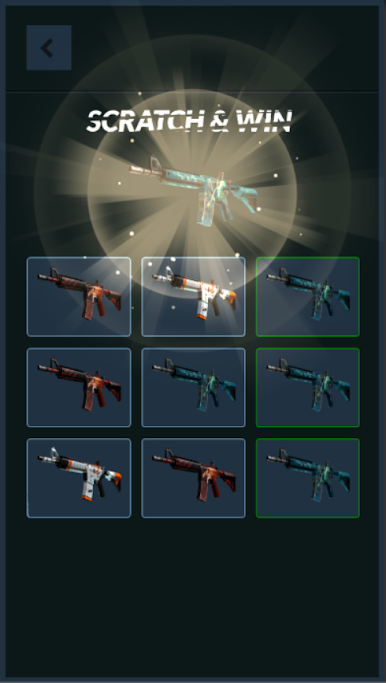
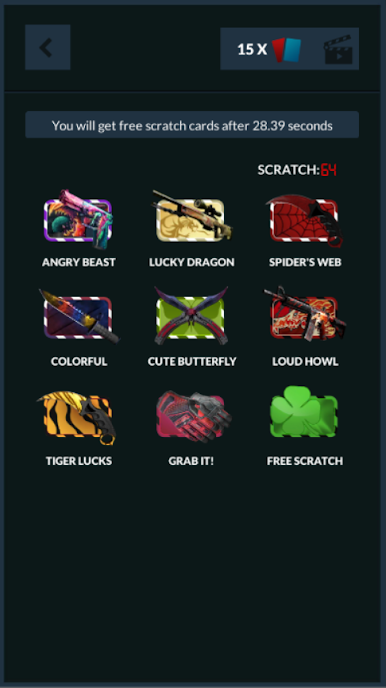
Try your luck, choose three good cards and win skin!
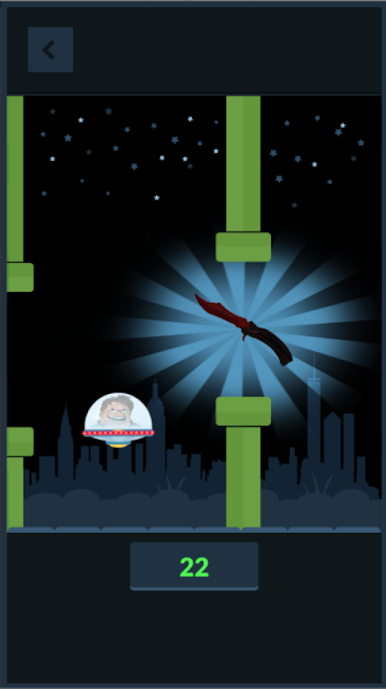
Flappy Gaben
Fly with gaben and collect skins. The further you are, the better skins will be.
Reach the best score and get top1!
Minesweeper
Find skins on 5x5 board!
All new cases
Hydra, spectrum2, clutch, horizon, danger zone, prisma and cs20 cases are added with good prices!
All skins&Realistic prices
Our app has all skins including souvenir & StatTrak & phases of dopplers!
Ranks
All ranks implemented!
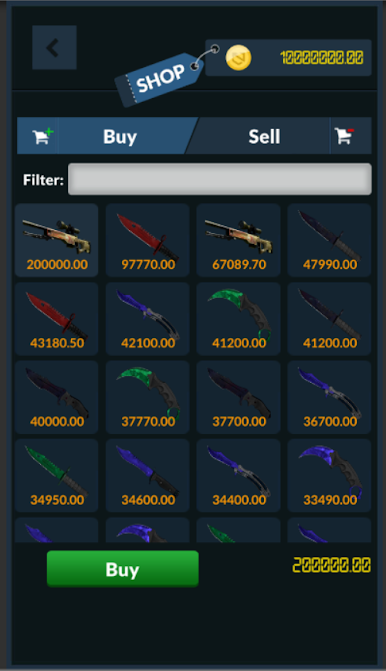
Shop
Buy or sell your skins using our currency!
Mystic skins
These are extra skins created by us to improve gameplay!
New Knives&Gloves
All new knives are inclued in Case Upgrader:
-Navaja
-Stiletto
-Talon
-Ursus
-Classic Knife
Please note: All skins obtained in Case Upgrader are virtual and cannot be used in the official game.
Play Case Upgrader on PC. It’s easy to get started.
-
Download and install BlueStacks on your PC
-
Complete Google sign-in to access the Play Store, or do it later
-
Look for Case Upgrader in the search bar at the top right corner
-
Click to install Case Upgrader from the search results
-
Complete Google sign-in (if you skipped step 2) to install Case Upgrader
-
Click the Case Upgrader icon on the home screen to start playing

