


Tower Rush
Play on PC with BlueStacks – the Android Gaming Platform, trusted by 500M+ gamers.

Page Modified on: Jul 3, 2026
Play Tower Rush on PC
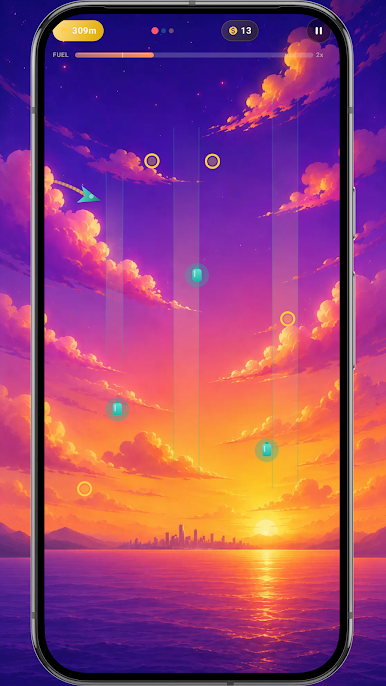
You control a small airplane that is constantly flying forward. Sounds simple? 😄 In fact, the main thing is not to fall. In Tower Rush you need to carefully control the flight, react in time and keep your balance to fly as far as possible 🎮
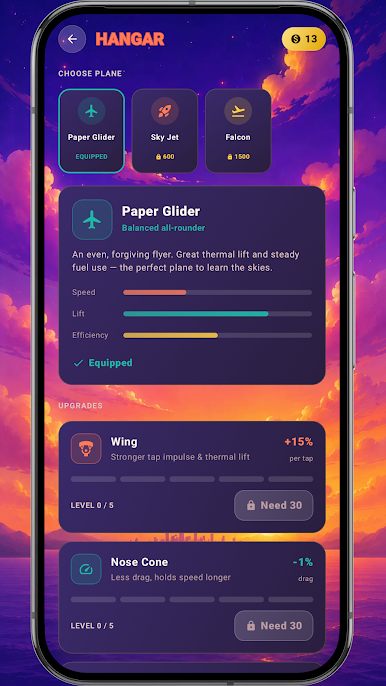
Along the way, collect coins 💰 and catch bonuses that add a little extra time ⏱️ — sometimes they are the ones that save and allow you to set a new record 🚀 The further you fly, the more difficult it becomes, so you will have to try a little 💪
The game is perfect when you want to distract yourself for a few minutes, but be careful — "one more try" can easily turn into ten 😅
Tower Rush is exactly the case when everything ingenious is simple ✨ Try it and see what you are capable of 🏆
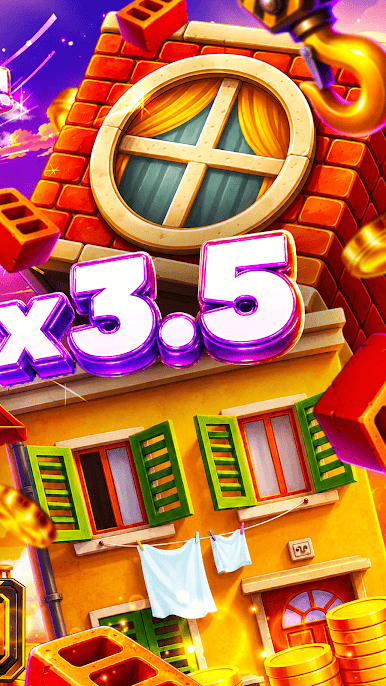
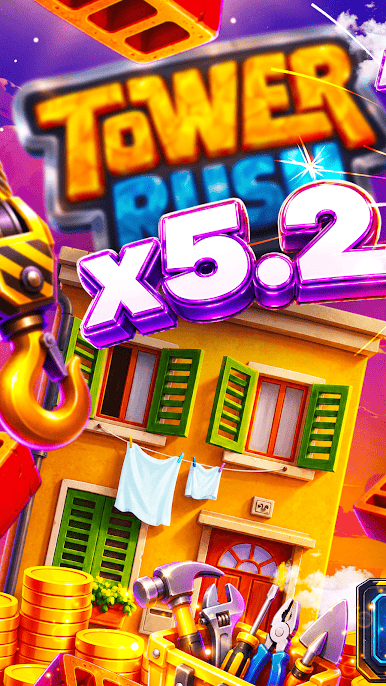
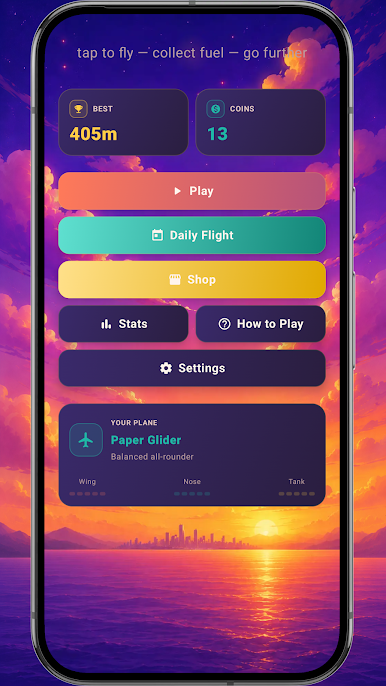

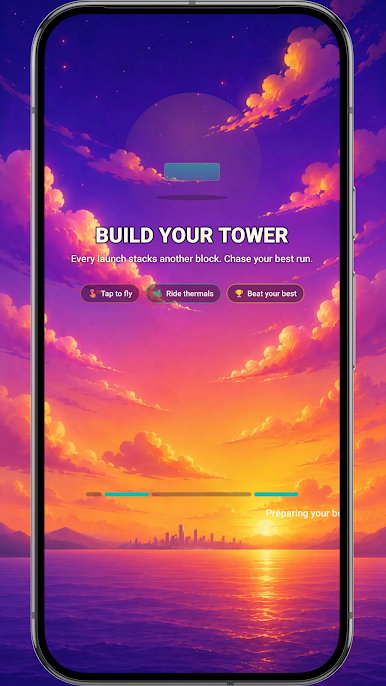
Play Tower Rush on PC. It’s easy to get started.
-
Download and install BlueStacks on your PC
-
Complete Google sign-in to access the Play Store, or do it later
-
Look for Tower Rush in the search bar at the top right corner
-
Click to install Tower Rush from the search results
-
Complete Google sign-in (if you skipped step 2) to install Tower Rush
-
Click the Tower Rush icon on the home screen to start playing

