


Idle Runeloop
Play on PC with BlueStacks – the Android Gaming Platform, trusted by 500M+ gamers.

Page Modified on: Jun 24, 2026
Main Idle Runeloop on PC
Harness their energy to explore mysterious dungeons and craft your own unique builds.
Guardians, get ready—we’re diving into the depths!
▶ Original Gameplay: Runeloop Charging
Customize your Runeloop through charging mechanics and weapon skill combos.
Unlock talents to unleash powerful effects.
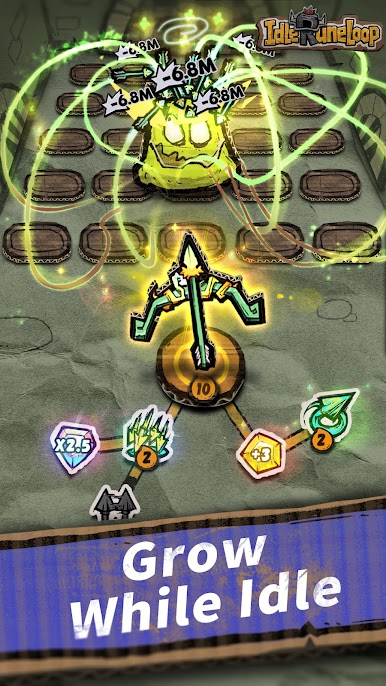
▶ Idle Progression, Effortless Power
Grow stronger even while offline.
Let your Runeloop fight for you in fully automated battles.
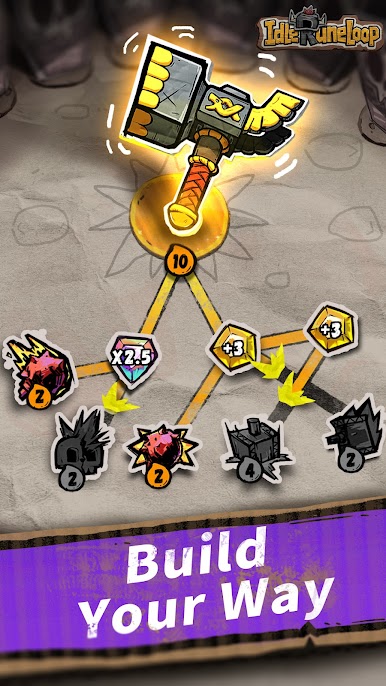
▶ Build Your way, Crush Enemies
Create your own builds with simple strategies and satisfying combat.
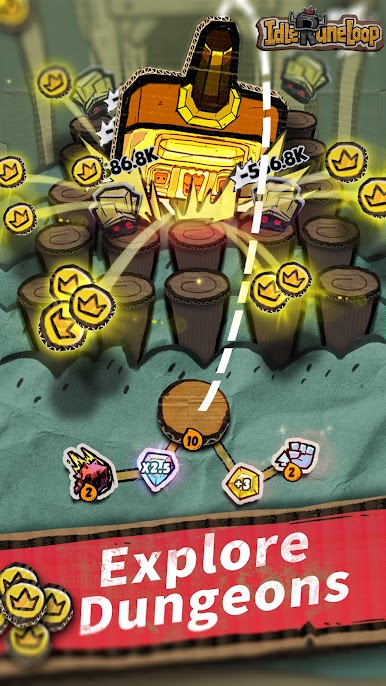
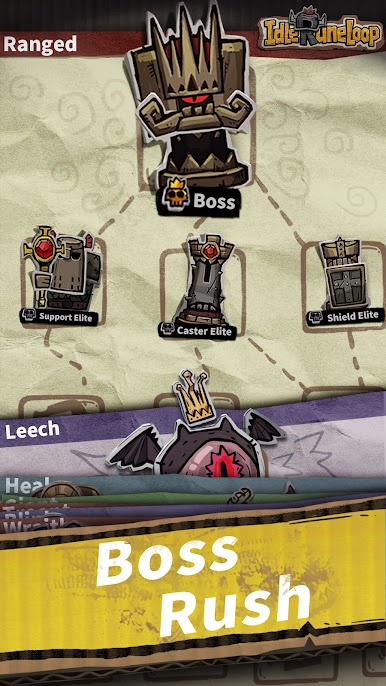
Explore endless dungeons and challenge powerful bosses.
▶ Endless Choices, Total Freedom
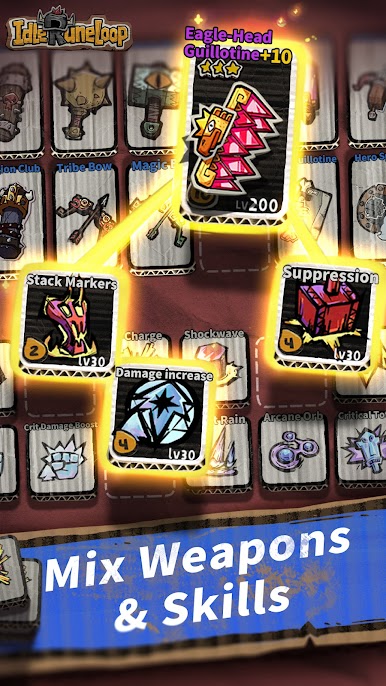
Daggers, swords, bows, hammers, and more.
Mix and match hundreds of skills for a fresh experience every run.
Play Idle Runeloop on PC. It’s easy to get started.
-
Download and install BlueStacks on your PC
-
Complete Google sign-in to access the Play Store, or do it later
-
Look for Idle Runeloop in the search bar at the top right corner
-
Click to install Idle Runeloop from the search results
-
Complete Google sign-in (if you skipped step 2) to install Idle Runeloop
-
Click the Idle Runeloop icon on the home screen to start playing

