


شعلة - درّب عقلك يومياً
Play on PC with BlueStacks – the Android Gaming Platform, trusted by 500M+ gamers.

Page Modified on: Feb 19, 2026
Run شعلة - درّب عقلك يومياً on PC or Mac
Why limit yourself to your small screen on the phone? Run شعلة – درّب عقلك يومياً, an app by Sho3lah, best experienced on your PC or Mac with BlueStacks, the world’s #1 Android emulator.
About the App
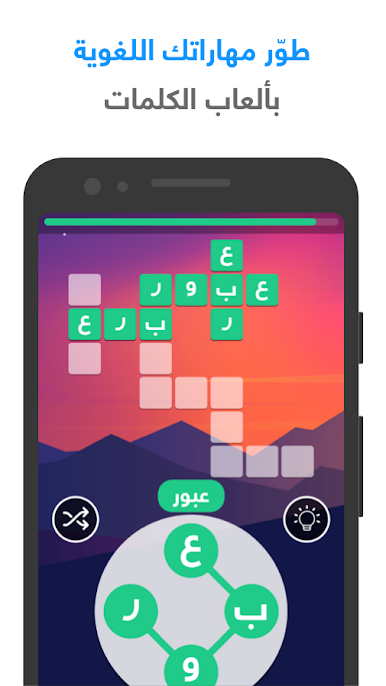
Looking for a fun way to challenge your mind every day? شعلة – درّب عقلك يومياً, brought to you by Sho3lah, is an Education app that turns mental workouts into an engaging routine. You’ll find yourself coming back daily for smart games and cool challenges, each one designed to sharpen your brain in a bunch of different ways. Whether you want to boost your memory, speed up your thinking, or simply see how your brain measures up, there’s something here for you.
App Features
-
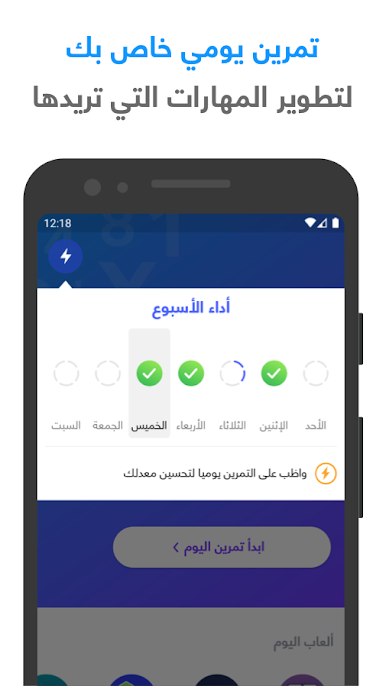
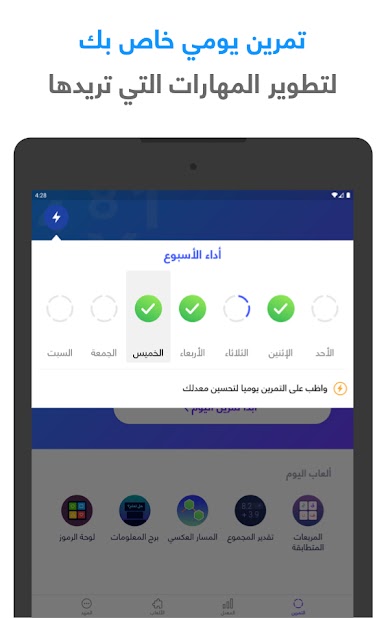
Daily Brain Workouts
No two days are alike! You’ll get a customized set of brain games tailored to the mental skills you want to build—pick what matters most to you, and the app does the rest. -
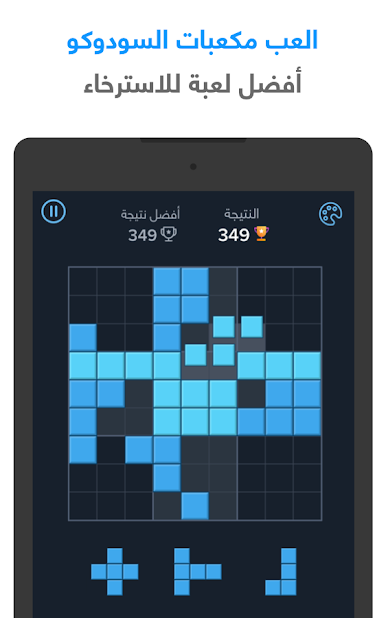
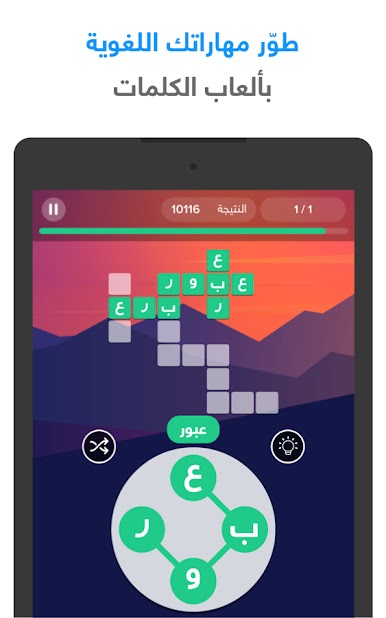
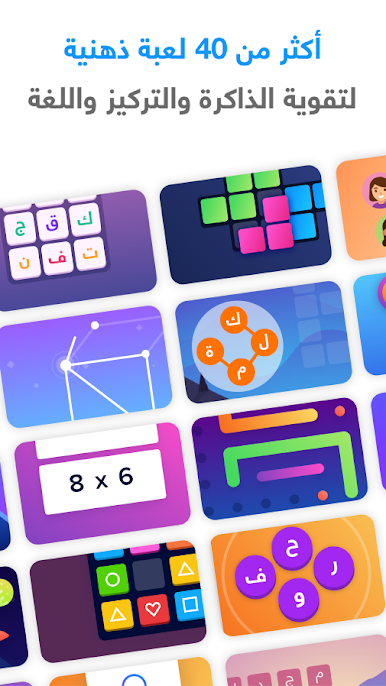
Over 20 Cognitive Games
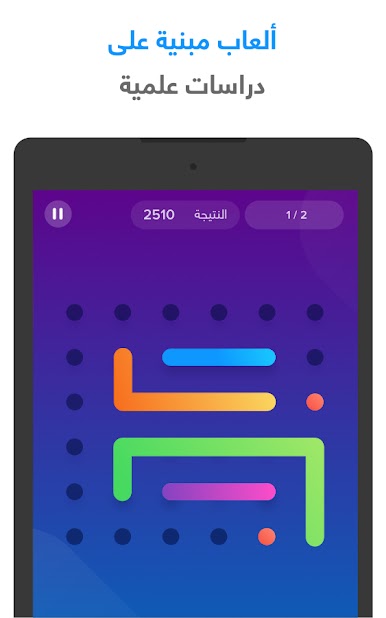
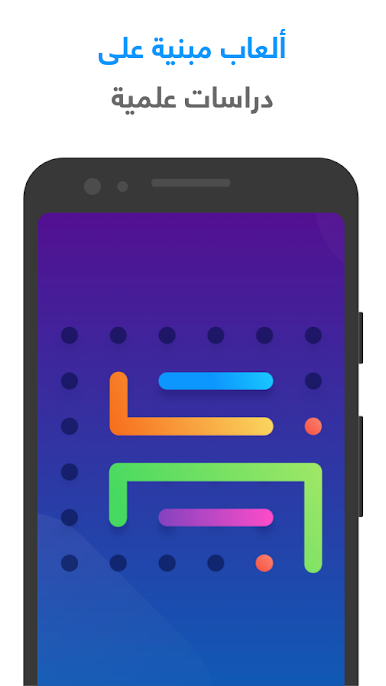
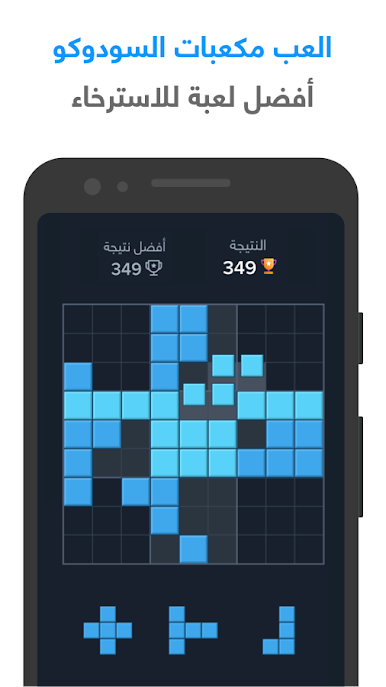
Dive into a variety of puzzles and challenges, all crafted based on real neuroscience studies. These games target memory, focus, reaction speed, and more. -
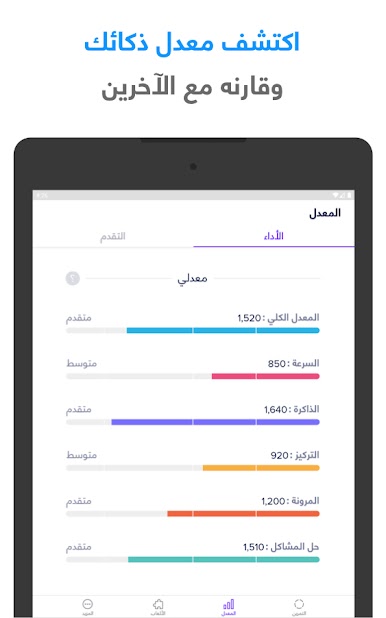
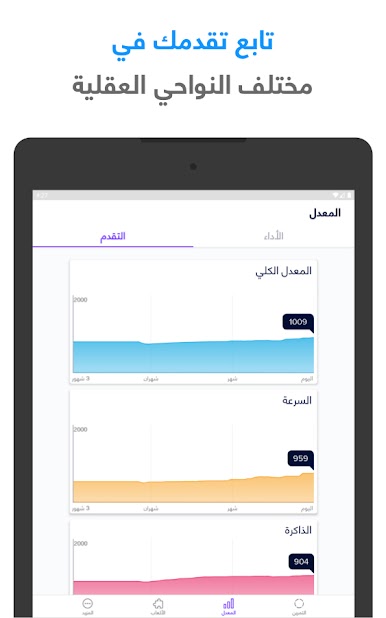
Track Your Progress
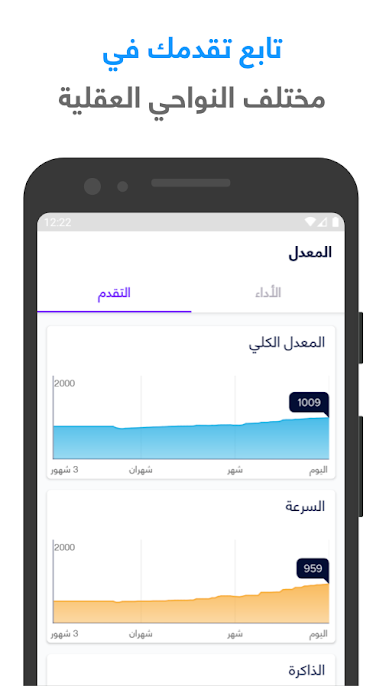
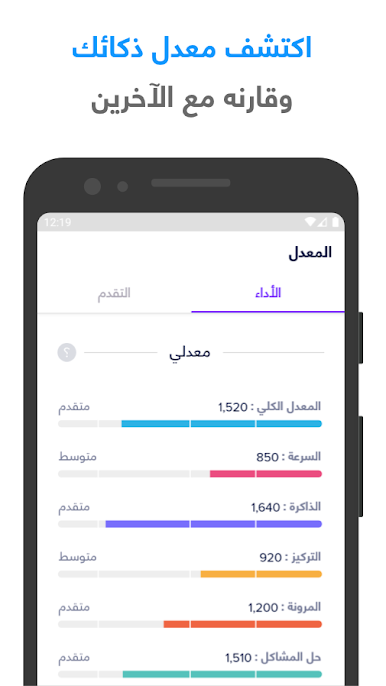
Ever wondered how your brain stacks up? Discover your own performance scores and compare them with other users. It’s a neat way to stay motivated and see your growth. -
Personalized Challenges
Got certain skills you’d like to improve? Choose the areas you want to focus on, and the app will tailor your daily routine for you. -
Play in Arabic
Everything’s in Arabic, making the experience feel smooth and natural if that’s your language of choice. -
Compare with Friends
Curious about your friends’ progress? You can check how your scores compare, adding a little friendly competition to your daily training.
You can enjoy شعلة – درّب عقلك يومياً on various devices, and for those who like bigger screens, it works smoothly on BlueStacks, too.
Switch to BlueStacks and make the most of your apps on your PC or Mac.



Play شعلة - درّب عقلك يومياً on PC. It’s easy to get started.
-
Download and install BlueStacks on your PC
-
Complete Google sign-in to access the Play Store, or do it later
-
Look for شعلة - درّب عقلك يومياً in the search bar at the top right corner
-
Click to install شعلة - درّب عقلك يومياً from the search results
-
Complete Google sign-in (if you skipped step 2) to install شعلة - درّب عقلك يومياً
-
Click the شعلة - درّب عقلك يومياً icon on the home screen to start playing

