


ShroomID - Identify Mushrooms!
Play on PC with BlueStacks – the Android Gaming Platform, trusted by 500M+ gamers.

Page Modified on: Sep 26, 2025
Run ShroomID - Identify Mushrooms! on PC or Mac
Multitask effortlessly on your PC or Mac as you try out ShroomID – Identify Mushrooms!, a Education app by ZH Creations on BlueStacks.
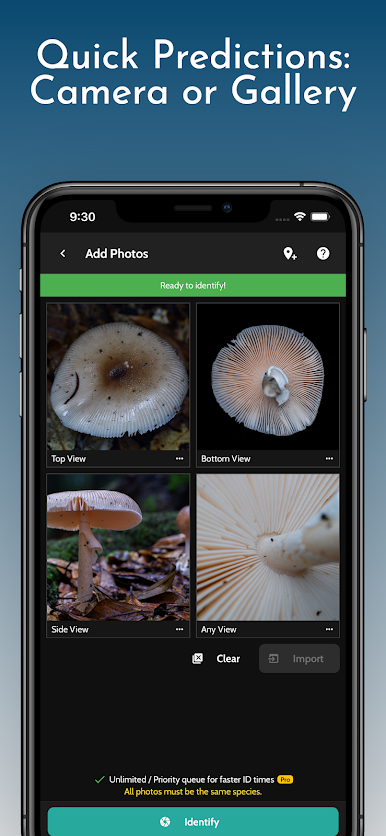
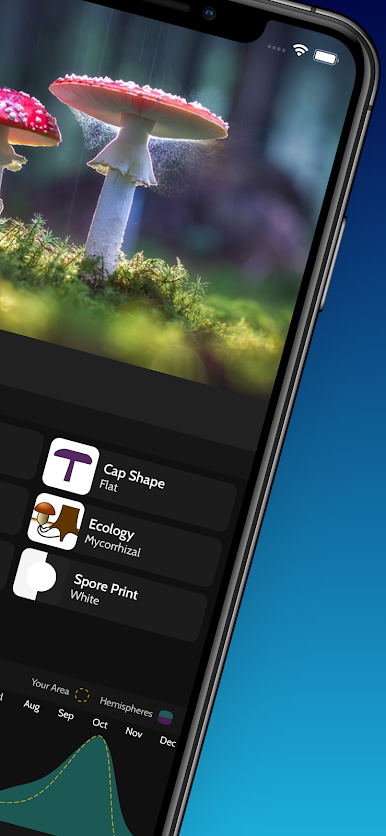
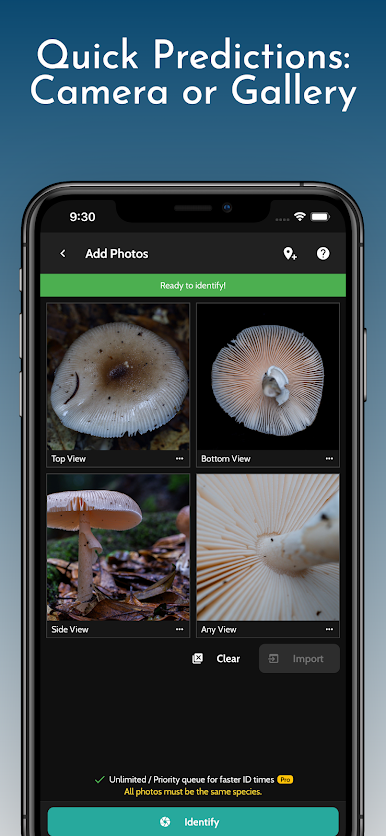
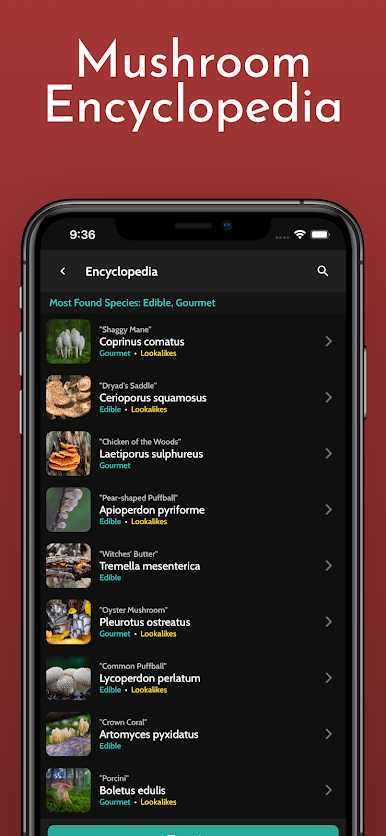
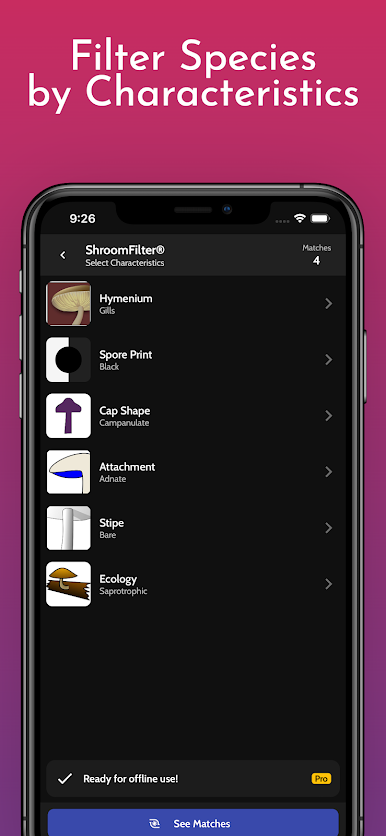
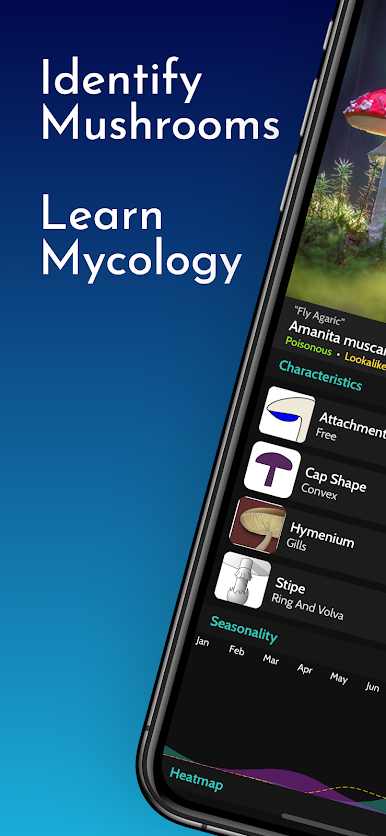
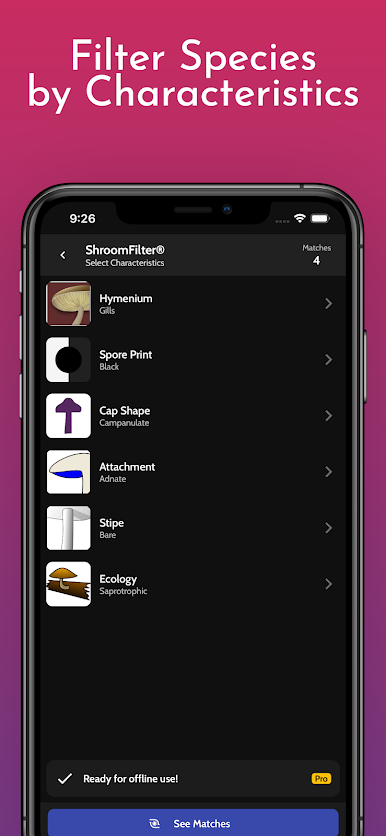
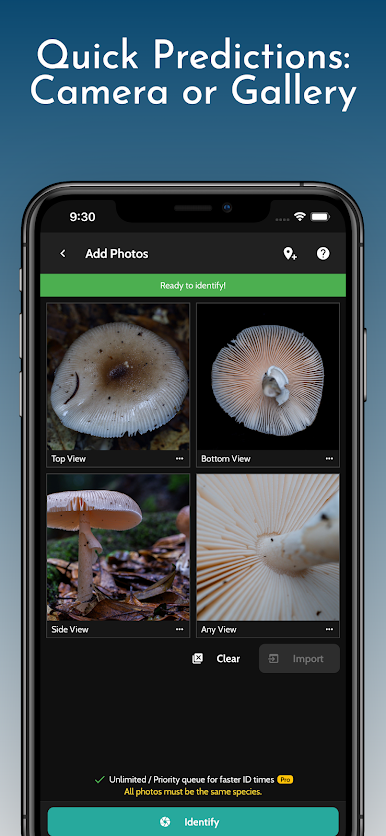
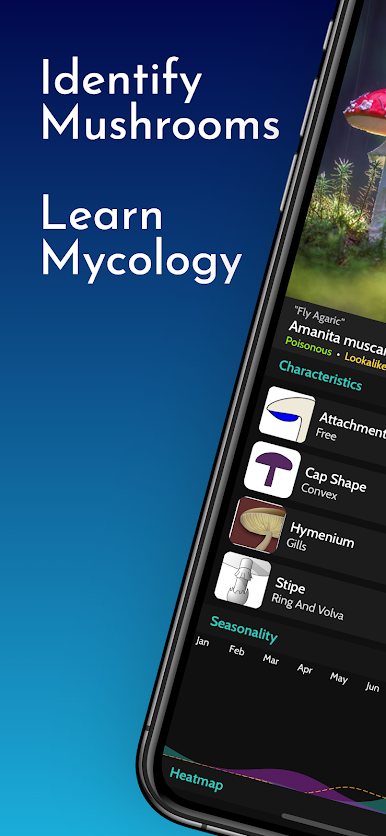
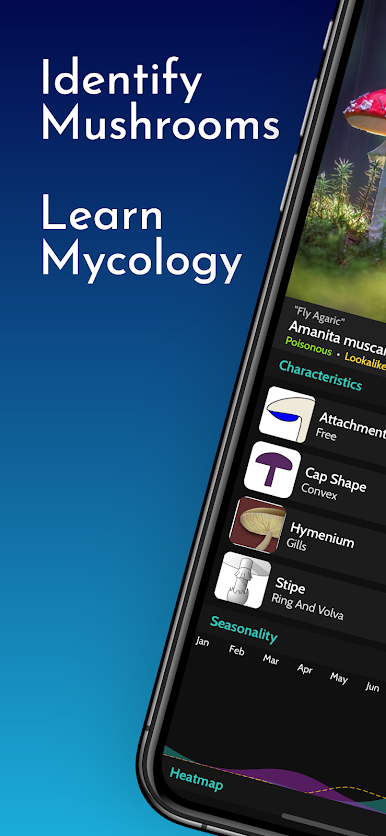
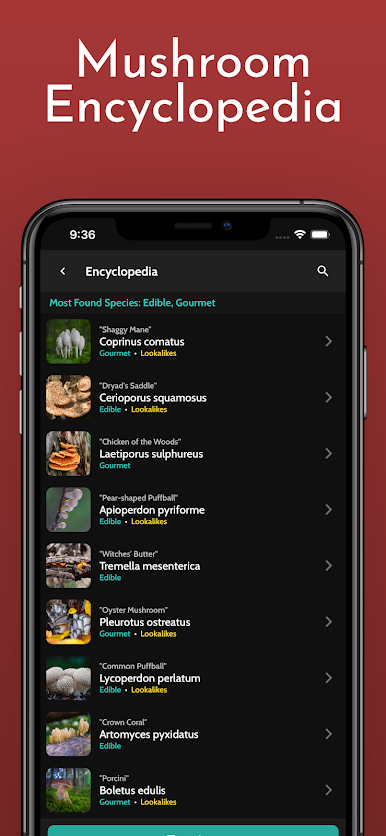
ShroomID feels like a smart field guide that lives on the screen. Snap a photo of a mushroom and it throws out likely matches, then lets the user fine tune with filters for color, cap shape, gills, habitat, and other little details that matter. On a computer with BlueStacks it is nice seeing the photos big, zooming way in on caps and stems, and dragging pictures in from folders instead of digging through a phone gallery. It is straightforward, calm, and does not bury the user in menus.
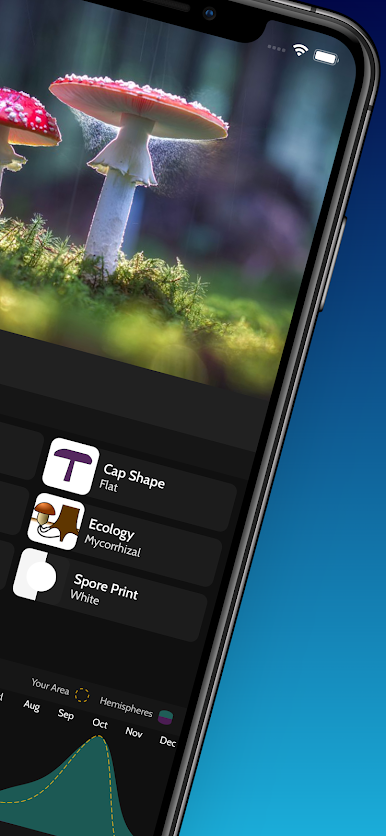
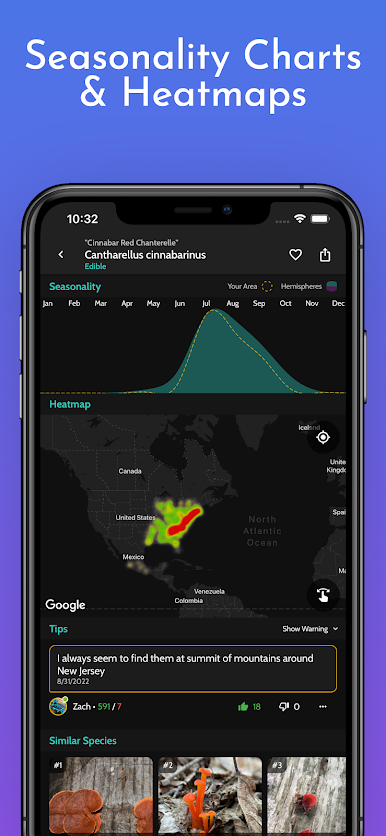
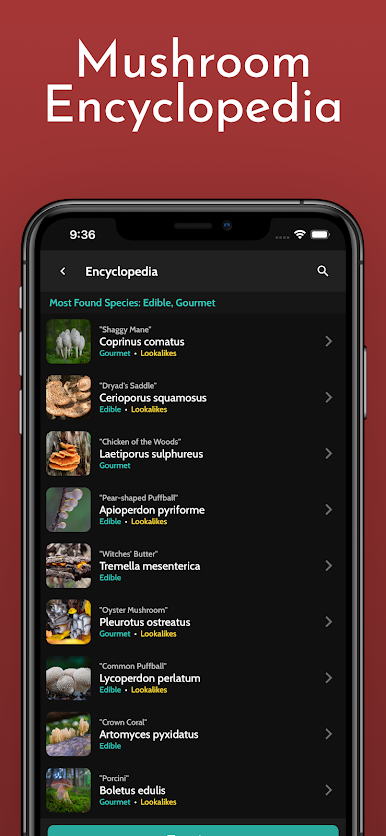
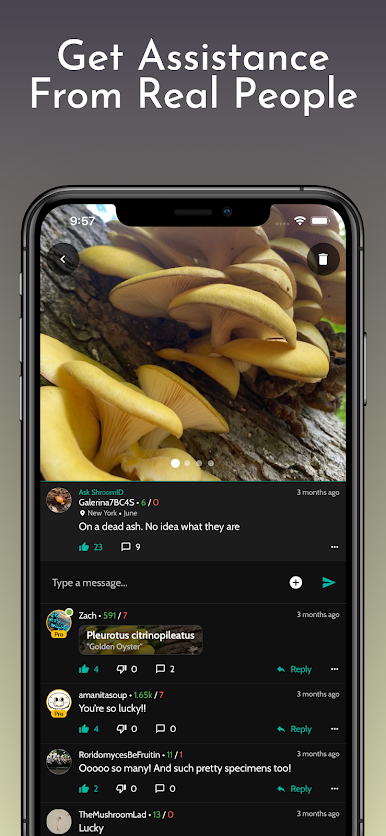
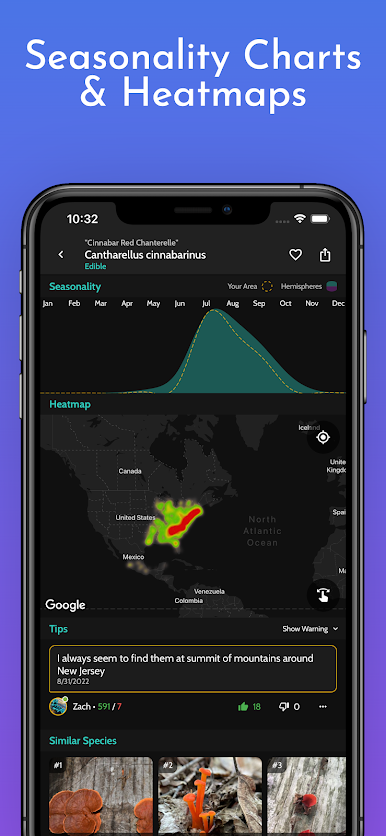
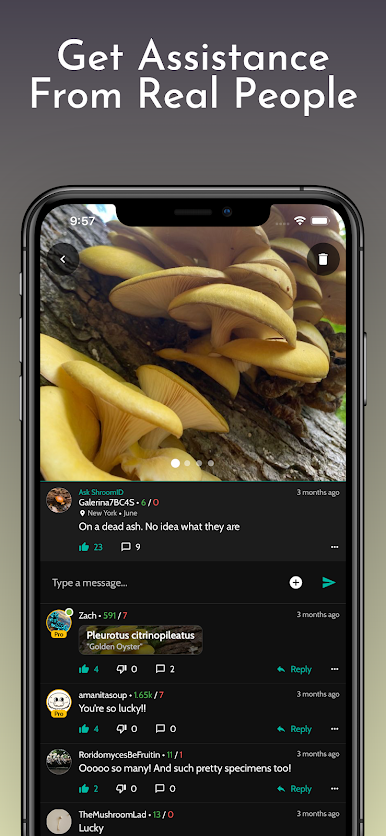
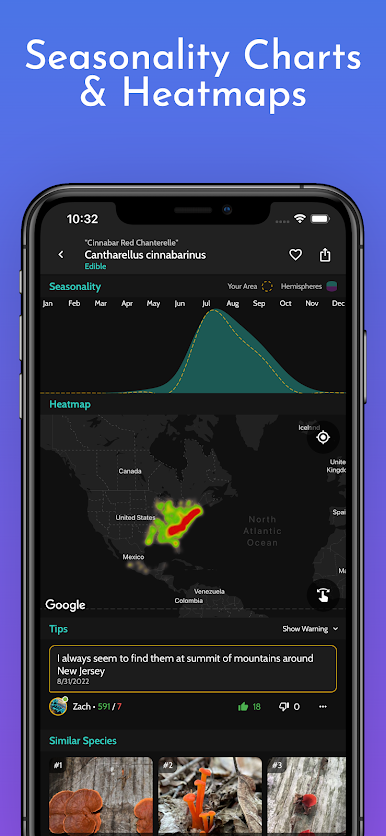
What stands out is how each species page is laid out. Clear names, quick notes on whether it is edible or toxic, and the traits that separate lookalikes. There are short bits about larger groups and how they fit into the ecosystem, so it teaches while it identifies. If the automatic match feels off, the community section helps a lot. Post a photo and people weigh in, often pointing to similar species or what to check next, like habitat or spore print. Results are not perfect every time, but the filters make it easier to steer things in the right direction. It suits hikers, backyard explorers, or anyone who keeps finding weird little caps after rain. Use it as a guide, then double check before eating anything, and it becomes a solid companion for learning mushrooms without feeling heavy or fussy.
BlueStacks brings your apps to life on a bigger screen—seamless and straightforward.

Play ShroomID - Identify Mushrooms! on PC. It’s easy to get started.
-
Download and install BlueStacks on your PC
-
Complete Google sign-in to access the Play Store, or do it later
-
Look for ShroomID - Identify Mushrooms! in the search bar at the top right corner
-
Click to install ShroomID - Identify Mushrooms! from the search results
-
Complete Google sign-in (if you skipped step 2) to install ShroomID - Identify Mushrooms!
-
Click the ShroomID - Identify Mushrooms! icon on the home screen to start playing

