


XP IPTV
Play on PC with BlueStacks – the Android Gaming Platform, trusted by 500M+ gamers.

Page Modified on: Aug 24, 2026
Main XP IPTV on PC
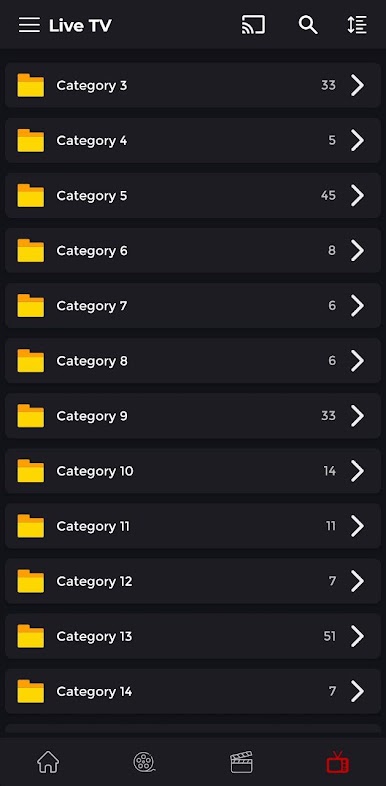
movies, series, live TV, or catch-up content from your preferred IPTV service providers, XP IPTV offers a seamless experience across Android Phones, Tablets, Android TV, and Android Boxes.
Key Features:
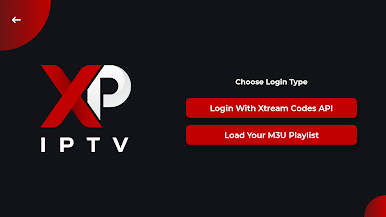
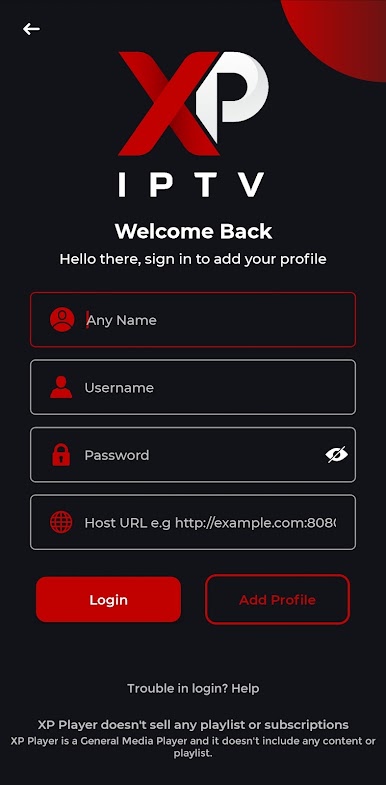
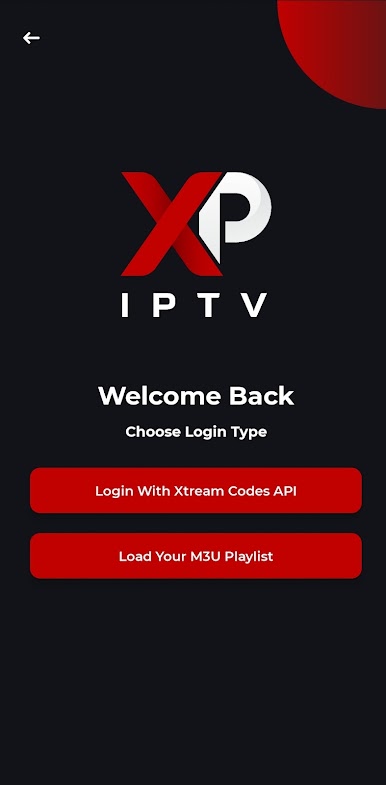
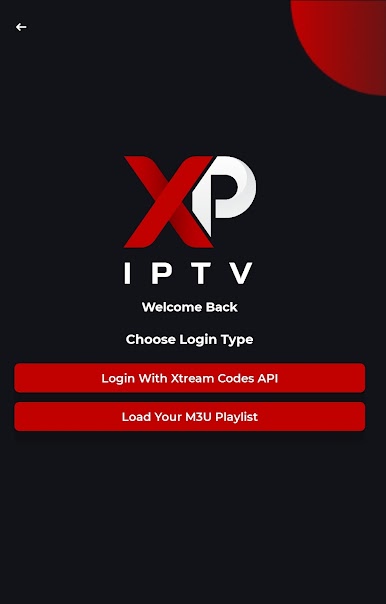
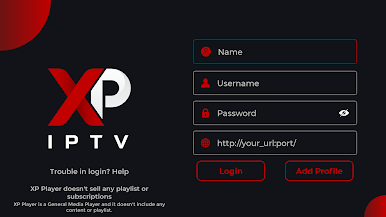
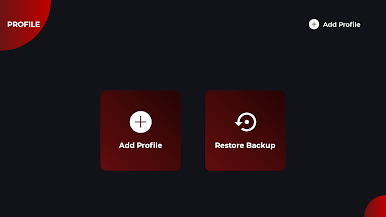
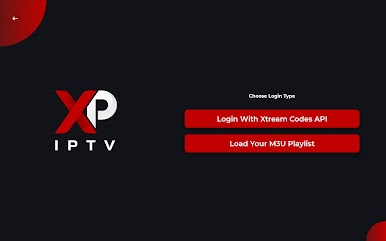
• Effortless Compatibility: Supports XTREAM CODES API and M3U playlists,
making it easy to integrate with a wide range of IPTV services.
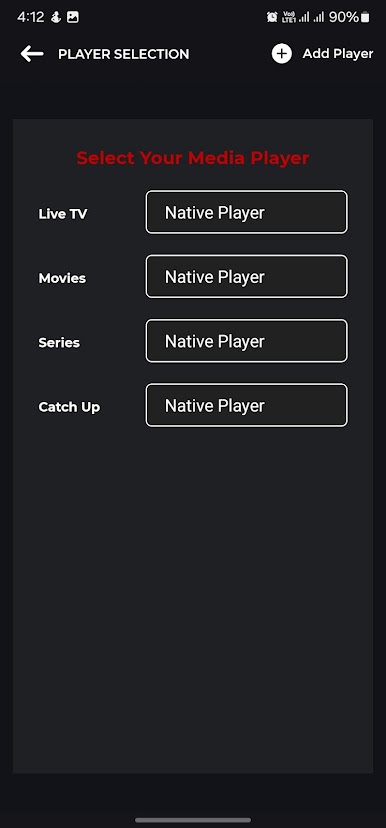
• Personalized Experience: Customize your viewing with multiple playlists, themes,
and adjustable settings to suit your preferences.
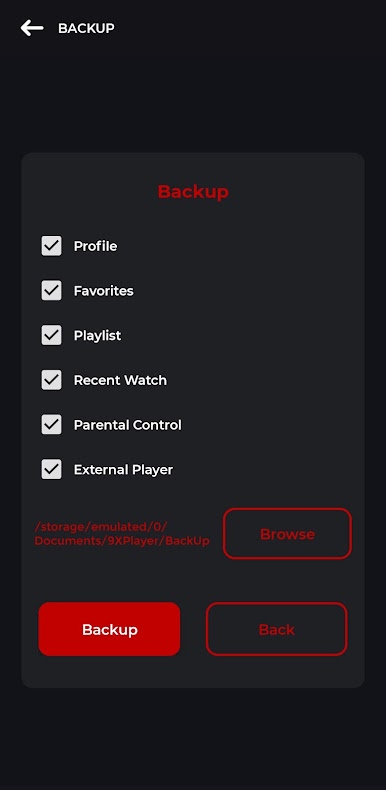
• Advanced Features: Enjoy Chromecast support, an EPG TV Guide, picture-in-picture mode, and Parental Controls for a more tailored experience.
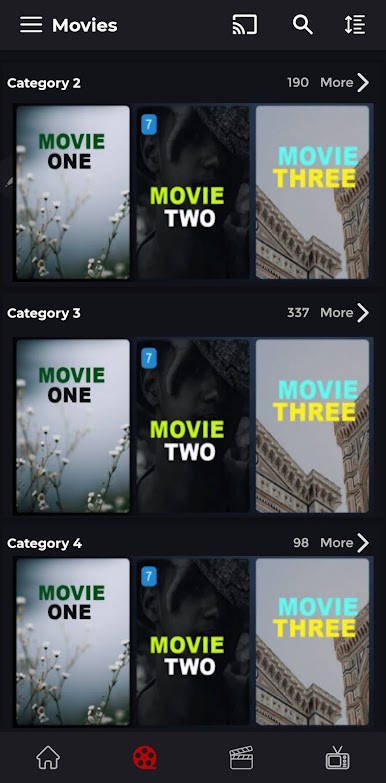
• Detailed Content Information: Access rich details about movies and series,
including duration, directors, genres, cast, and crew bios, enhancing your overall understanding.
• Intuitive Design: Navigate easily with a user-friendly interface optimized for
touchscreens and remote controls.
• Multi-language Support: Available in several languages, including English, Arabic,
French, and German, to accommodate users worldwide.
Disclaimer:
• All images in the store listing are fully licensed.
• XP IPTV Player is not affiliated with any third-party providers and does not condone streaming copyrighted content without authorization.
Please Note:
• XP IPTV does not provide or include any media content. Users must add their own playlists or streaming links.
• We do not support or promote access to illegal content, IPTV subscriptions, or unauthorized streams.
Explore a new world of IPTV streaming with XP IPTV – your ultimate entertainment
hub!


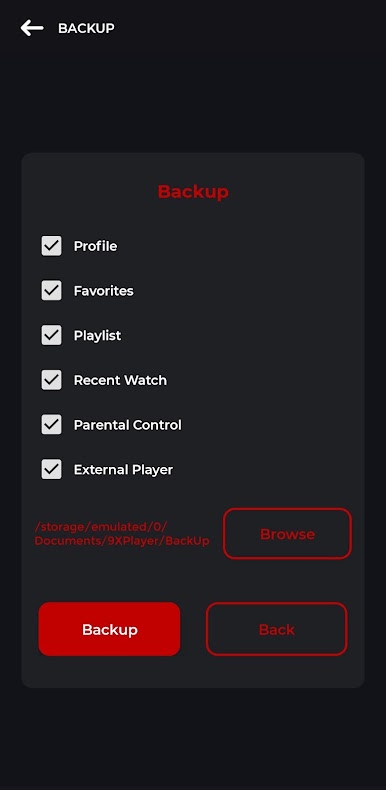
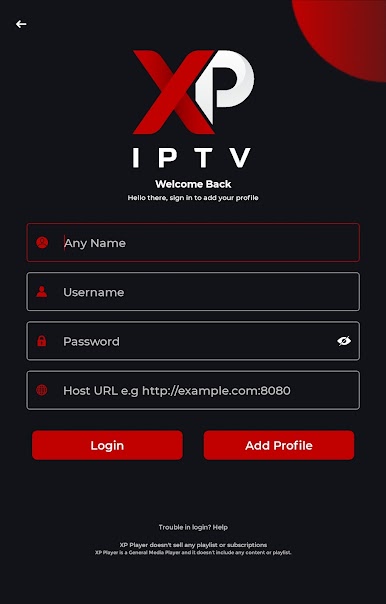
Play XP IPTV on PC. It’s easy to get started.
-
Download and install BlueStacks on your PC
-
Complete Google sign-in to access the Play Store, or do it later
-
Look for XP IPTV in the search bar at the top right corner
-
Click to install XP IPTV from the search results
-
Complete Google sign-in (if you skipped step 2) to install XP IPTV
-
Click the XP IPTV icon on the home screen to start playing

