


STS - Soft Starter Simulation
Play on PC with BlueStacks – the Android Gaming Platform, trusted by 500M+ gamers.

Page Modified on: Jan 18, 2026
Run STS - Soft Starter Simulation on PC or Mac
Let BlueStacks turn your PC, Mac, or laptop into the perfect home for STS – Soft Starter Simulation, a fun Tools app from Siemens AG.
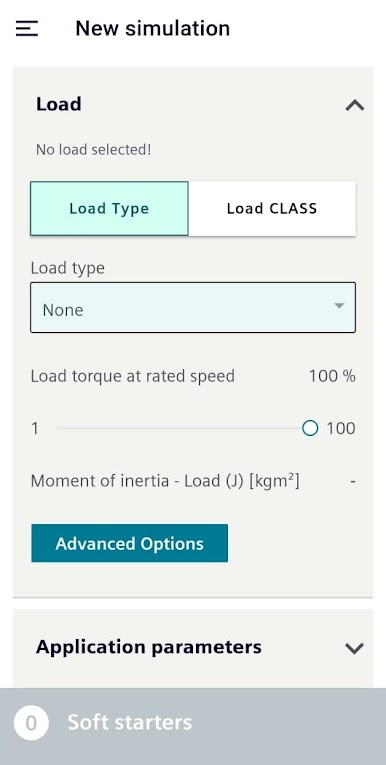
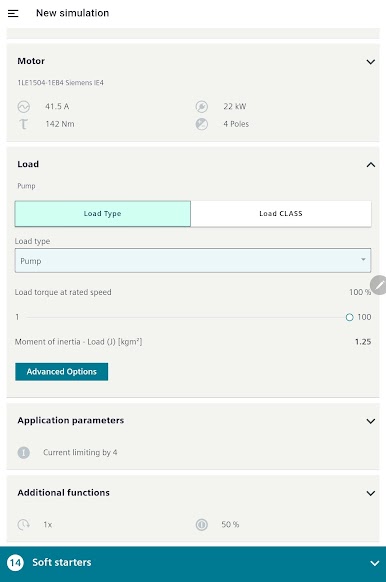
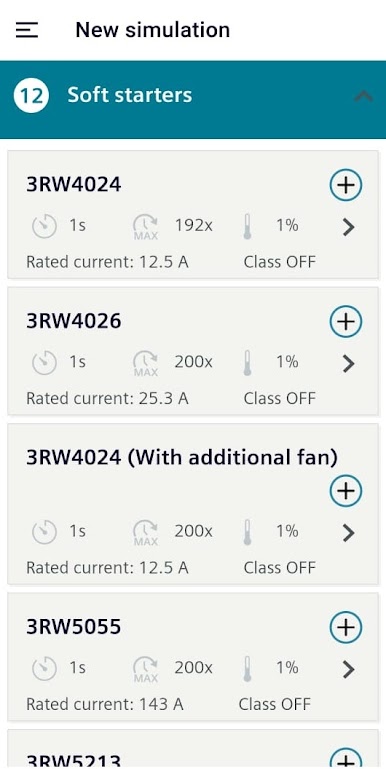
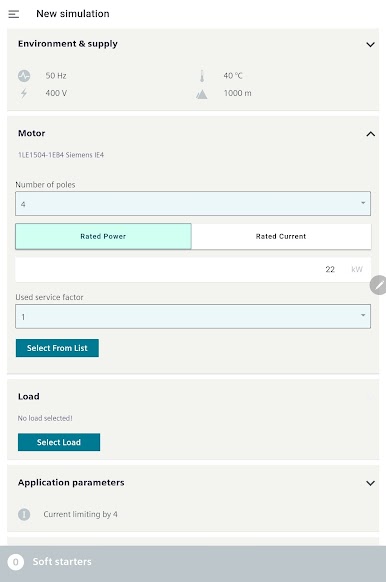
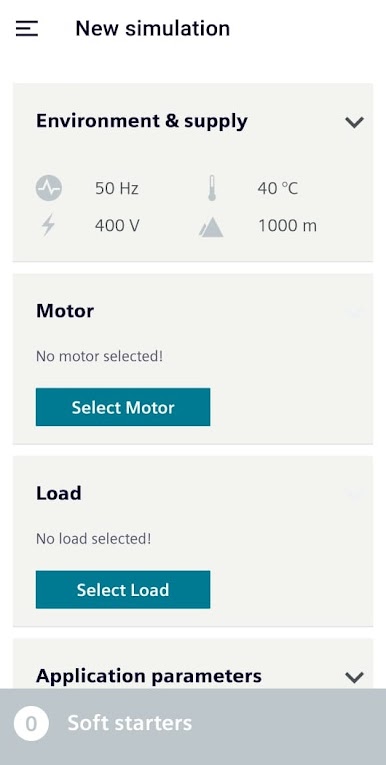
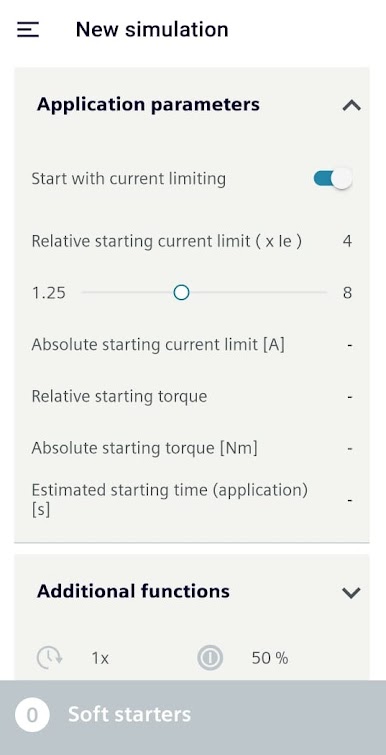
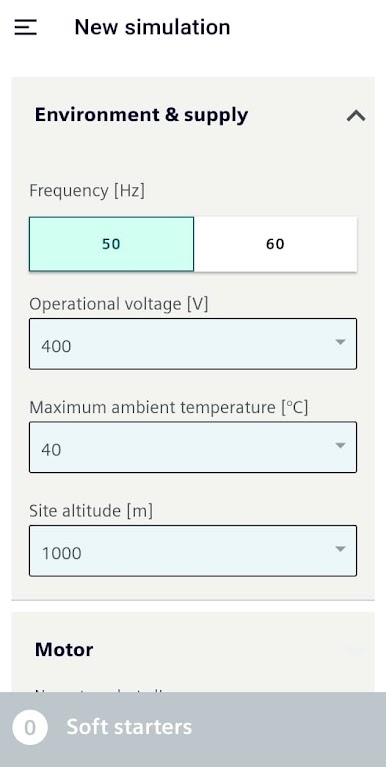
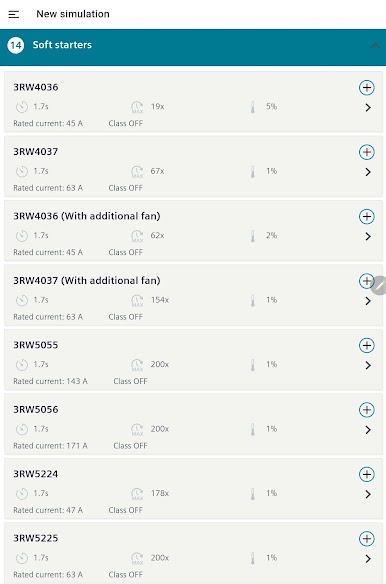
So with STS – Soft Starter Simulation, it’s actually made for folks who need to figure out which Siemens soft starter works best for their setup. It’s kind of like a smart assistant for technical stuff — you punch in the details about your motor, the type of environment it’s in, how much power you need, and a handful of settings about how you want equipment to start running. The simulator helps by showing how the starter would behave in your situation, and then points towards a model that fits what you’ve set up. On PC with BlueStacks, it just feels easier to click around and see everything on a bigger screen instead of peering at a phone.
Something nice is that once you’ve flattened out the details, the app puts together a summary report with everything you need — and you can grab extra info about parts or components if you need all the technical data. It even lets you choose between metric and imperial units, and everything’s in a bunch of languages, so it’s not just for English speakers. The app gets updated to keep up with the desktop version, so some new tools get added over time. It’s not flashy or meant for gaming, but when someone wants a fast answer about picking a starter or checking how a motor setup would work, it’s honestly pretty practical, especially when running it on a real screen with a mouse.
Big screen. Bigger performance. Use BlueStacks on your PC or Mac to run your favorite apps.
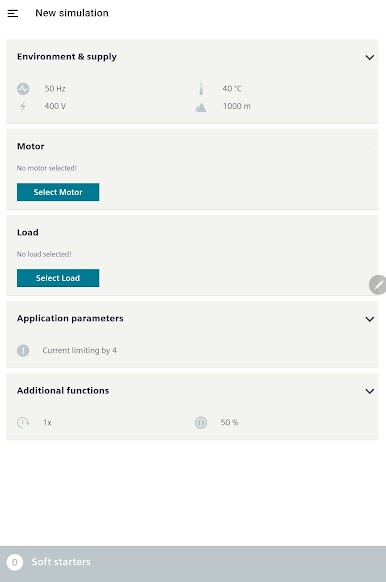
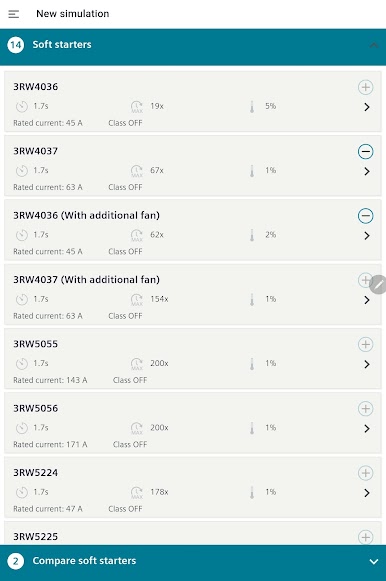
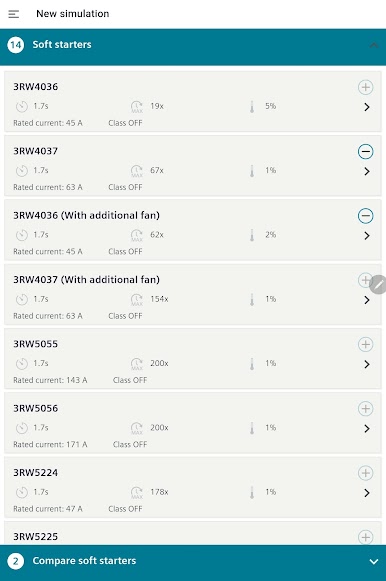
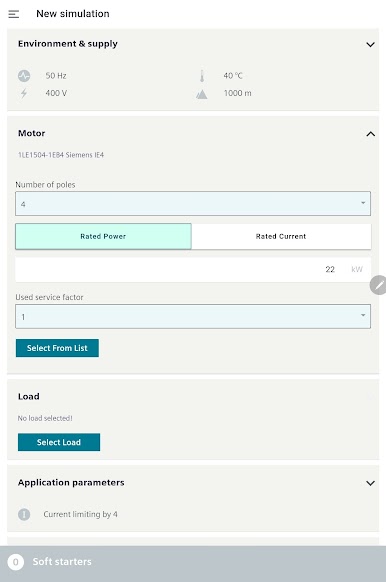
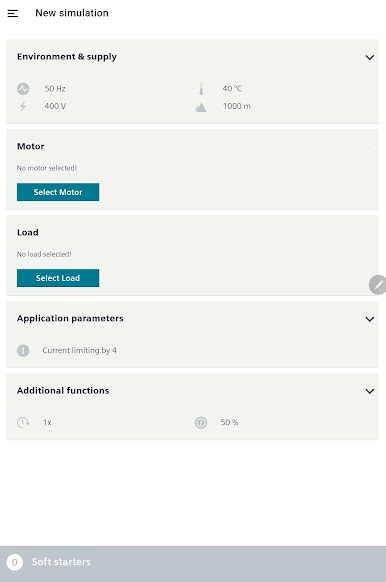
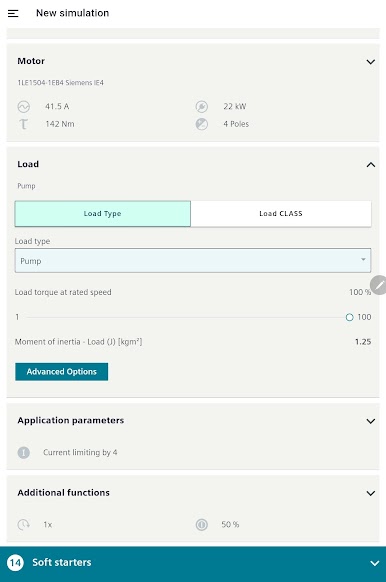
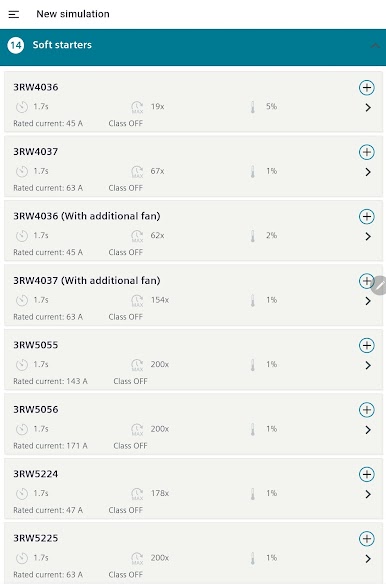
Play STS - Soft Starter Simulation on PC. It’s easy to get started.
-
Download and install BlueStacks on your PC
-
Complete Google sign-in to access the Play Store, or do it later
-
Look for STS - Soft Starter Simulation in the search bar at the top right corner
-
Click to install STS - Soft Starter Simulation from the search results
-
Complete Google sign-in (if you skipped step 2) to install STS - Soft Starter Simulation
-
Click the STS - Soft Starter Simulation icon on the home screen to start playing

