


Archery Bottle Shooter
Play on PC with BlueStacks – the Android Gaming Platform, trusted by 500M+ gamers.

Page Modified on: Feb 27, 2026
Play Archery Bottle Shooter on PC
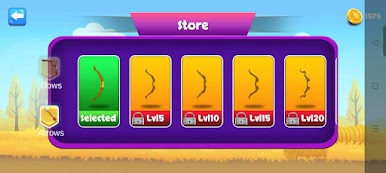
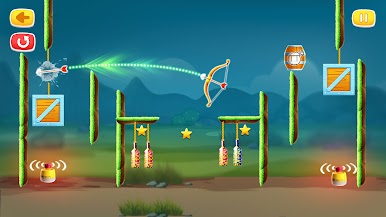
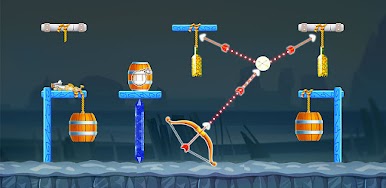
Bottle Shooting: Archery is a fun and addictive bottle-breaking game with realistic physics, challenging levels, and satisfying destruction effects.
Grab your bow, aim carefully, and shoot the bottles placed on platforms, moving targets, stacked shelves, and tricky puzzle layouts. Each level brings a new challenge that tests your precision and timing!







Play Archery Bottle Shooter on PC. It’s easy to get started.
-
Download and install BlueStacks on your PC
-
Complete Google sign-in to access the Play Store, or do it later
-
Look for Archery Bottle Shooter in the search bar at the top right corner
-
Click to install Archery Bottle Shooter from the search results
-
Complete Google sign-in (if you skipped step 2) to install Archery Bottle Shooter
-
Click the Archery Bottle Shooter icon on the home screen to start playing

