


Alert Bridge
Play on PC with BlueStacks – the Android Gaming Platform, trusted by 500M+ gamers.

Page Modified on: Aug 17, 2025
Play Alert Bridge on PC
Functionality in app at the moment:
* Full content of messages from instant messengers
* Smilies replaced with their text names
* Replacement of Ukrainian letters with understandable "analogs"
* Customize the style of messages (3 styles to choose from)
* Any number of apps
* Sending text to the clock
* Selection of icons and style for apps
Before using you must bind your device into system in Bluetooth setting, give access to Alert Bridge for reading notifications, select needed application.
If you do not find your device, try manually entering the bluetooth address (the lowest position in the list of devices).
If you have problems with displaying accent characters, try turning on "Replace problematic characters".
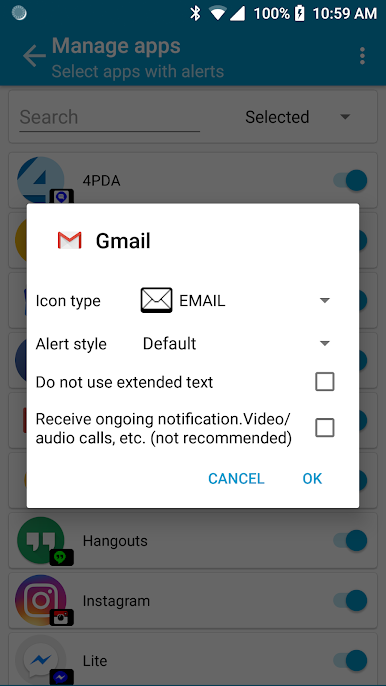
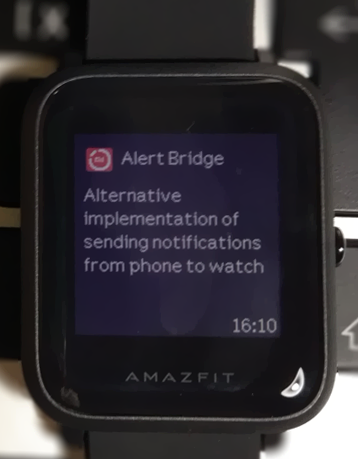
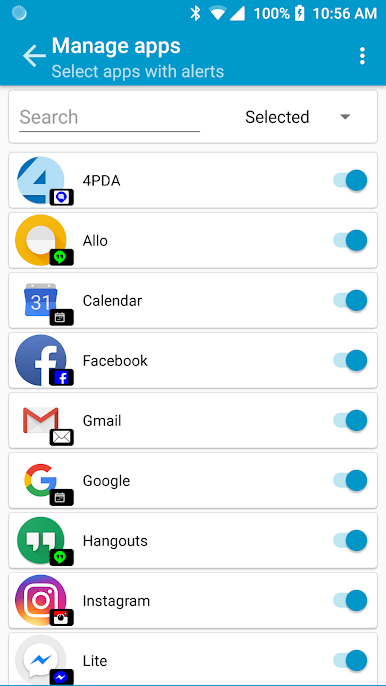
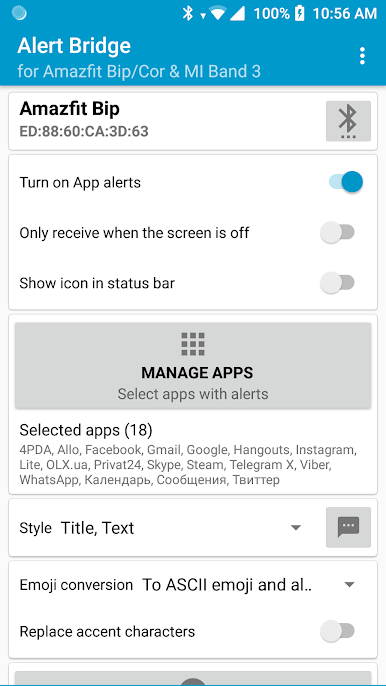
Play Alert Bridge on PC. It’s easy to get started.
-
Download and install BlueStacks on your PC
-
Complete Google sign-in to access the Play Store, or do it later
-
Look for Alert Bridge in the search bar at the top right corner
-
Click to install Alert Bridge from the search results
-
Complete Google sign-in (if you skipped step 2) to install Alert Bridge
-
Click the Alert Bridge icon on the home screen to start playing

