


Nexx Home
Play on PC with BlueStacks – the Android Gaming Platform, trusted by 500M+ gamers.

Page Modified on: Jan 26, 2026
Play Nexx Home on PC
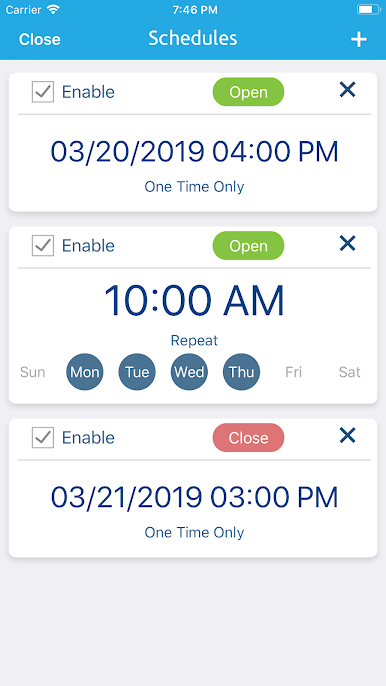
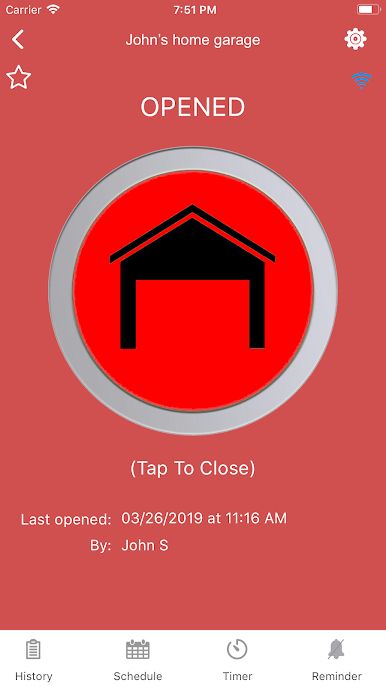
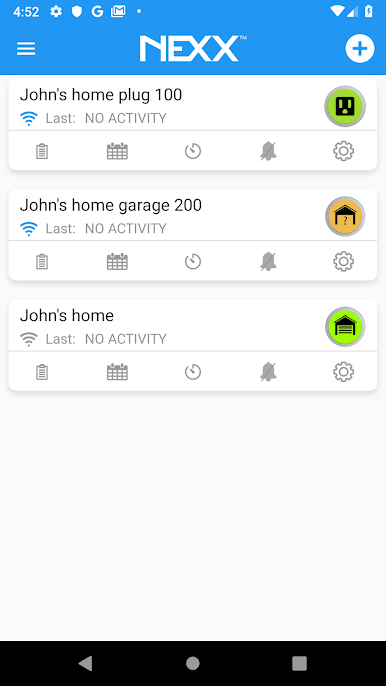
Know if your garage door is left opened or schedule when your appliance should turn on. And get notifications on your phone, tablet, or smart watch.
Nexx Home brings you:
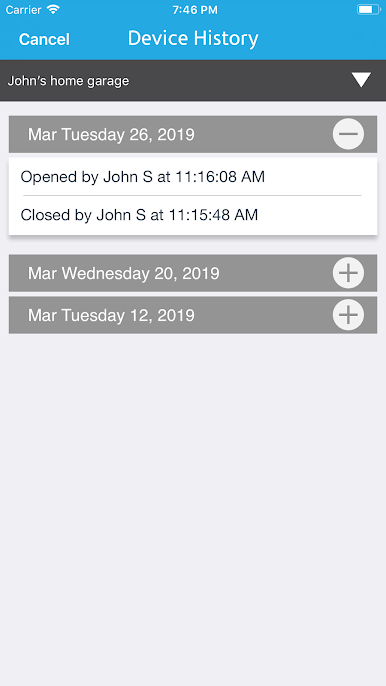
- Security: know what is going on in your home
- Mobility: be in control from anywhere
- Simplicity: use with ease and convenience
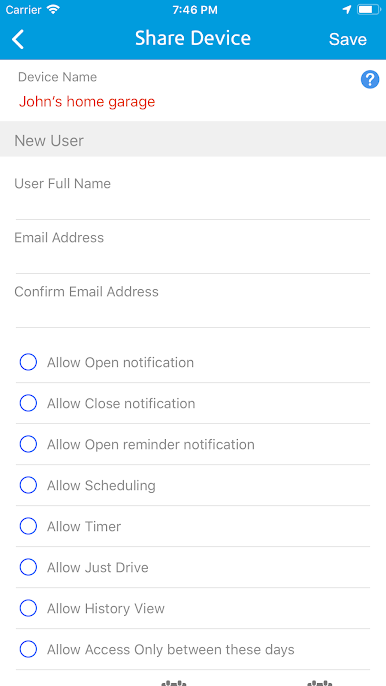
- Accessibility: share with others
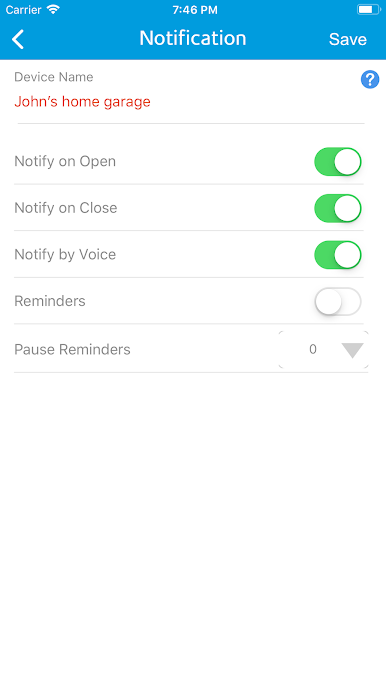
Nexx Home's power is it's ability to concurrently work with multitude of devices to seamlessly make your everyday life easier and convenient. Nexx Home is not only an app but also has cloud computing power that can figure out a host of things, like when you are near your home so that it can automatically open your garage. Forgot to close your garage? Nexx Home notices and will send you a reminder alert. And everyone at home can get notifications and control the Nexx Home products they need with their own account – no more sharing passwords.
Nexx Garage
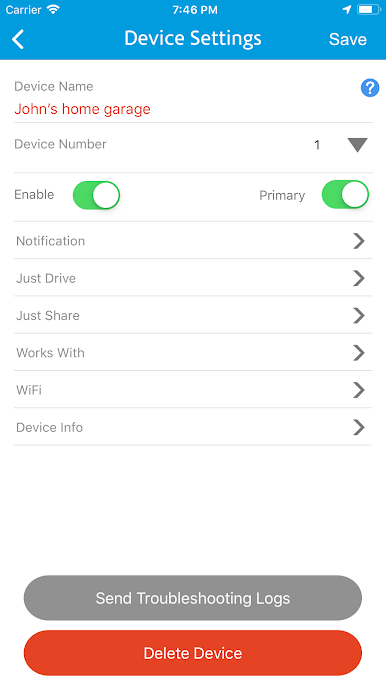
A companion device to an existing garage door opener that securely allows one or more users to activate and monitor their garage door from anywhere in the World.
Nexx Plug
Smart power plug that allows you to turn on or off your appliance from any location.
*** Note: Requires SimpalTek Nexx device hardware. Learn more about the compatible products at https://getnexx.com/products/nexx-smart-garage-nxg200
Some features require a working internet connection, Wi-Fi and/or Bluetooth.
It is used for location optimization. There is a feature in the app that uses geo-fencing, which the ACTIVITY_RECOGNITION helps improve the accuracy.
**** This app may use your location even when it isn’t open, which can decrease device battery life. Continued use of GPS running in the background can dramatically decrease battery life.
**** This app uses the device Health Activity Recognition feature for tracking to help improve the accuracy when geo-fencing is used.
Play Nexx Home on PC. It’s easy to get started.
-
Download and install BlueStacks on your PC
-
Complete Google sign-in to access the Play Store, or do it later
-
Look for Nexx Home in the search bar at the top right corner
-
Click to install Nexx Home from the search results
-
Complete Google sign-in (if you skipped step 2) to install Nexx Home
-
Click the Nexx Home icon on the home screen to start playing

