


Святое Евангелие
Play on PC with BlueStacks – the Android Gaming Platform, trusted by 500M+ gamers.

Page Modified on: Aug 8, 2025
Play Святое Евангелие on PC
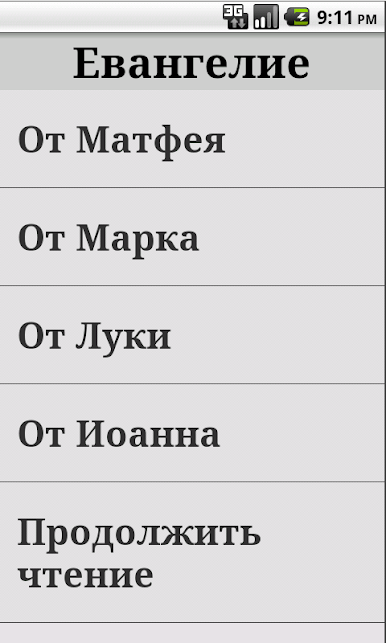
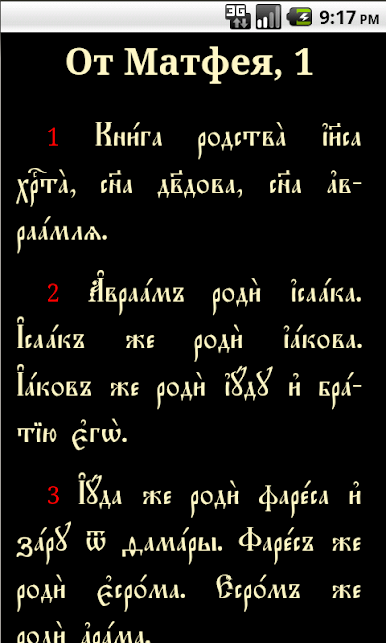
The Gospel of Matthew, Mark, Luke, John.
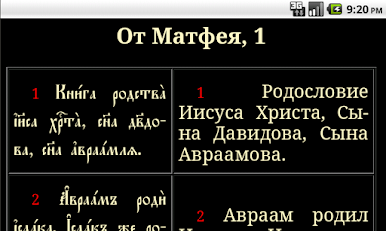
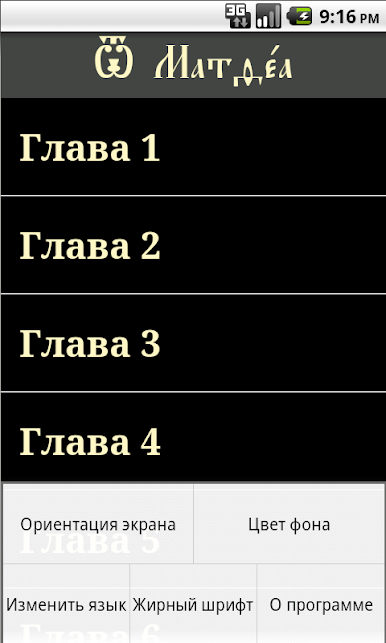
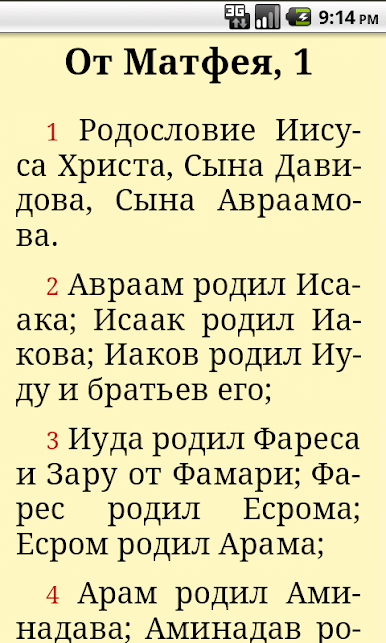
You can adjust the font size for easy reading through the menu. You can select the language on the menu. The user can also customize the background color, and line spacing.
All the settings for this program are made through the menu. If your phone or tablet is not showing the menu button, you can call up on another. For pages with lists need to click on the title of the list for the pages with the text of the Gospel need to click in the upper left corner of the screen.
Russian text of the Gospel were verified on the publication:
Holy Gospel Publishing House "Ark", Moscow, 2005.
The application contains no advertising and does not require the Internet.
Play Святое Евангелие on PC. It’s easy to get started.
-
Download and install BlueStacks on your PC
-
Complete Google sign-in to access the Play Store, or do it later
-
Look for Святое Евангелие in the search bar at the top right corner
-
Click to install Святое Евангелие from the search results
-
Complete Google sign-in (if you skipped step 2) to install Святое Евангелие
-
Click the Святое Евангелие icon on the home screen to start playing

