


Simply Spades: Card Game
Play on PC with BlueStacks – the Android Gaming Platform, trusted by 500M+ gamers.

Page Modified on: Mar 11, 2026
Play Simply Spades: Card Game on PC
I built this game for myself to enjoy along with a few friends so we don't have to always deal with all the other "stuff" that's in the typical spades apps. Simply Spades isn't fancy or sophisticated and it'll never be but it's a good casual time in single player and even better when played with friends. Hopefully you enjoy but if not thanks for checking it out.
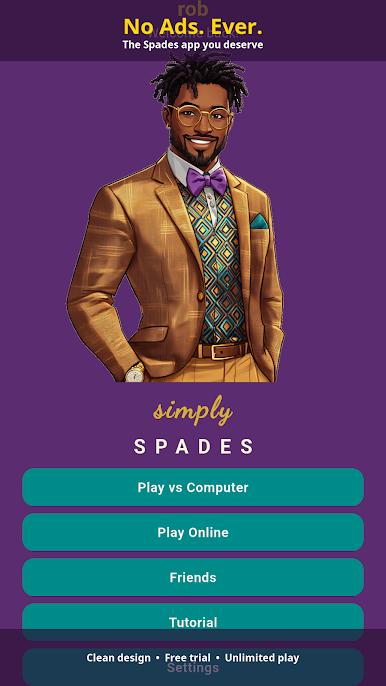
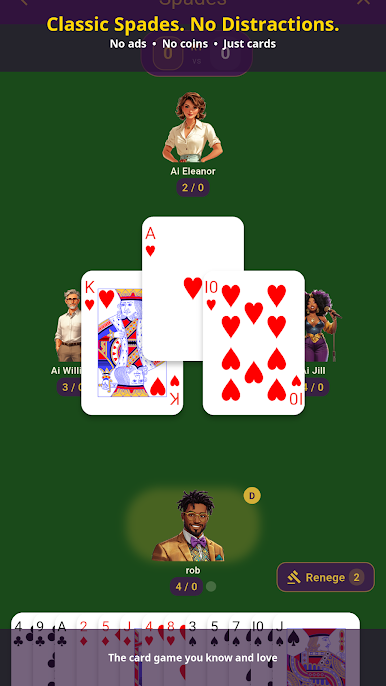
Chill way to play the classic trick-taking Spades card game. No ads for anyone, ever. No coins, popups, or pay-to-win mechanics.
Single Player Features
• Play offline against AI — no internet required
• The AI opponents are decent. Sometimes maybe good...sometimes maybe not so good :)
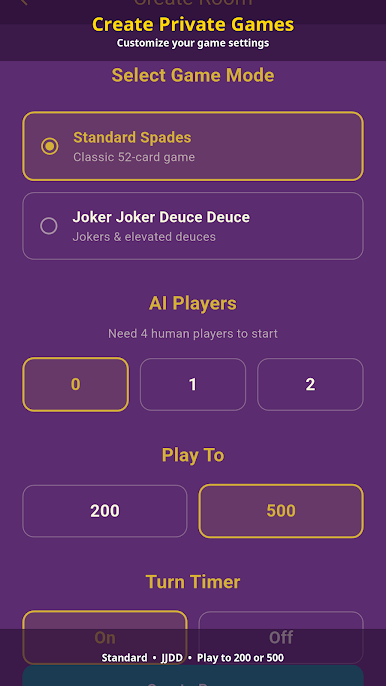
• Standard and Joker Joker Deuce Deuce (JJDD) variants
• Win to 200 or 500 points
• Interactive tutorial
Multiplayer Features
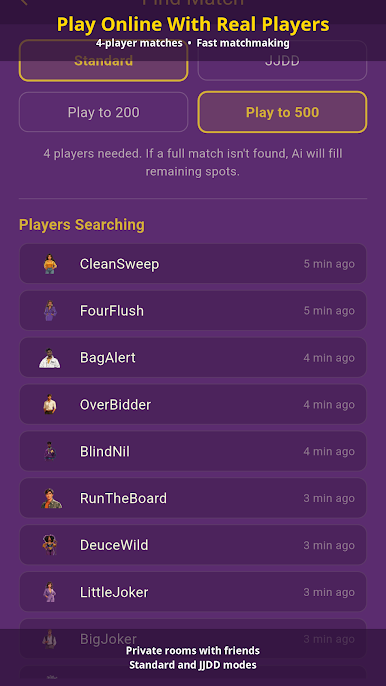
• Real-time 4-player online matches
• Fast auto-matchmaking
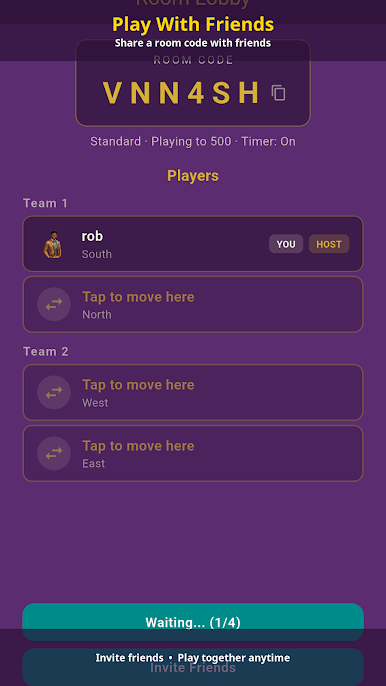
• Create private rooms and invite friends
• Join rooms with access codes
• Reconnection support if you disconnect
• AI takeover if a player drops
• Friends system and player directory
Additional Gameplay Details
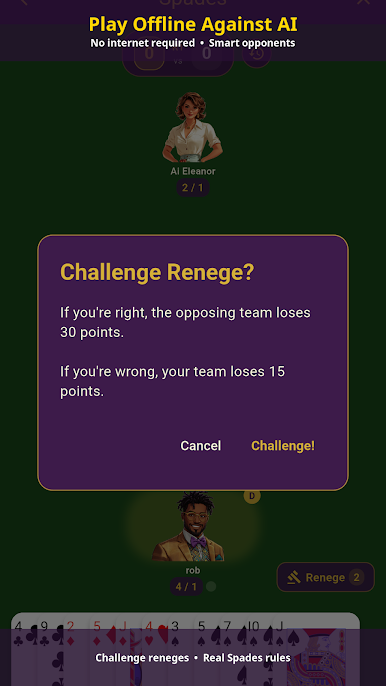
• Renege challenge system — catch illegal plays for a 30-point penalty
• In-game chat with quick templates and custom messages
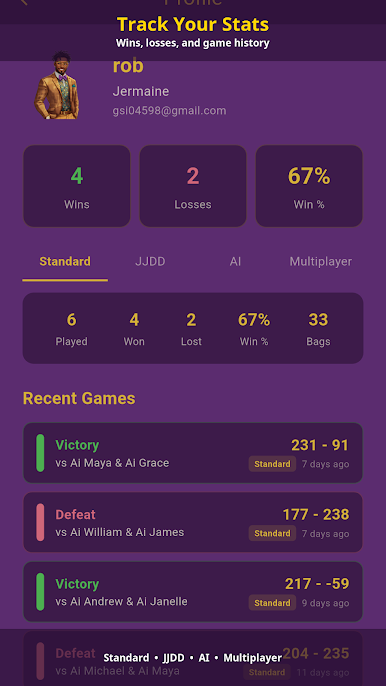
• Detailed player profiles and game history
Personalization
• 20 unique characters with victory animations
• 36 symbol avatars
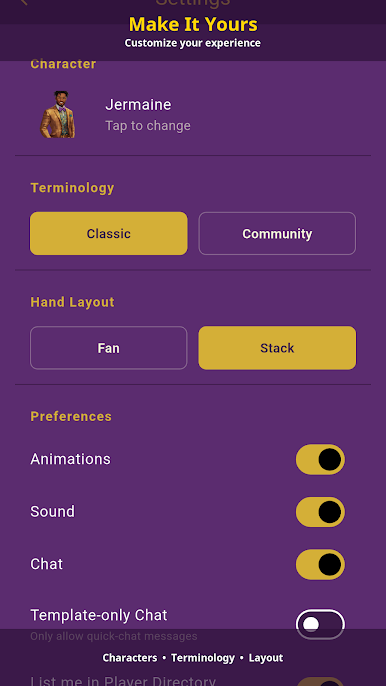
• Classic or Community terminology (Tricks vs Books, Bags vs Sandbags)
• Sound effects and background music with settings toggle
Your 7-day free trial unlocks unlimited AI games and multiplayer matches. Play solo offline or compete with real players online in 4-player multiplayer.
After your trial, continue with the free plan:
• 5 AI games per day
• 2 multiplayer matches per week
• Join private rooms (counts toward weekly limit)
Want unlimited access? Subscribe for just $1.99/month or $9.99/year:
• Unlimited AI and multiplayer games
• In-game text chat
• Create private rooms with join codes
• Cancel anytime
Perfect for:
• Casual players who want a clean spades experience
• Anyone tired of ad-heavy card games
• People looking for unlimited play without excessive monetization
Play Simply Spades: Card Game on PC. It’s easy to get started.
-
Download and install BlueStacks on your PC
-
Complete Google sign-in to access the Play Store, or do it later
-
Look for Simply Spades: Card Game in the search bar at the top right corner
-
Click to install Simply Spades: Card Game from the search results
-
Complete Google sign-in (if you skipped step 2) to install Simply Spades: Card Game
-
Click the Simply Spades: Card Game icon on the home screen to start playing

