


Simply Spades: Classic Cards
Play on PC with BlueStacks – the Android Gaming Platform, trusted by 500M+ gamers.

Page Modified on: May 10, 2026
Play Simply Spades: Classic Cards on PC
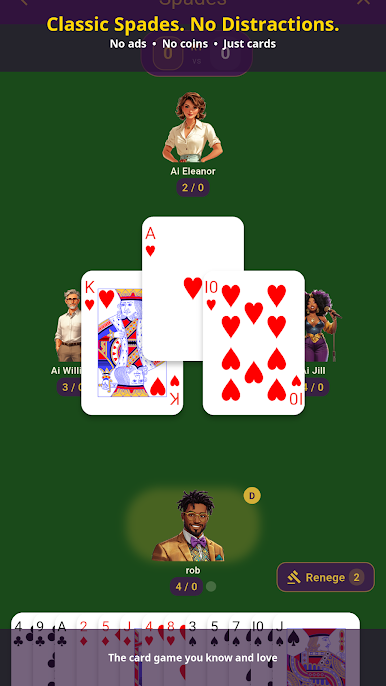
No ads. No coins. No pay-to-win. Just Spades.
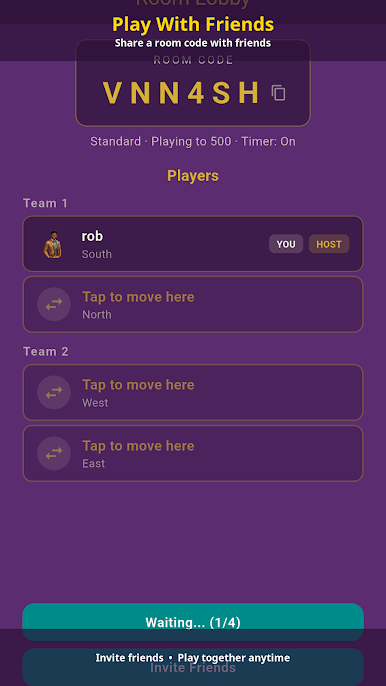
Play With Friends and Family
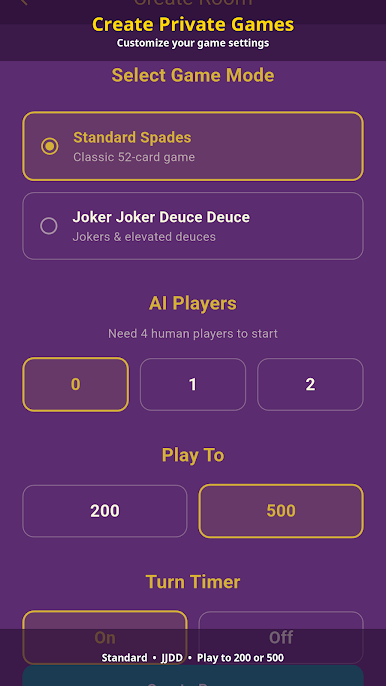
• Create a private room and share the code — your crew joins instantly
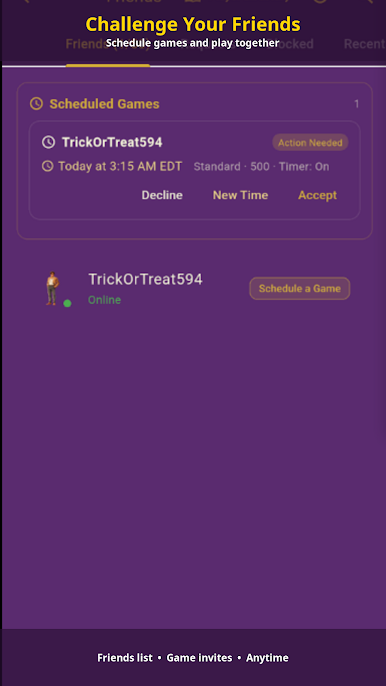
• Schedule games in advance so everyone shows up at the same time
• Chat during the game (quick messages for everyone, full chat for subscribers)
• AI fills any empty seat if someone can't make it
• Reconnect automatically if you lose signal mid-game
Play Anytime, With Anyone
• Quick-match pairs you with real players when you want a challenge
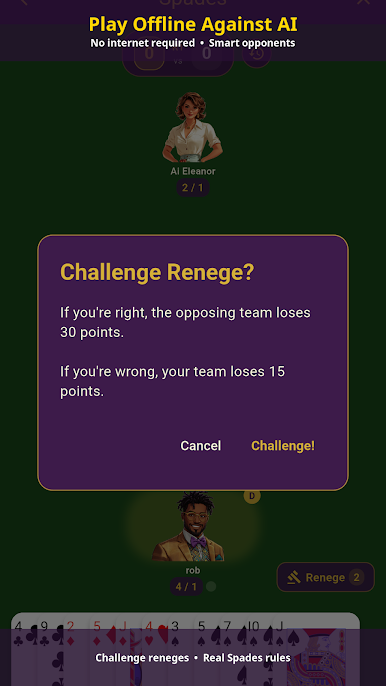
• Solo AI games work offline — no internet needed
• Smart AI opponents of varying difficulty
Game Features
• Standard and JJDD variants
• Score to 200 or 500
• Built-in renege challenge system
• Tutorial for new players
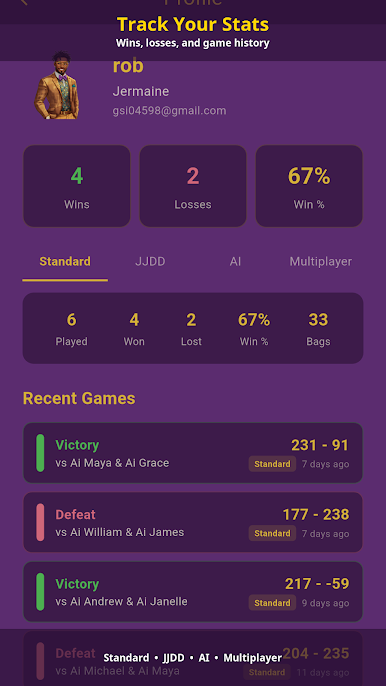
• Google Play Games — achievements and leaderboards
Personalization
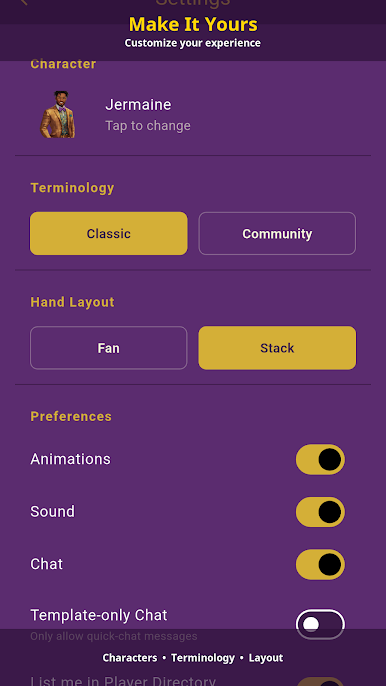
• 20 characters with victory animations
• 36 symbol avatars
• Classic or Community terminology options
• Sound effects and background music
Free Play
• Create or join private rooms
• 2 multiplayer games per week
• In-game chat (quick messages)
• Friends list, scheduling, and full profile
Subscribers — $3.99/year
• Unlimited multiplayer games
• Full in-game chat (type anything, not just quick messages)
• Cancel anytime
Download Simply Spades, share the link with your group chat, and run it.

Play Simply Spades: Classic Cards on PC. It’s easy to get started.
-
Download and install BlueStacks on your PC
-
Complete Google sign-in to access the Play Store, or do it later
-
Look for Simply Spades: Classic Cards in the search bar at the top right corner
-
Click to install Simply Spades: Classic Cards from the search results
-
Complete Google sign-in (if you skipped step 2) to install Simply Spades: Classic Cards
-
Click the Simply Spades: Classic Cards icon on the home screen to start playing

