


Ling Learn Norwegian Language
Play on PC with BlueStacks – the Android Gaming Platform, trusted by 500M+ gamers.

Page Modified on: Nov 20, 2025
Run Learn Norwegian Language with Master Ling on PC or Mac
Why limit yourself to your small screen on the phone? Run Learn Norwegian Language with Master Ling, an app by Simya Solutions Ltd., best experienced on your PC or Mac with BlueStacks, the world’s #1 Android emulator.
About the App
Want to get started with Norwegian or pick up where you left off? Learn Norwegian Language with Master Ling has your back. Whether you’re a total beginner or looking to tackle those tricky grammar points, this app turns learning into something you’ll actually look forward to. No dry textbooks—just you, your phone, and a whole bunch of clever games and quizzes.
App Features
-
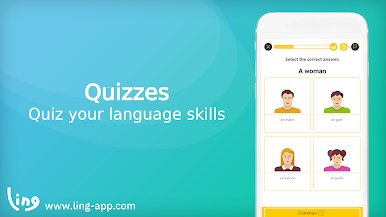
Mini Games for Every Mood
Flip through flashcards, master quizzes, and even pair up pictures with the right words. Each game is a sneaky way to boost your vocab and keep you engaged. -
Smart Sentence Practice
Unscramble sentences or fill in missing pieces—both great for getting the feel of actual Norwegian. -
Handwriting Fun
Practice writing Norwegian letters by tracing right on your screen. You’ll pick up the alphabet as you go. -
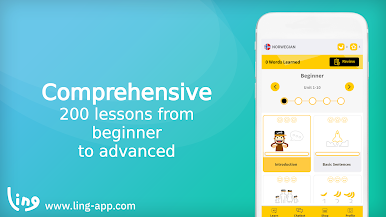
Courses for All Levels
Absolute beginner? Already know some Norwegian? Courses break everything down by skill level, so you always land where you need to be. -
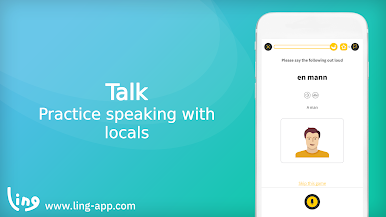
Say It Like a Local
Speaking exercises let you fine-tune your accent and test out your pronunciation, drawing from real Norwegian speakers. -
Grammar Without the Headache
Grammar can be daunting, but here you’ll pick it up as you play—no boring drills necessary. -
Wide Range of Topics
Chat about everything from food to travel as lessons switch topics and keep things fresh.
If you prefer using BlueStacks on your computer, Learn Norwegian Language with Master Ling from Simya Solutions Ltd. works smoothly for longer practice sessions or study breaks whenever the mood strikes.
BlueStacks gives you the much-needed freedom to experience your favorite apps on a bigger screen. Get it now.
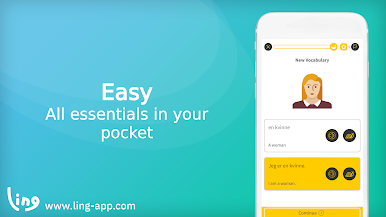


Play Ling Learn Norwegian Language on PC. It’s easy to get started.
-
Download and install BlueStacks on your PC
-
Complete Google sign-in to access the Play Store, or do it later
-
Look for Ling Learn Norwegian Language in the search bar at the top right corner
-
Click to install Ling Learn Norwegian Language from the search results
-
Complete Google sign-in (if you skipped step 2) to install Ling Learn Norwegian Language
-
Click the Ling Learn Norwegian Language icon on the home screen to start playing

