

Jurassic World - Dinosaurs
Play on PC with BlueStacks – the Android Gaming Platform, trusted by 500M+ gamers.

Page Modified on: Feb 26, 2026
Play Jurassic World - Dinosaurs on PC or Mac
Jurassic World – Dinosaurs brings the Educational genre to life, and throws up exciting challenges for gamers. Developed by BabyBus, this Android game is best experienced on BlueStacks, the World’s #1 app player for PC and Mac users.
About the Game
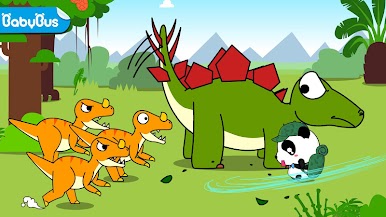
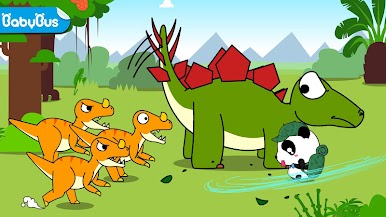
Ever wanted to hang out with dinosaurs and your favorite panda buddy? Jurassic World – Dinosaurs drops you right in the heart of dino discoveries, with playful experiences for curious minds. Built by BabyBus, this educational game lets kids dig up fossils, meet all sorts of prehistoric pals, and learn a bunch of fun facts as they play. It’s a place where learning feels a lot like exploring—and, honestly, it’s just a lot of fun.
Game Features
-
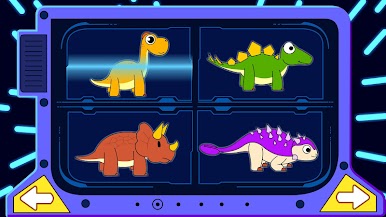
Help the Panda and Meet Six Dinosaurs
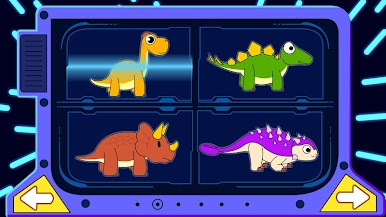
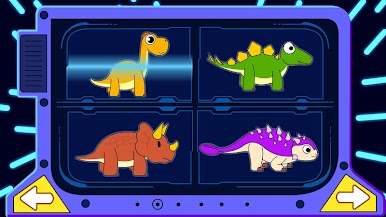
Jump in with Kiki, that fun-loving little panda, and discover six different dinosaurs. Whether it’s the towering Brachiosaurus or the armored Ankylosaurus, they’re all here and ready for action. -
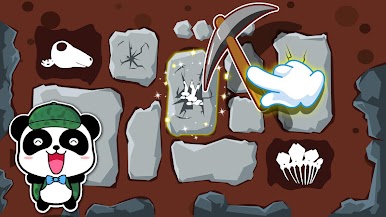
Dig Up Dinosaur Bones
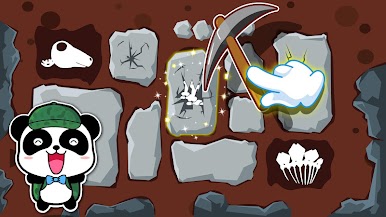
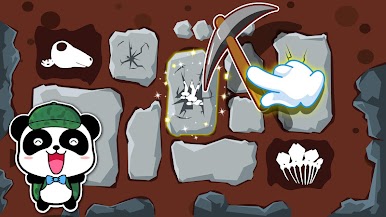
Love a good mystery? Put on your little explorer hat and unearth hidden fossils. There’s something quietly thrilling about brushing away dirt and seeing what ancient bones you’ll find next. -
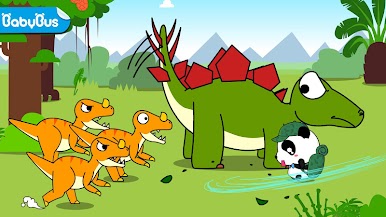
Colorful Worlds and Animated Surprises
Every area pops with vibrant colors and animations that make the prehistoric world feel lively. Dinosaurs wink, trees sway, and everything has a bright, welcoming energy. -
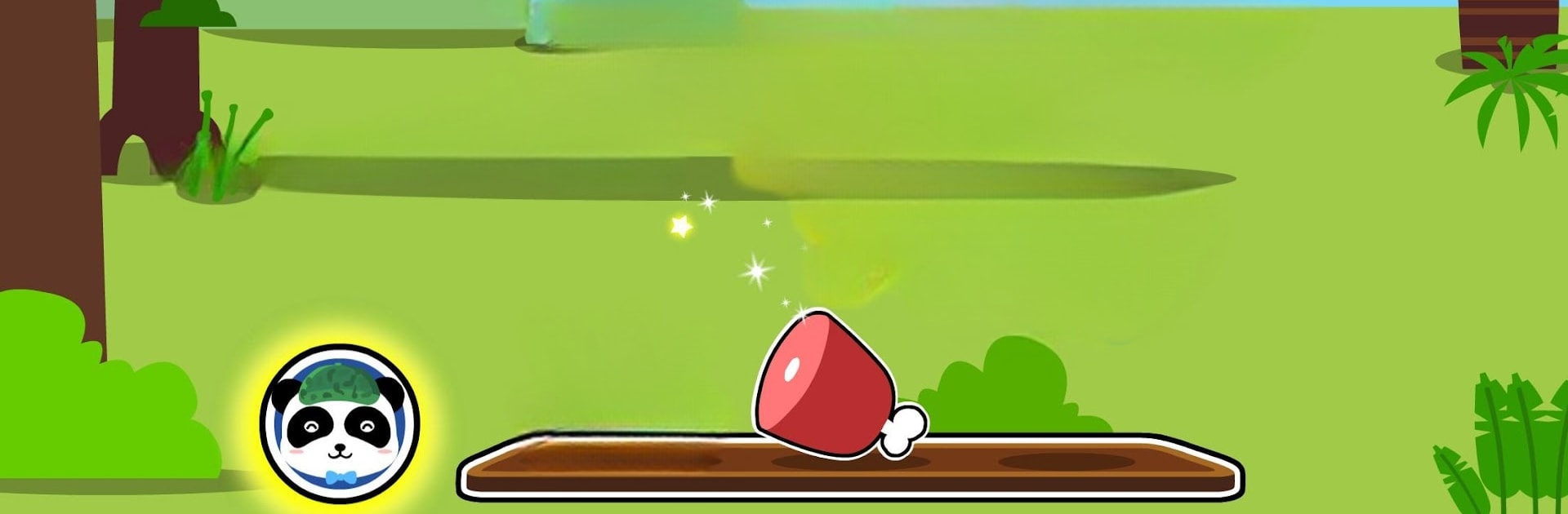
Feed and Care for Your Dino Buddies
These dinos get hungry! You’ll get to feed them and play little games, all while learning what makes each species special. It’s not just about fun—there’s a little bit of caretaking and responsibility in the mix, too. -
Learning That Feels Like Play
True to the spirit of a solid educational genre game, Jurassic World – Dinosaurs serves up interesting dino facts and quick learning moments, cleverly tucked into playtime.
You can also run this game smoothly on BlueStacks if you want a bigger screen for your dino adventures!
Make your gaming sessions memorable with precise controls that give you an edge in close combats and visuals that pop up, bringing every character to life.







Play Jurassic World - Dinosaurs on PC. It’s easy to get started.
-
Download and install BlueStacks on your PC
-
Complete Google sign-in to access the Play Store, or do it later
-
Look for Jurassic World - Dinosaurs in the search bar at the top right corner
-
Click to install Jurassic World - Dinosaurs from the search results
-
Complete Google sign-in (if you skipped step 2) to install Jurassic World - Dinosaurs
-
Click the Jurassic World - Dinosaurs icon on the home screen to start playing

