


Baby Panda's Kids Puzzles
Play on PC with BlueStacks – the Android Gaming Platform, trusted by 500M+ gamers.

Page Modified on: Apr 22, 2025
Play Baby Panda's Kids Puzzles on PC or Mac
Explore a whole new adventure with Baby Panda’s Kids Puzzles, a Educational game created by BabyBus. Experience great gameplay with BlueStacks, the most popular gaming platform to play Android games on your PC or Mac.
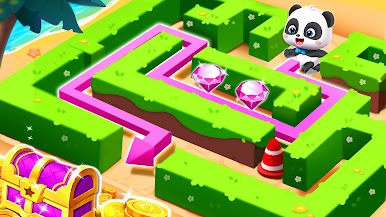
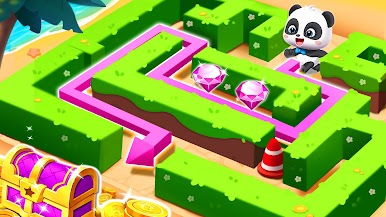
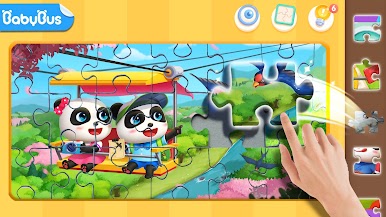
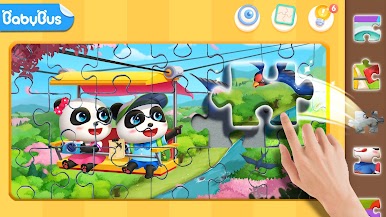
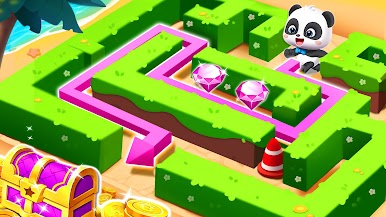
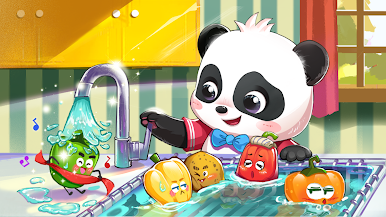
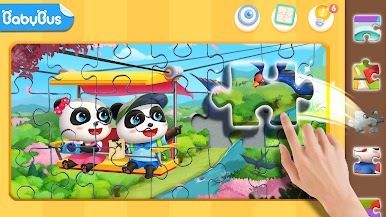
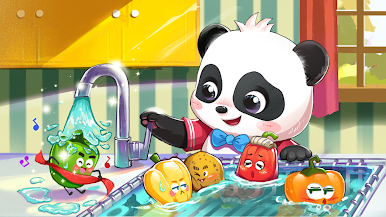
Baby Panda’s Kids Puzzles is all about relaxing and playing around with colorful, straightforward puzzles that are simple enough for little kids, but there’s still some options when it comes to how tricky you want things to get. The whole thing is split into different themes, so one minute you’re putting together a birthday cake, the next you might be solving a puzzle about cars or cute animals. There are a bunch of different pictures — 36 to start, and more get added — so it actually doesn’t get old as quickly as you might expect.
What’s handy is the way you can pick how hard you want the puzzle: nothing too tough at first, then you can bump it up to way more pieces if you want a real challenge. Good for keeping a kid entertained without being stuck on one puzzle too long. And if someone needs to stop for snack time or whatever, the progress just saves automatically; there’s no stress about losing where you left off. People have been playing this on PC with BlueStacks too, which makes the big pictures even easier to see and move around. In the end, it’s a chill, family-friendly puzzle game with enough variety to keep kids (and maybe curious adults) entertained for a while.
Get ready for a buttery smooth, high-performance gaming action only on BlueStacks.









Play Baby Panda's Kids Puzzles on PC. It’s easy to get started.
-
Download and install BlueStacks on your PC
-
Complete Google sign-in to access the Play Store, or do it later
-
Look for Baby Panda's Kids Puzzles in the search bar at the top right corner
-
Click to install Baby Panda's Kids Puzzles from the search results
-
Complete Google sign-in (if you skipped step 2) to install Baby Panda's Kids Puzzles
-
Click the Baby Panda's Kids Puzzles icon on the home screen to start playing

